How Do QR Code Menus Work? (No App Needed)
How do QR code menus work, and do diners need an app? Learn the scan-to-browser flow for iPhone and Android, why the code never changes, and owner setup.
On this page 7
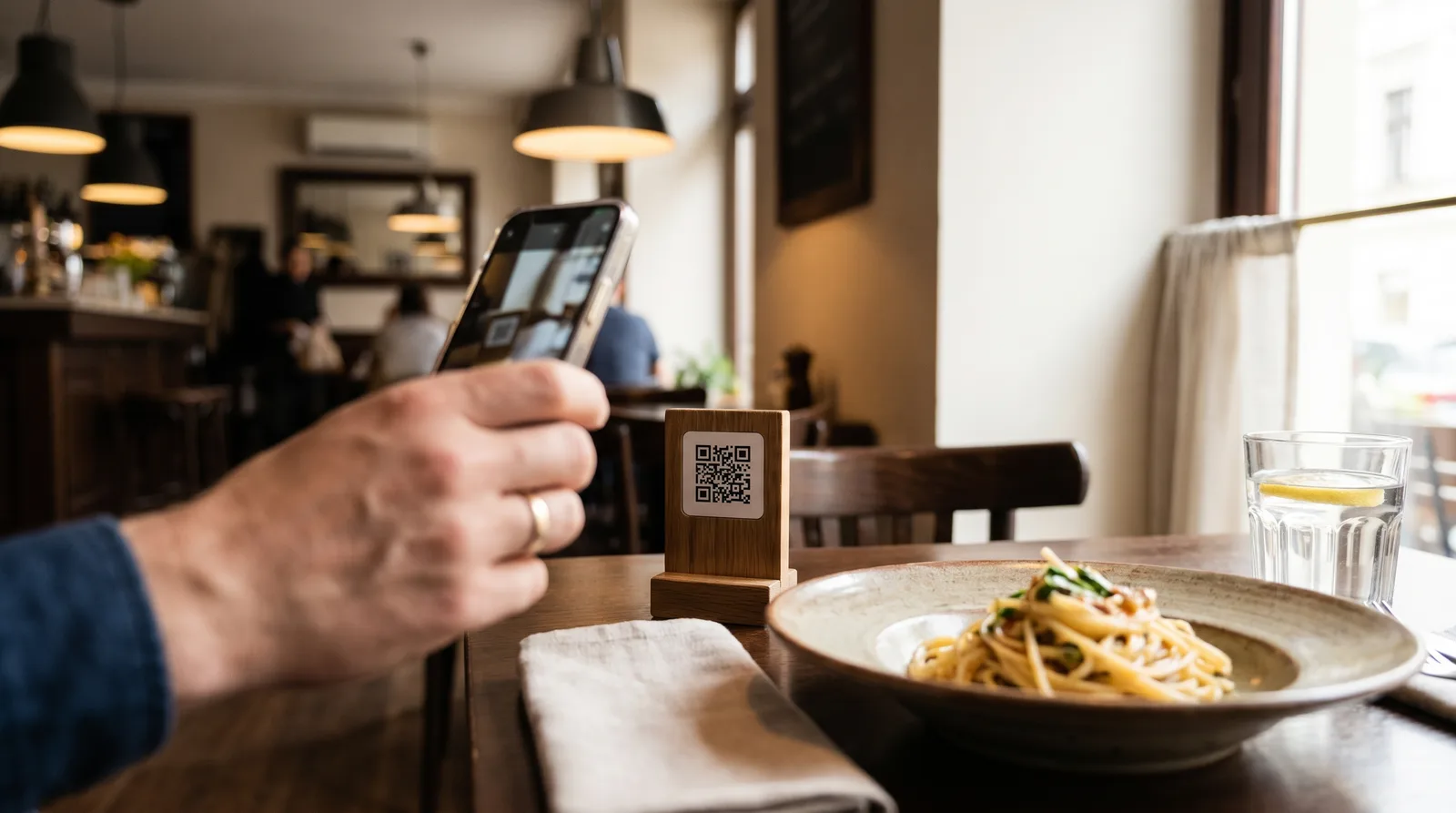
A guest sits down, points their phone camera at a small code on the table, and your full menu appears in three seconds. No app store, no download, no account. That single moment is why QR code menus replaced laminated cards in millions of restaurants.
So how do QR code menus work? A QR code stores a web link. When a diner points their phone camera at it, the phone reads that link and opens your menu in a normal browser tab, the same way tapping any website would. Nothing installs. The diner browses, and you control what they see.
How Do QR Code Menus Work? The 3-Step Flow
Behind the scenes, the process is short and identical at every table:
- The code holds a link. When you create a digital menu, the platform generates a unique web address (URL) and encodes it as the black-and-white QR pattern you print or display.
- The phone reads the link. A diner aims their camera at the code. The phone decodes the pattern, recognizes a web address, and shows a tap-to-open notification.
- The menu opens in the browser. One tap loads your live menu page. The guest scrolls categories, taps dishes for photos and descriptions, and orders or calls a server. The page is hosted online, so it is always current.
That is the entire mechanism. No special hardware, no point-of-sale integration, no waiting. The "smart" part is not the code, which is just a printed link, but the menu page it points to.
Do Diners Need an App? No
This is the most common question from owners and guests alike, and the answer is simple: no app is required. Every iPhone made since 2017 and virtually every modern Android reads QR codes through the native camera. The diner taps a link, a browser opens, and they are looking at your menu, with no app store, no login, and no email handed over.
That frictionlessness is the whole point. Asking a hungry guest to download an app before they can see the chicken sandwich is a fast way to lose the table. Data compiled by Statista shows smartphone ownership now spans the overwhelming majority of adults across Europe and the US, so nearly every diner already carries the only tool a QR menu needs.
A few practical notes on the "no app" promise:
- No download for the guest. The menu is a web page, so it loads like any other site.
- No login or signup to view the menu. You can offer loyalty or reviews afterward, but reading the menu is open to everyone.
- No app for you, the owner, either. You edit your menu from any browser on a laptop or phone.
For the deeper case for going digital, our breakdown of QR code menu benefits covers the operational wins.
Scanning on iPhone vs Android
Diners occasionally ask staff "how do I scan this?", so it helps to know the two-second answer for each platform.
On iPhone: open the built-in Camera app, point it at the code, and a yellow link banner slides down. Tap it. iOS has read QR codes natively since iOS 11, so no setup is needed.
On Android: open the Camera app or Google Lens, aim at the code, and tap the link that appears. Most phones scan automatically; a few older camera apps need a "scan QR codes" toggle enabled, or just use Google Lens.
For the rare guest whose camera does not detect the code, a free QR reader from the app store always works. A clear table tent that says "Point your camera here for our menu" prevents almost all confusion.
Why the QR Code Never Changes When the Menu Does
This is where QR menus quietly beat paper. You raise the burger price by a dollar, the menu page changes, and yet the printed code stays exactly the same. How? Because there are two kinds of QR codes, and the difference is everything:
- Static QR code: the link is baked permanently into the pattern. Change the destination and you must reprint the code. Fine for a single fixed page, painful for a living menu.
- Dynamic QR code: the printed pattern points to a stable web address, and you edit the content behind that address freely. The code is a doorway; you redecorate the room without moving the door.
A dynamic code means one print run lasts for years. Swap out a sold-out special at 11 a.m., adjust happy-hour prices, or add a seasonal section, and every table reflects it instantly because they all load the same live page. No reprinting, no re-laminating, no drawer of outdated menus. Our guide on static vs dynamic QR code menus goes deeper.
What Owners Need: How QR Code Menus Work on Your End
The diner side is effortless, and the owner side is not much harder. You do not need a developer, a new POS, or expensive printing. Here is the checklist to launch a working QR menu:
- A menu builder. Sign up for a digital menu platform and enter your items, prices, photos, and categories, or have AI scan your existing paper menu for you.
- A dynamic QR code. Good platforms generate one automatically and let you update the menu without reprinting.
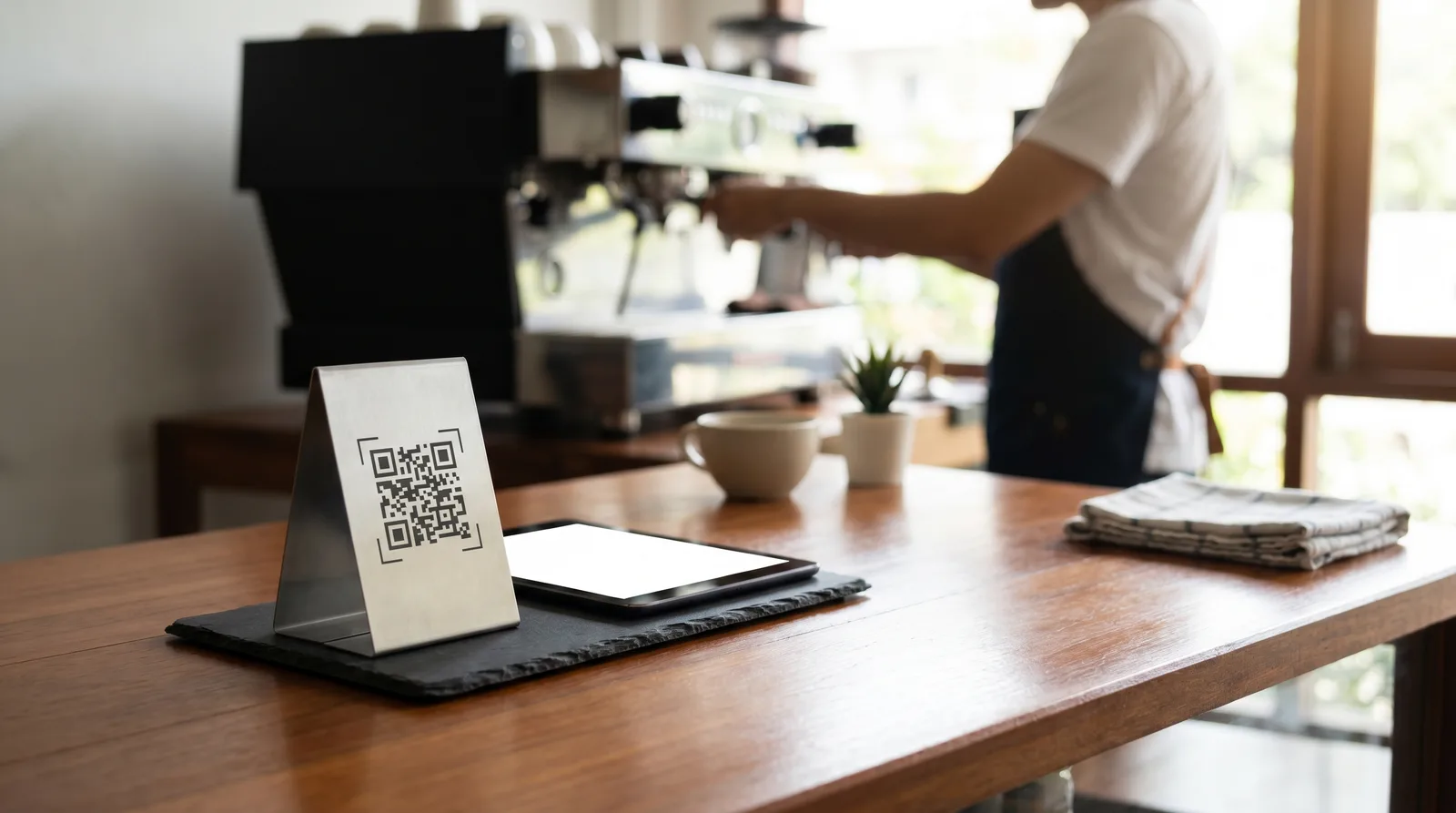
- A way to display it. Table tents, stickers, a window decal, or a small stand, plus a one-line scan instruction.
- Optional extras. Multilingual versions for tourists, photos that lift orders, and analytics on which dishes get viewed. See the full set on our features page.
Costs are modest. With Vino Smart Menus, the Free plan is genuinely free, Pro runs $29 a month, and Business is $79, so the tooling is rarely the obstacle. The real work is writing good descriptions and taking decent photos, which you can improve over time.
Common QR Menu Problems and Fixes
Most issues are easy to prevent once you know them:
- Code printed too small. Aim for at least one inch (2.5 cm) square so cameras lock on from a comfortable distance.
- Poor contrast or glossy lamination. Dark code on a light background, matte finish, no busy patterns behind it.
- Slow menu page. Compress images so it loads in seconds even on weak café Wi-Fi.
- No instruction text. A simple "Scan for menu" line removes most hesitation.
Fix those four and the experience feels seamless to every guest.
Ready to see how QR code menus work for your own restaurant? Build your first menu and generate a working code on Vino's free plan in minutes, or book a quick demo and we will walk through setup with you. Start on the pricing page and have a live menu by your next service.
Frequently Asked Questions
Do you need an app to use a QR code menu?
No. Modern iPhones and Android phones scan QR code menus with the built-in camera, which opens the menu in a web browser. Diners do not download anything or log in, removing friction at the table and letting them browse the moment they sit down.
How does a QR code menu work?
A diner points their phone camera at the QR code, taps the link that appears, and your live menu opens in their browser. The restaurant updates items and prices in real time, so every table sees the current version instantly without any app, hardware, or reprinting.
Does the QR code change when I update the menu?
No, as long as you use a dynamic QR code. The printed code stays the same while the menu behind it updates, so you can change prices or swap items without reprinting a single table tent, sticker, or stand insert.
Ready to go digital?
Create your restaurant's smart digital menu in minutes with Vino. No app downloads, no complicated setup.