How to Choose a Digital Menu Provider: 12-Point Checklist
How to choose a digital menu provider for your restaurant: a 12-point checklist covering pricing, AI menu scan, multilingual support, analytics, and updates.

On this page 7
A bistro owner in Hamburg signed a two-year digital menu contract, then discovered that every price change had to go through the vendor's support queue and took three business days. By the time her summer specials went live, summer was half over. She had learned the hard way how to choose a digital menu provider: not on price alone, but on whether the software actually fits how a restaurant runs.
Knowing how to choose a digital menu provider comes down to a fixed set of criteria you score every vendor against: live price updates, AI menu scanning, multilingual and right-to-left support, mobile display, analytics, transparent pricing, and a genuine free or low-cost tier. Test those on the same checklist and the right fit becomes obvious.
How to Choose a Digital Menu Provider: Start Here
Most providers look similar on a landing page. The differences show up in daily operation: how fast you can change a price, whether a tourist can read the menu, and whether you can see which dishes people tap.
First, separate two product categories. View-and-engage menus let guests scan and browse without ordering. Order-and-pay menus add table-side checkout and usually require POS integration. Most restaurants only need the first type at launch and can add ordering later. Confusing the two leads to overbuying.
Restaurant technology spending keeps climbing because the payoff is measurable. Research summarized by Deloitte shows that digital ordering and engagement tools lift guest frequency and average check when they are easy to use. The provider you pick decides whether you capture that lift or fight the software.
The 12-Point Digital Menu Buyer Checklist
Use this as your scorecard. Rate every provider one through five on each point, then compare totals. It is the heart of any honest digital menu buyer checklist, and what makes choosing restaurant menu software straightforward instead of guesswork.
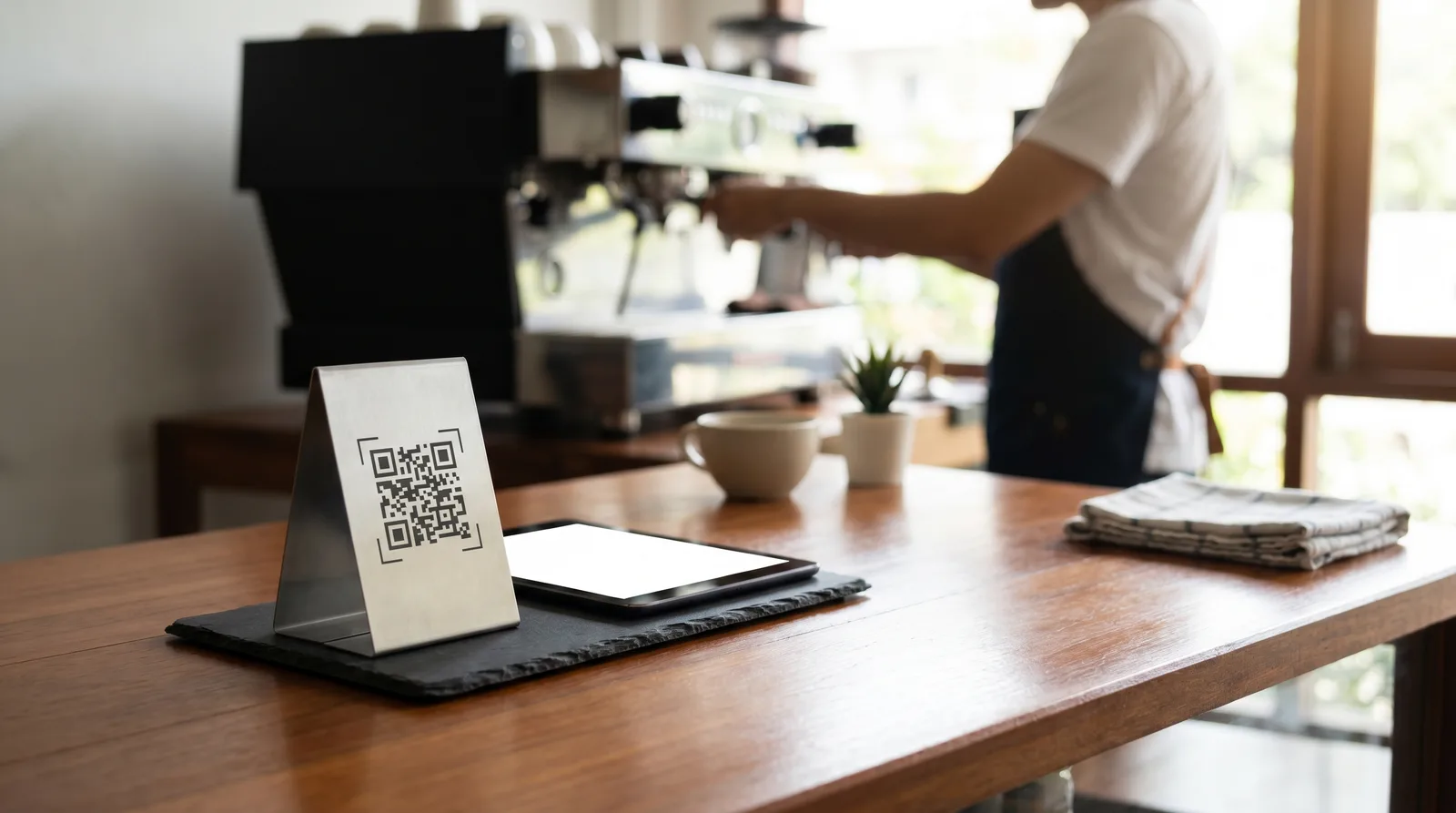
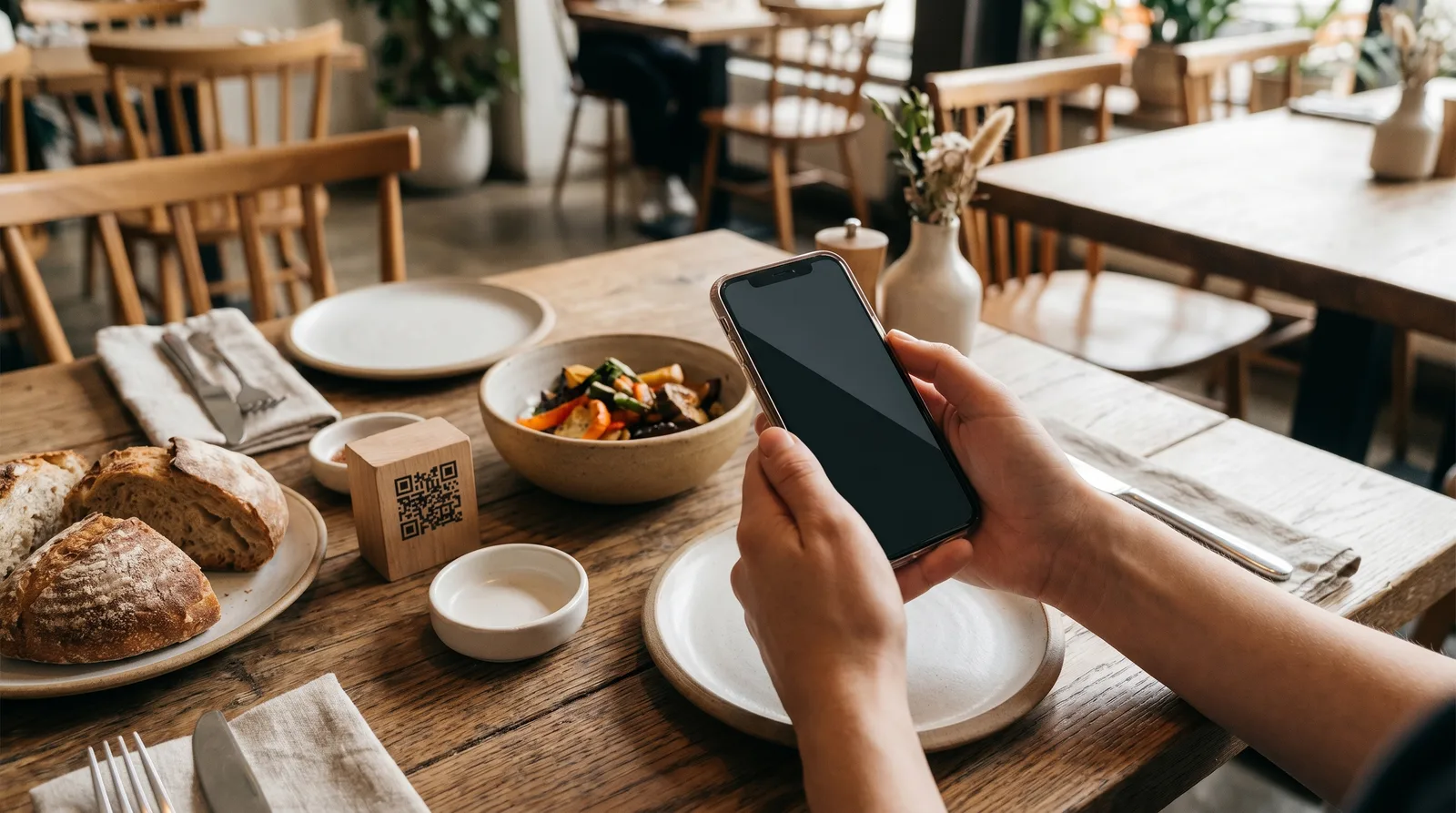
- Dynamic QR codes. One hosted menu you edit anytime, so you never reprint when a price or dish changes.
- Live price and item updates. Changes publish instantly from your dashboard, not through a support ticket.
- AI menu scan. Upload a photo or PDF and the system builds the digital menu for you.
- AI food photos. Generate appetizing item images without a photographer.
- Multilingual support. Real translations, ideally eight or more languages, including right-to-left scripts.
- Mobile-first display. Fast loading, readable type, no pinch-zooming on a phone.
- Analytics. Views, taps, and top items so you act on real data.
- Transparent pricing. Published tiers with no setup fees or per-scan charges in the fine print.
- A free or low-cost tier. A way to launch and validate before committing budget.
- Accessibility. Screen-reader-friendly markup and adequate color contrast.
- Multi-location control. One login to manage several venues as you grow.
- No lock-in. Month-to-month options and the ability to export your content.
If a provider scores low on the first three, stop there. Those features separate a modern menu from a glorified PDF.
Pricing and Free Tier: What to Verify
Sticker price is the easiest number to compare and the easiest to misread. A "$15/month" plan with a $200 onboarding fee and a one-location cap is pricier than a richer $29 plan.
Verify these specifics:
- The free tier is real, not a 14-day trial. A permanent free plan lets you run a live menu while you evaluate.
- No per-scan or per-cover fees. Costs should not rise just because business is good.
- Clear upgrade triggers. Know which feature pushes you from free to paid.
- No reprint charges. Dynamic codes make reprinting obsolete.
As a benchmark, mainstream providers cluster around a free entry tier, a roughly $29/month professional plan, and a $79/month business plan for multi-location operators. Compare any quote against that range and check the full pricing page first.
How to Choose a Digital Menu Provider on AI Scan and Photos
The biggest barrier to going digital is data entry. Typing fifty dishes, descriptions, and prices into a form is the kind of task that gets postponed for months, which is why AI features earn their place on the checklist.
Look for AI menu scan that ingests a photo or PDF of your existing menu and reconstructs categories, items, and prices automatically, turning a half-day of typing into minutes of review. Our walkthrough on scanning a paper menu to digital with AI covers what to expect.
AI food photography is the second time-saver. Most kitchens cannot shoot every plate, and stock images look generic. Providers that generate or enhance item images give you a visual menu without a studio session, and visual items get more taps.
When you test a provider, scan your actual menu during the demo. Vendors that hesitate to show this live are usually hiding a clunky import.
Multilingual, RTL, and Accessibility Requirements
If tourists or expats walk through your door, language is not a nice-to-have. A guest who cannot read the menu orders the safe option or asks the server to translate, shrinking your check.
Confirm three things before scoring this category:
- Breadth of languages. Eight or more covers most European and US markets, including German, French, Spanish, Italian, Portuguese, plus English.
- Right-to-left rendering. Arabic and Hebrew must display correctly, not just translate the words. Many providers fail here.
- Quality of translation. Spot-check a few dishes with a native speaker, not just a feature checkbox.
Accessibility belongs in the same conversation. A menu a screen reader cannot parse excludes guests and, in some regions, creates legal exposure. Proper headings, alt text, and contrast are baseline, not premium add-ons. The multilingual menu guide for tourist restaurants digs deeper.
This is where Vino Smart Menus was built to stand out, with nine languages and full right-to-left support handled automatically rather than bolted on.
Analytics, Updates, and Multi-Location Control
This final cluster separates a static menu from a management tool. Analytics tell you which items guests view and tap, so menu engineering stops being guesswork. Top items and total views let you promote winners and cut dead weight.
Update speed is non-negotiable. You should change a price, mark an item sold out, or launch a special from your phone in seconds, live instantly across every code in the building. Anything slower quietly costs you, as it did that Hamburg bistro.
For groups, multi-location control means one dashboard, shared templates, and per-venue overrides. If expansion is on your roadmap, score it heavily now so you do not switch platforms later.
None of this requires POS integration. View-and-engage menus run independently, so you launch in an afternoon and add scan-to-order-and-pay only when you need it.
Ready to run a provider through the checklist? Build a live menu on Vino's free plan in minutes, or book a demo and scan your current menu on the call to watch the AI import work on your dishes.
Frequently Asked Questions
What should I look for in a digital menu provider?
Look for live price updates, AI menu scanning, multilingual and right-to-left support, mobile display, analytics, transparent pricing, and a free or low-cost tier. Confirm the QR code is dynamic, pointing to a hosted menu you control, so you never have to reprint.
How do I compare digital menu providers fairly?
Use one fixed checklist and score every provider on identical criteria: setup speed, free tier, monthly cost, languages, AI features, analytics, accessibility, and multi-location control. Rating each vendor one through five on the same points exposes the real differences.
Does a digital menu provider need to integrate with my POS?
Not always. View-and-engage menus work without any POS integration, letting you launch quickly and update instantly. Choose POS-integrated ordering only if you need scan-to-order-and-pay at the table. Many restaurants start view-and-engage and add ordering later.
Ready to go digital?
Create your restaurant's smart digital menu in minutes with Vino. No app downloads, no complicated setup.