A digital menu for cafés that keeps up with the rush
Your morning crowd decides at the till, the croissants are gone by ten, and the menu changes again at lunch. Vino puts a live menu on every guest's phone, so people know what they want before they reach the counter, and nothing they read is out of date.
 Best fit: Pro
Why the morning rush breaks a printed menu.
A café sells fast, changes often and serves a lot of people standing up. Paper and chalkboards were never built for that rhythm.
Decisions happen at the till
Guests read the board properly for the first time when they reach the counter, then ask about milk, sizes and what's in the sandwich. Every question holds up the people behind them.
Pastries sell out mid-morning
The board still lists the almond croissant an hour after the last one went. Someone orders it, your barista apologizes, and the line stops again.
One menu is really three
Breakfast, lunch and the afternoon slump each want different things up front. A printed menu shows everything all day, so the item that matters right now gets lost.
To-go guests want it at a glance
Plenty of orders leave in a paper cup. People ordering to go want sizes, extras and prices in front of them, without a conversation at the counter.
What a coffee bar needs from a menu.
These are the parts of Vino that matter most behind a coffee machine, from the queue to the pastry case.
Decided before the till
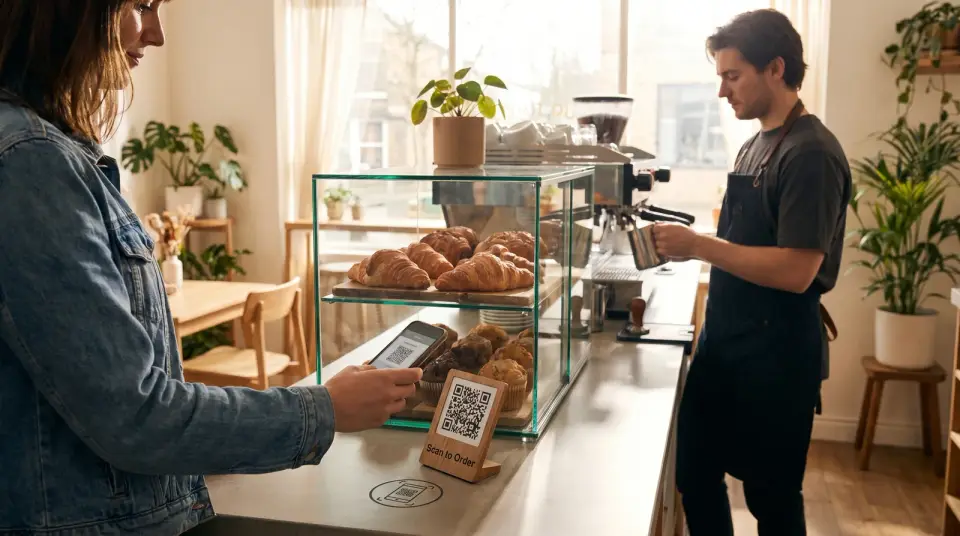
Put the QR code on the counter, the door and the tables. Guests open the menu in their phone's browser with no app, see photos and prices while they wait, and arrive ready to order.
Create and print QR codes for your menuSold out in one tap
Turn off In stock and the item stays on the menu but grays out, so nobody orders it. Every change goes live the moment you save, with no reprint and no publish button.
Add categories and items to your menuBreakfast until 11, then lunch
Schedule a category or a single item for certain days, a time window or a date range, in your café's timezone. Guests only see what you are serving right now.
Milk, sizes and extra shots
Build option groups like Milk or Extras once, give each add-on its price, and attach them to every drink. Sizes get their own picker, so a large oat latte shows its real price before anyone orders.
Create modifiers and option groupsPastries that sell on sight
Add photos and the automatic layout turns a picture-heavy menu into a photo grid. Business adds AI enhancement for light and color, plus AI images for items you never photographed.
Regulars you can reach
The Customer Club lets guests join from the menu with their phone number and clear consent for SMS, WhatsApp or email. You own the list and can export it when the seasonal drink lands.
Set up the Customer Club and capture membersBreakfast menus already on Vino.
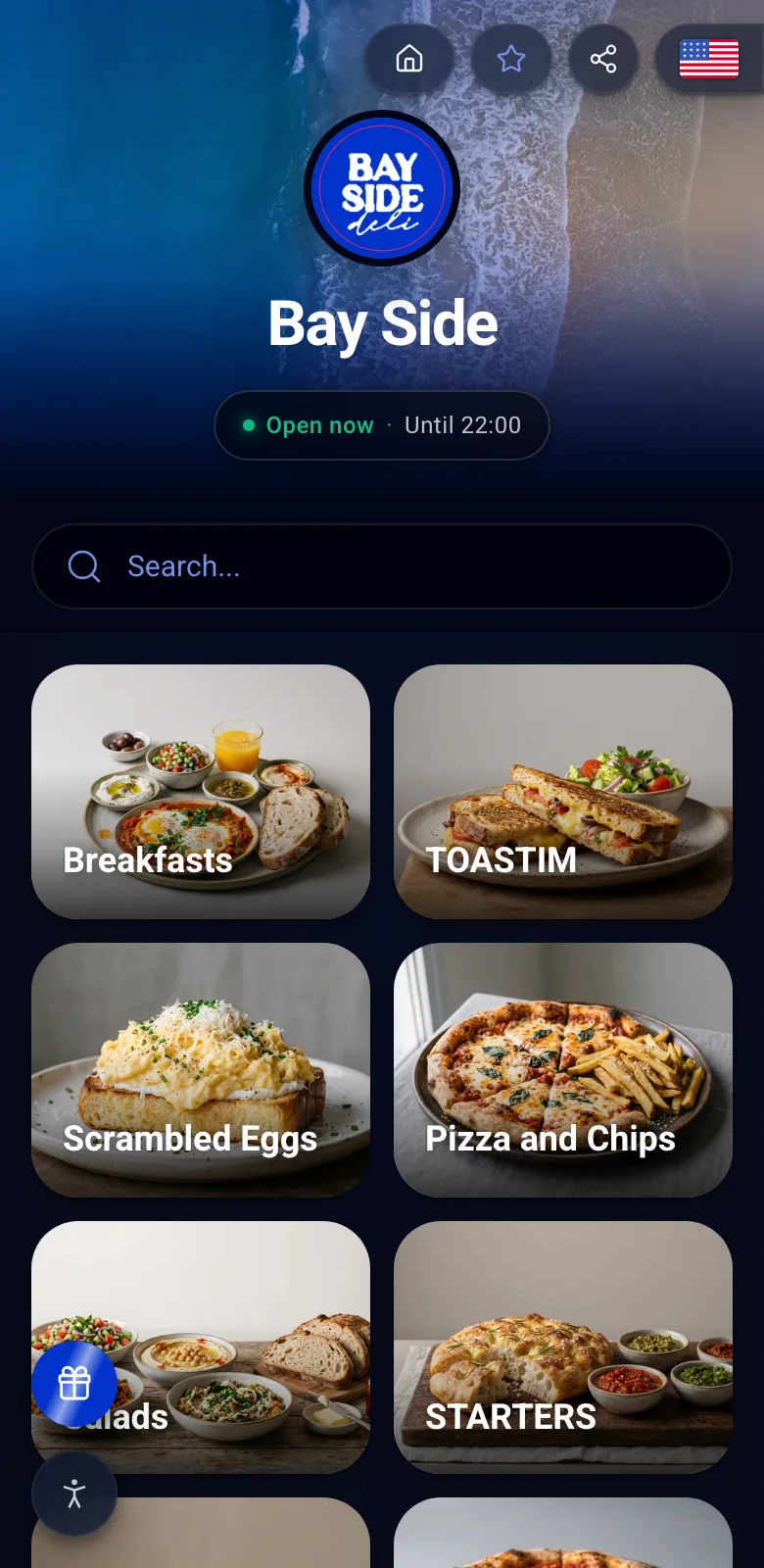
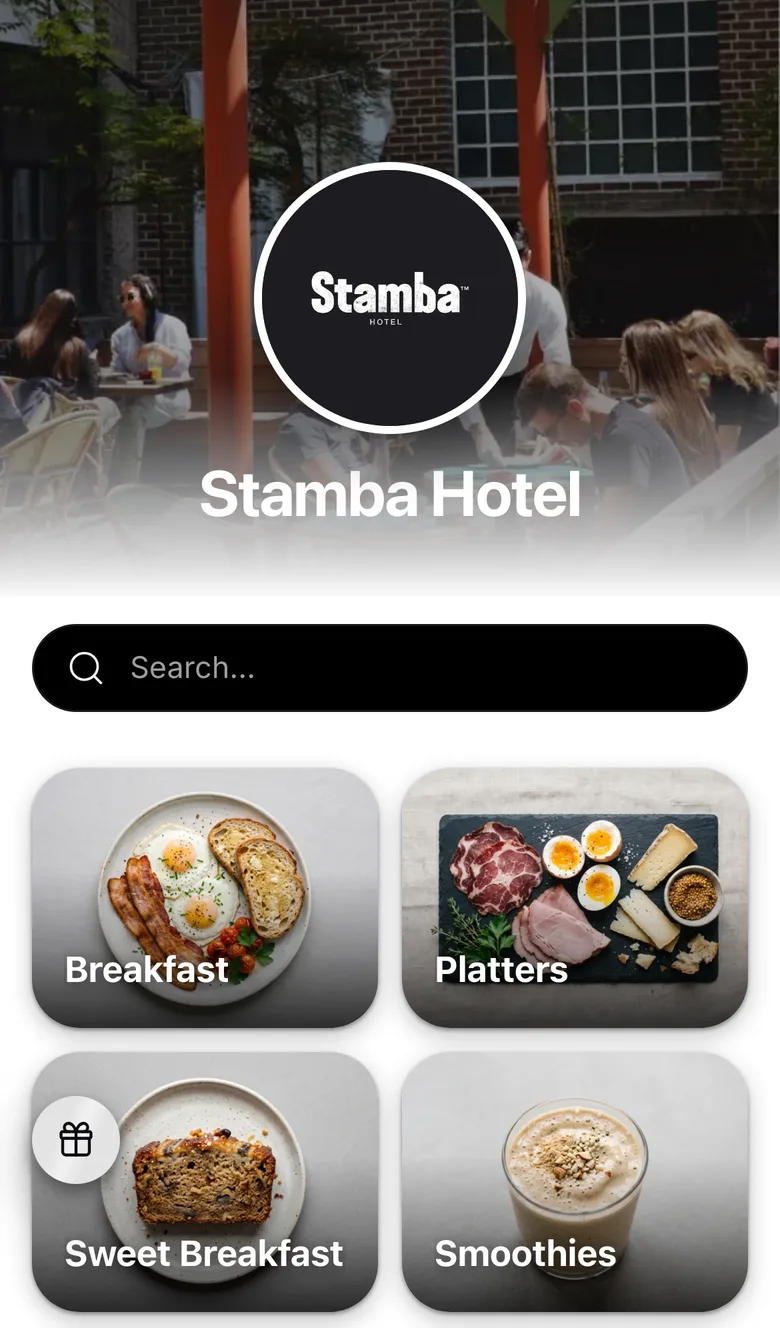
Neither venue is a café, but both open their menus the way a café does. Here is how a morning menu looks on a guest's phone.
Why Pro fits a café
Pro lifts the item limit, so every drink, size and pastry fits, and adds your own branding, the design studio and promo popups for the seasonal menu. If you have seating, table service lets guests order from their table instead of queuing again. Try it free for 14 days.
- Unlimited items and categories
- Your branding, with the Vino badge removed
- Promo popups for new drinks and offers
- Table ordering for seated guests
- FreeA small menu fits in Free: one location, up to 25 items in five categories, your QR code and guest reviews.
- BusinessBusiness adds the Customer Club, the AI photo tools and three locations for a growing group.
What café owners want to know.
They scan the code on the counter or the door and browse sizes, extras and prices while they wait. By the time they reach the till they know what they want, so the order is quick. If you have tables, Pro's table service also lets seated guests order from their phone.
Yes. Give a category or an item an availability schedule (days, a time window or a date range) and it appears only then, in your café's timezone. Guests see breakfast in the morning and lunch after, with nothing to switch by hand.
Turn off In stock for that item. It stays on the menu but grays out, so guests can see it's gone and nobody orders it. To hide it completely, turn off Visible on menu. Changes publish instantly, and your QR code never changes.
It can be. Free costs nothing, has no time limit and needs no card: one location, up to 25 items in up to five categories, a QR code and guest reviews. When you need more items, your own branding or table ordering, Pro adds them with a 14-day free trial.
Make tomorrow's rush a little shorter
Set up your café menu on Free today, or book a demo and we'll walk you through it first.