QR Code Menus for Cafes & Coffee Shops (2026)
Set up a QR code menu for cafes and coffee shops in 2026. A counter-service playbook on queue-side scanning, dayparting, fast updates, and the free tier.
On this page 7
It's 8:12 a.m., the line at your espresso bar is seven people deep, and the woman at the front is squinting at a chalkboard six feet away, asking your barista to read out every oat-milk option while the queue stalls behind her. Multiply that by a hundred mornings and you have lost throughput and a few impatient regulars who walked. A QR code menu for cafes fixes the bottleneck by letting people decide before they reach the register.
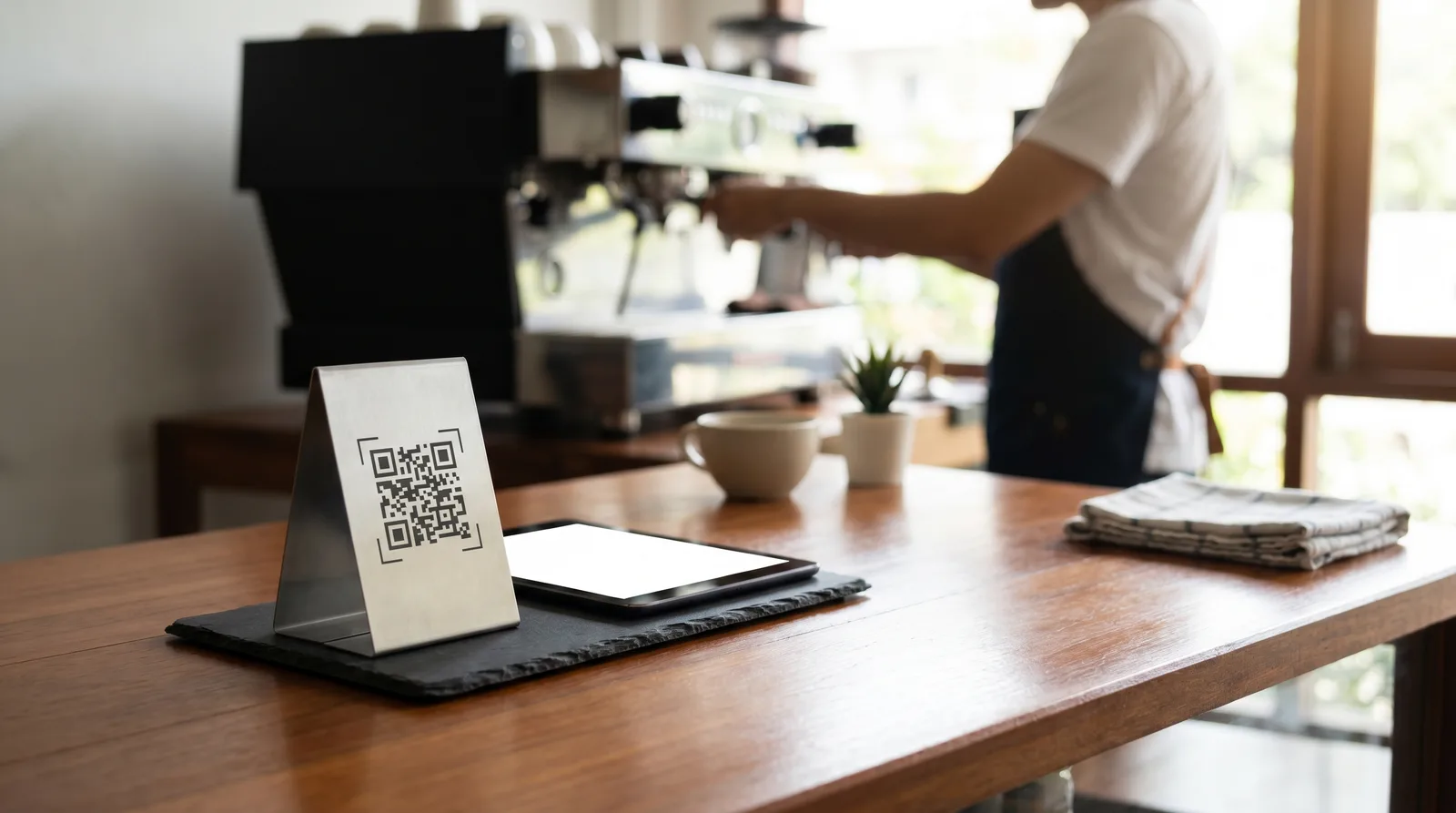
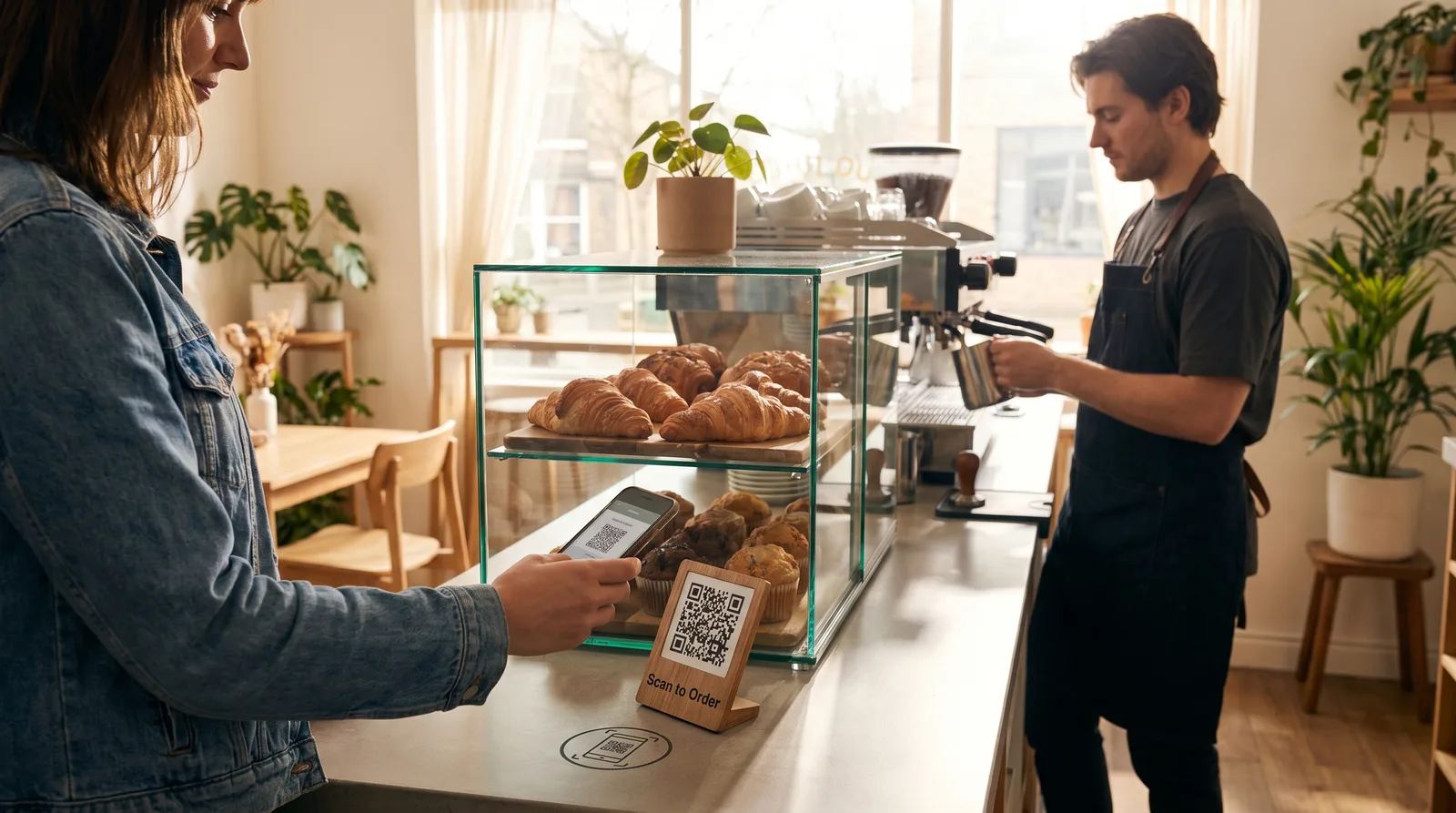
A QR code menu for cafes is a digital drink-and-food menu guests open by scanning a code at the counter, door, or tables. They browse photos and prices in line, then order at the register or scan to order. You update sold-out items and prices instantly, with no reprinting or app download.
Why a QR Code Menu for Cafes Needs a Different Setup
Restaurants seat guests and let them linger. Cafes do the opposite: guests arrive in a hurry, the menu changes by the hour, and the transaction often happens standing up. A setup built for table service does not fit that rhythm. Three constraints shape a cafe menu:
- Speed over browsing. The goal is a faster decision, not a longer one. Categories must be scannable in seconds while someone shuffles forward in line.
- High change frequency. Beans rotate, pastries sell out by 10 a.m., and seasonal lattes come and go faster than any printed board can keep pace with.
- Tiny physical footprint. There is no room for a 12-page menu next to the milk pitchers. A code on a small placard does the same job.
Consumer comfort with scanning is no longer a barrier. Industry data from Statista shows QR code usage among adults has climbed steadily since 2020, so most of your morning crowd already knows the drill the moment they see the code.
Counter-Service vs Table-Service QR Flow
The biggest decision for a coffee shop is where the order actually happens. Both models use the same digital menu for coffee shop content, but the flow differs:
- Counter-service (browse-then-order). The QR code is a viewing menu. Guests scan in line, decide, and order at the register, so the "what do you have" conversation happens before they reach the barista. Best for high-volume morning rushes.
- Table-service / scan-to-order. Guests scan at the table, build their order on their phone, and send it straight to the bar. This frees staff for slower afternoons, brunch crowds, or a sit-down lounge.
Many cafes run both: a "scan to view" placard at the counter for the rush, and "scan to order" cards on tables for lingering guests. A counter service digital menu does not force you to pick one model forever; you can switch the behavior per location or per daypart. Our features page covers how both are configured.
Dayparting: Morning Coffee to Evening Menu
A cafe is really several businesses sharing one counter. The 7 a.m. espresso crowd and the noon sandwich rush want different things, and showing it all at once buries what matters. Dayparting solves this: build one menu, then schedule which sections appear by time of day.
- Morning (6 to 11 a.m.): espresso, drip, breakfast pastries, and grab-and-go up top; dinner plates hidden.
- Midday (11 a.m. to 3 p.m.): sandwiches, salads, and iced drinks pushed to the front.
- Evening: small plates, dessert, and decaf moved into view; breakfast tucked away.
The payoff is a shorter, more relevant menu at every hour, which speeds decisions and cuts the "do you still serve breakfast?" questions. For more, see our guide on daypart menu strategy.
Fast Updates for Sold-Out and Seasonal Items
Few things annoy a morning customer more than ordering the almond croissant they came for, only to learn it sold out an hour ago. With a printed board, your only fix is a sticky note. With a digital menu, you tap one toggle and the item shows as sold out or disappears, on every phone, instantly. This matters more for cafes than almost any format, because the inventory is genuinely perishable and fast-moving:
- 86 a pastry the moment the tray empties so nobody orders a ghost item.
- Swap the seasonal drink the day it launches, with no vendor, reprint, or lead time.
- Change a price the morning your bean cost rises, across all locations.
That last point matters. The hidden expense of static menus is the reprinting cycle, which we break down in the real cost of paper menus. For a cafe on thin margins, killing reprint costs alone can justify the switch.
Bakeries and Grab-and-Go: Showing Items Visually
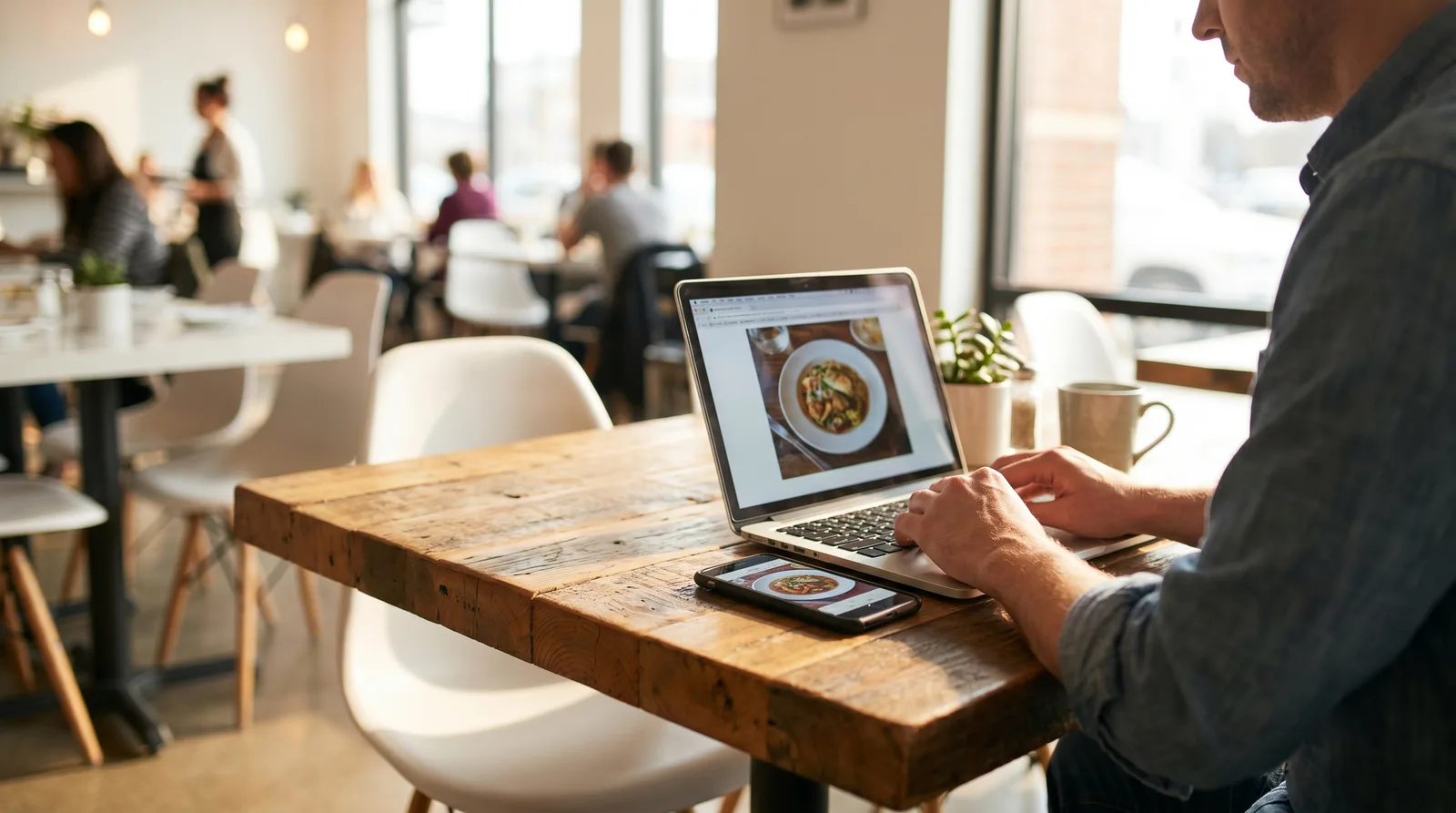
Coffee is sold by description; a croissant is sold by sight. If your business leans on a bakery case or grab-and-go fridge, photos sell harder than any wording, because people order what they can picture. A strong visual cafe menu app setup does a few things well:
- Lead with the photo. A golden-edged pain au chocolat in the menu image outsells the words "butter croissant" every time.
- Bundle naturally. Pair a drink suggestion with each pastry, the digital "anything to drink with that?"
- Show what is fresh today. Move the just-baked batch to the top so the morning visual matches the case.
If professional food photos feel out of reach, modern platforms can generate clean, appetizing images from a single phone snapshot, so even a two-person cafe looks polished. The same visual punch helps mobile cafes too, as we cover in our digital menu for food trucks guide.
Setting Up a Free QR Code Menu for Cafes
You need no budget and no developer to start. A small cafe can be live before the afternoon rush:
- List your drinks and food, grouped into clear categories (Espresso, Drip, Pastries, Grab-and-Go).
- Add photos to your bakery and food items, even quick phone shots.
- Generate your QR code and print it onto counter placards, table tents, and a door sticker.
- Turn on dayparting so the menu shifts from morning to evening on its own.
- Train staff on the sold-out toggle so the menu stays honest all day.
Vino Smart Menus offers a free tier that covers a single-location cafe's core needs, a low-risk way to test whether QR ordering fits your counter. As volume grows, paid plans add scan-to-order, multi-location updates, and deeper analytics. Compare each tier on the pricing page.
The whole point is to remove friction from the busiest part of your day: a clear, current, visual menu in your guests' hands means faster lines, fewer stalls, and more upsells on coffee margins. Vino's free plan lets you try it without spending a cent, and you can book a demo for a walkthrough first.
Frequently Asked Questions
How do I set up a QR code menu for a coffee shop?
Add your drinks and food to a digital menu platform, generate a QR code, and place it at the counter and on tables. Use dayparting to show different menus by time of day, and toggle sold-out items in real time so the menu always stays accurate.
Is a digital menu worth it for a small cafe?
Yes. A digital menu lets cafes update prices and specials instantly, show photos of baked goods that sell on sight, and serve multilingual menus to tourists. Many platforms offer a free tier that fits a small cafe budget, so the risk of trying it is minimal.
How does QR ordering work at a counter-service cafe?
Guests scan a QR code while in line or at their table to browse the menu, then either order at the counter or use scan-to-order from their phone. Photos and clear categories speed up decisions, which shortens the queue during the morning rush.
Ready to go digital?
Create your restaurant's smart digital menu in minutes with Vino. No app downloads, no complicated setup.