Digital Menu for Food Trucks: Why It Beats a Chalkboard Every Time
A digital menu for food trucks speeds up orders, cuts errors, and boosts sales. Learn how to set one up in under 30 minutes with zero hardware.
On this page 7
Your chalkboard menu looked great at 11 a.m. By 1 p.m., after the lunch rush sun hit it, half the specials were smudged, three customers asked "wait, do you still have the pulled pork?", and you lost a sale because someone couldn't read the price from six feet back in line. A digital menu for food trucks solves every one of these problems - and it costs less than a decent set of chalk markers.
Food trucks operate under constraints that sit-down restaurants never deal with. Limited counter space, weather exposure, lines that need to move fast, and a menu that changes based on what you sourced at the market that morning. Traditional menu boards were designed for static environments. Your business is anything but static.
Why a Digital Menu for Food Trucks Changes the Game
The food truck industry in the U.S. alone generates over $1.4 billion in annual revenue, according to IBISWorld. Competition is fierce, margins are tight, and speed is everything. A digital menu directly addresses the three biggest operational pain points food truck owners face.
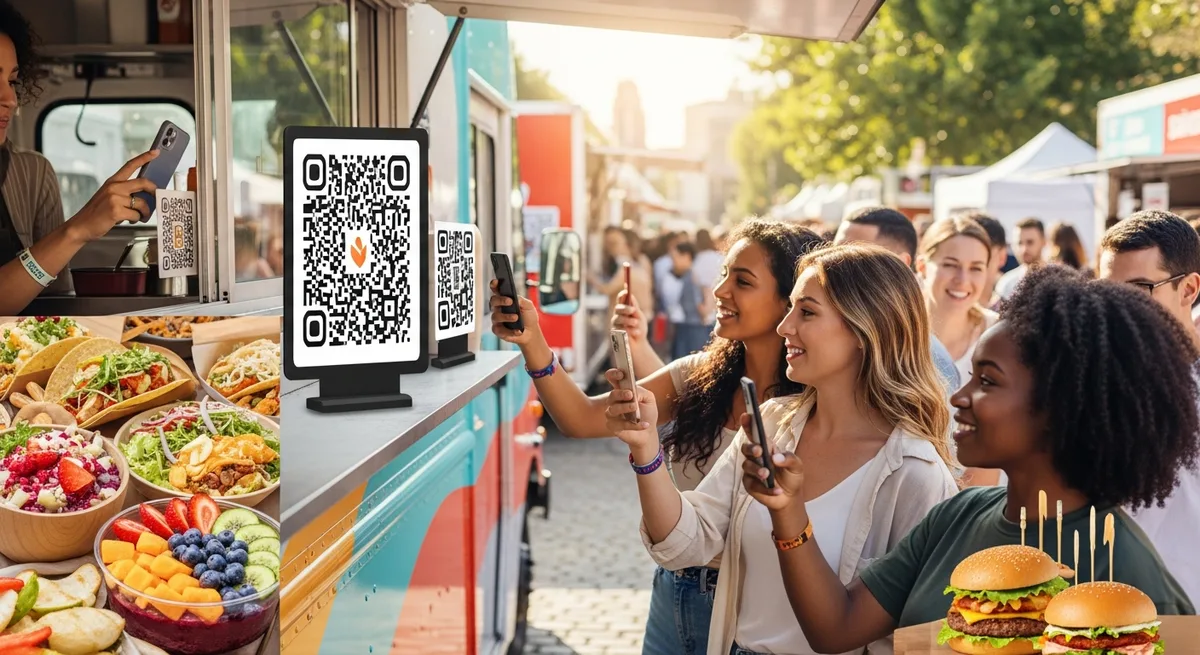
Speed of service. When customers can scan a QR code while waiting in line and browse your menu on their own phone, they arrive at the window ready to order. No squinting at a board. No asking your staff to repeat items. Industry data consistently shows that pre-decision ordering reduces average transaction time by 15-30 seconds - and when you're serving 150 customers in a two-hour lunch window, that adds up to an extra 30+ orders you can handle.
Menu flexibility. Ran out of the brisket by noon? Mark it as sold out in two taps from your phone. Added a new sauce? It's live instantly. No erasing, no reprinting, no Sharpie corrections on a laminated sheet.
Professionalism. A clean, mobile-optimized menu with photos and descriptions signals to customers that you take your business seriously. It's the difference between looking like a weekend hobby and looking like a brand.
How to Set Up a Digital Menu for Food Trucks in Under 30 Minutes
You don't need a developer, an iPad, or even a website. Here's the actual process:
Step 1: Pick a platform (5 minutes). Choose a digital menu builder designed for food service - not a generic website builder. You want something that's mobile-first, lets you update in real time, and generates QR codes automatically. Platforms like Vino are built specifically for this use case and start with a free trial, so you can test before spending anything.
Step 2: Build your menu (15 minutes). Enter your categories (Mains, Sides, Drinks, Specials), add items with descriptions and prices, and upload a few photos if you have them. Keep descriptions short - two lines max. Food truck customers are scanning, not reading essays.
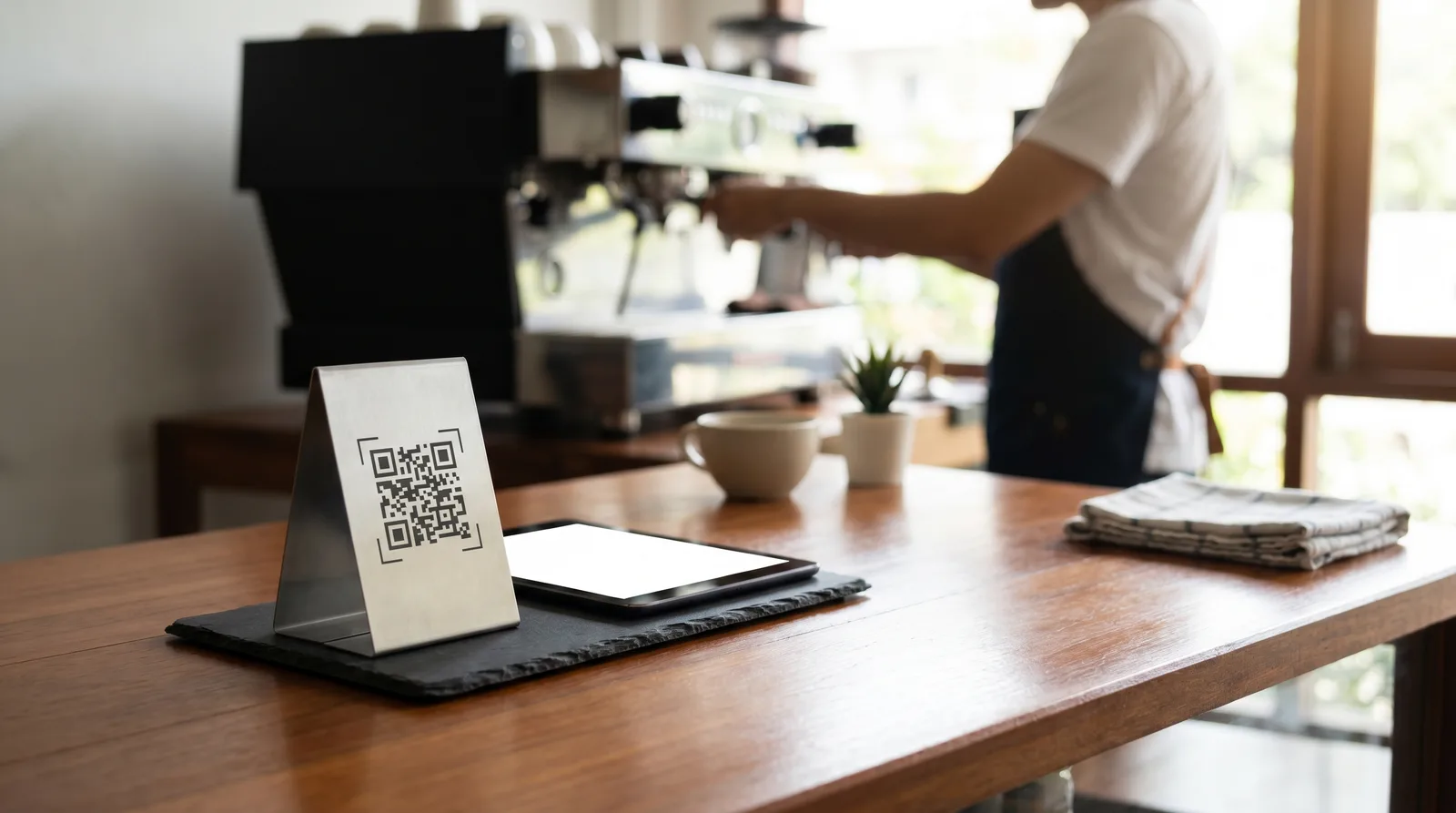
Step 3: Generate and print your QR code (5 minutes). Your platform will generate a unique QR code. Print it on a weatherproof sticker or card. Stick it on your truck window, your counter, your sandwich board sign - anywhere a customer can see it from the line.
Step 4: Test it live (5 minutes). Stand where your customers stand. Scan the code. Does it load in under three seconds on mobile data (not Wi-Fi)? Is the text readable without zooming? Can you find the prices without scrolling sideways? If yes, you're live.
Total time: roughly 30 minutes. Total hardware needed: zero. Your customers' smartphones are the only screens involved.
What to Put on Your Digital Menu (and What to Leave Off)
Food truck menus are not restaurant menus. Your digital menu should reflect how people actually order at a truck window.
Keep it tight. The best food truck menus have 8-15 items. If you have more than that, you're probably slowing down your kitchen. A digital menu won't fix an overly complicated operation - but it will make a focused menu shine.
Lead with your best sellers. Put your signature item first, not buried under appetizers nobody orders at a food truck. Digital menus let you control the order customers see things in, which means you can put high-margin items exactly where eyes land first.
Use photos strategically. You don't need a photo of every item. Pick your top 3-4 dishes and use real photos (phone photos are fine - natural light, clean background, no filters). A single great photo of your signature taco does more selling than descriptions of all twelve items combined.
Add dietary labels. Gluten-free, vegan, spicy, contains nuts - tag them clearly. This prevents the "is this gluten-free?" question that holds up the line for 30 seconds per customer. Most digital menu platforms let you add these as icons or badges.
Skip the origin stories. "Our slow-smoked brisket is inspired by my grandmother's recipe from Austin, Texas, where she..." - nobody standing in a food truck line is reading this. Save the storytelling for your Instagram. On your menu, keep it to: item name, one-line description, price.
Handling the Outdoor Reality: Weather, Connectivity, and Durability
Food trucks live outside. Your menu solution needs to survive that reality.
Weather-proofing your QR codes. Print QR codes on vinyl stickers or laminated cards. A $15 pack of weatherproof label paper from any office supply store works perfectly. Replace them monthly or when they start to fade - the code itself never changes, just the physical print.
Cellular vs. Wi-Fi. Your digital menu is hosted in the cloud, so your customers load it on their own phone using their own data connection. You don't need to provide Wi-Fi. You don't need an internet connection at your truck at all for the menu to work (you only need a connection when you want to make updates). This is a massive advantage over tablet-based systems that require a powered, connected device at the truck.
Backup plan. Keep a small printed menu card behind the window for the rare customer without a smartphone - or for those times when a festival location has terrible cell coverage. Five laminated cards cost about $3 and cover your edge cases.
Brightness and visibility. Unlike a chalkboard or paper menu, a phone screen is always backlit. Your digital menu is just as readable at a dimly lit evening food truck rally as it is at a bright noon farmers market. No more angling a clip-on light at your menu board after sunset.
Real Numbers: How a Digital Menu Impacts Food Truck Revenue
Let's run some practical math that any food truck owner can relate to.
- Time saved per customer: 15-30 seconds when they've already browsed the menu before reaching the window
- Additional customers served per shift: At 20 seconds saved across 150 customers, that's 50 minutes recovered - enough time for roughly 25-30 extra orders
- Average food truck ticket: $12-15
- Potential additional daily revenue: $300-450 from throughput alone
- Upsell impact: Digital menus with add-ons and sides visible increase average ticket size by 8-12%, adding another $1-1.50 per order
Then factor in what you stop spending:
- Chalkboard supplies: $50-100/year in markers, boards, and replacements
- Printed menus: $200-500/year if you use laminated handouts
- Time spent updating: 15-30 minutes per menu change, multiplied by however often your menu rotates
A digital menu platform typically runs $10-30/month. The ROI math is not subtle.
Mistakes Food Truck Owners Make with Digital Menus
Going digital is straightforward, but a few common missteps can undermine the benefits.
Placing the QR code where nobody can see it. If your QR code is taped to the bottom of the serving window, customers won't scan it until they're already at the front of the line - defeating the purpose. Place it where people wait: on a sandwich board at the back of the line, on the side of the truck, or on a standing sign six feet from the window.
Not updating the menu. The whole point of going digital is real-time accuracy. If you still show yesterday's sold-out special because you forgot to update, you're creating the exact frustration you were trying to eliminate. Build a 60-second menu check into your opening routine.
Overcomplicating the design. Your digital menu is not your website. It's an ordering tool. Clean layout, readable fonts, clear prices. Resist the urge to add background music, animations, or six different font colors.
Ignoring analytics. Most platforms tell you which items get the most views, what time of day traffic peaks, and how long people spend on the menu. This is free market research. A food truck owner who notices that 40% of menu views happen between 11:15 and 11:30 a.m. can prep accordingly and reduce waste.
Get Your Food Truck Menu Off the Chalkboard
The food truck business rewards speed, flexibility, and smart use of limited resources. A digital menu delivers on all three - for less than what you spend on chalk markers in a quarter.
Here's what to do right now: pick a digital menu platform with a free trial, spend 30 minutes entering your menu, print a QR code on a weatherproof sticker, and put it where your line forms. Test it during your next shift. Watch how many fewer "what do you have?" questions you get, how much faster the line moves, and how much less time you spend hand-writing specials on a board that nobody can read from the back of the line.
Your food deserves a menu that keeps up with it. Start your free trial today and see the difference by your next service.
Ready to go digital?
Create your restaurant's smart digital menu in minutes with Vino. No app downloads, no complicated setup.