Best Digital Menu Software for Restaurants (2026)
Compare the best digital menu software for restaurants in 2026. See features, pricing, AI menu scan, multilingual support, and how to choose the right platform.
On this page 7
A bistro owner in Lyon recently reprinted laminated menus for the third time in a month after two supplier price hikes. By dinner service, two of those "new" prices were already wrong. That recurring chore is exactly the problem the best digital menu software for restaurants was built to erase.
The best digital menu software for restaurants combines QR code menus, AI menu scanning, instant price updates, multilingual support, and order analytics in one dashboard. You replace reprints and PDF uploads with a live menu guests open by scanning a code, editable from your phone in seconds, with no app download and no kitchen hardware.
What Digital Menu Software Does for a Restaurant
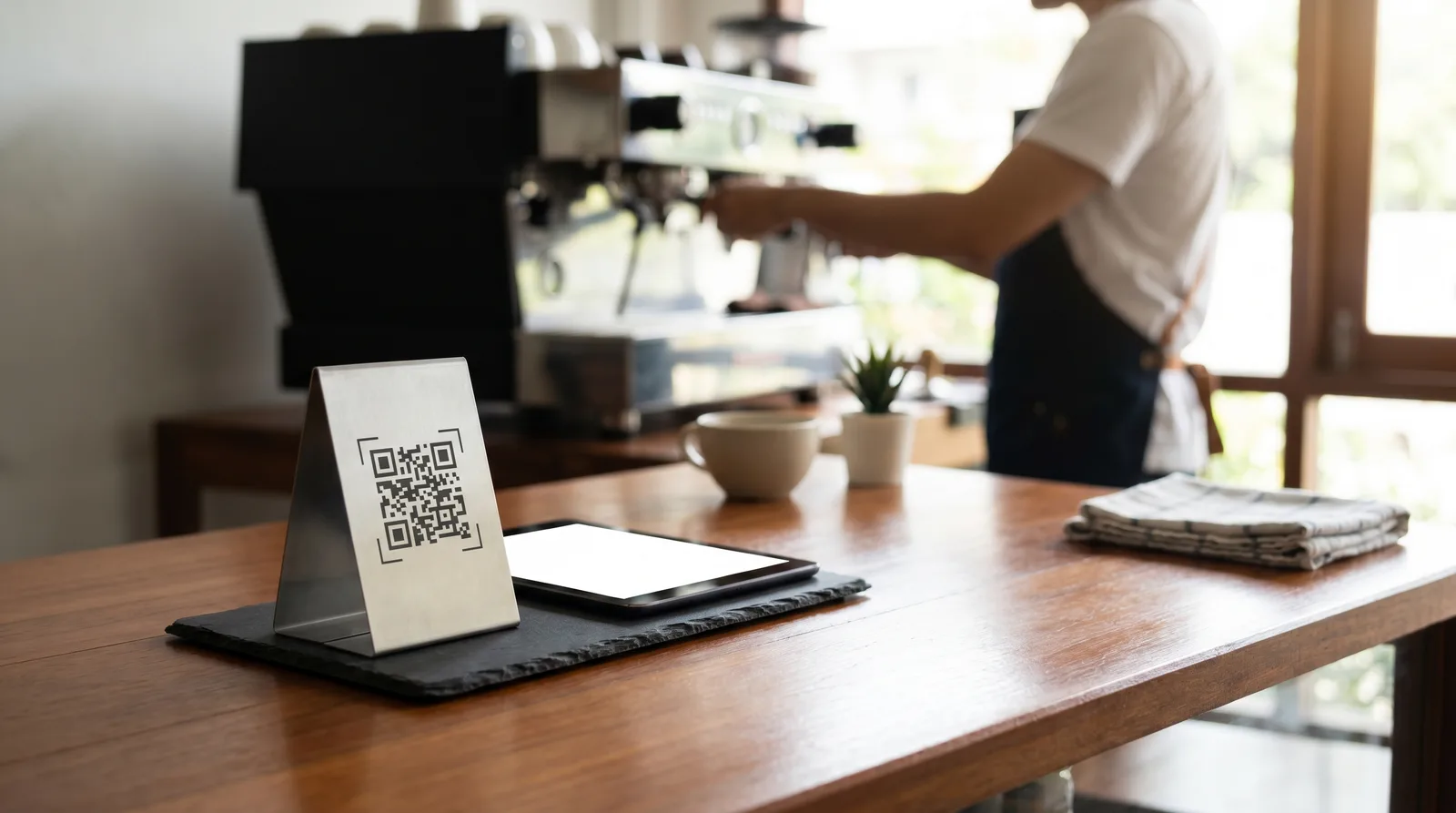
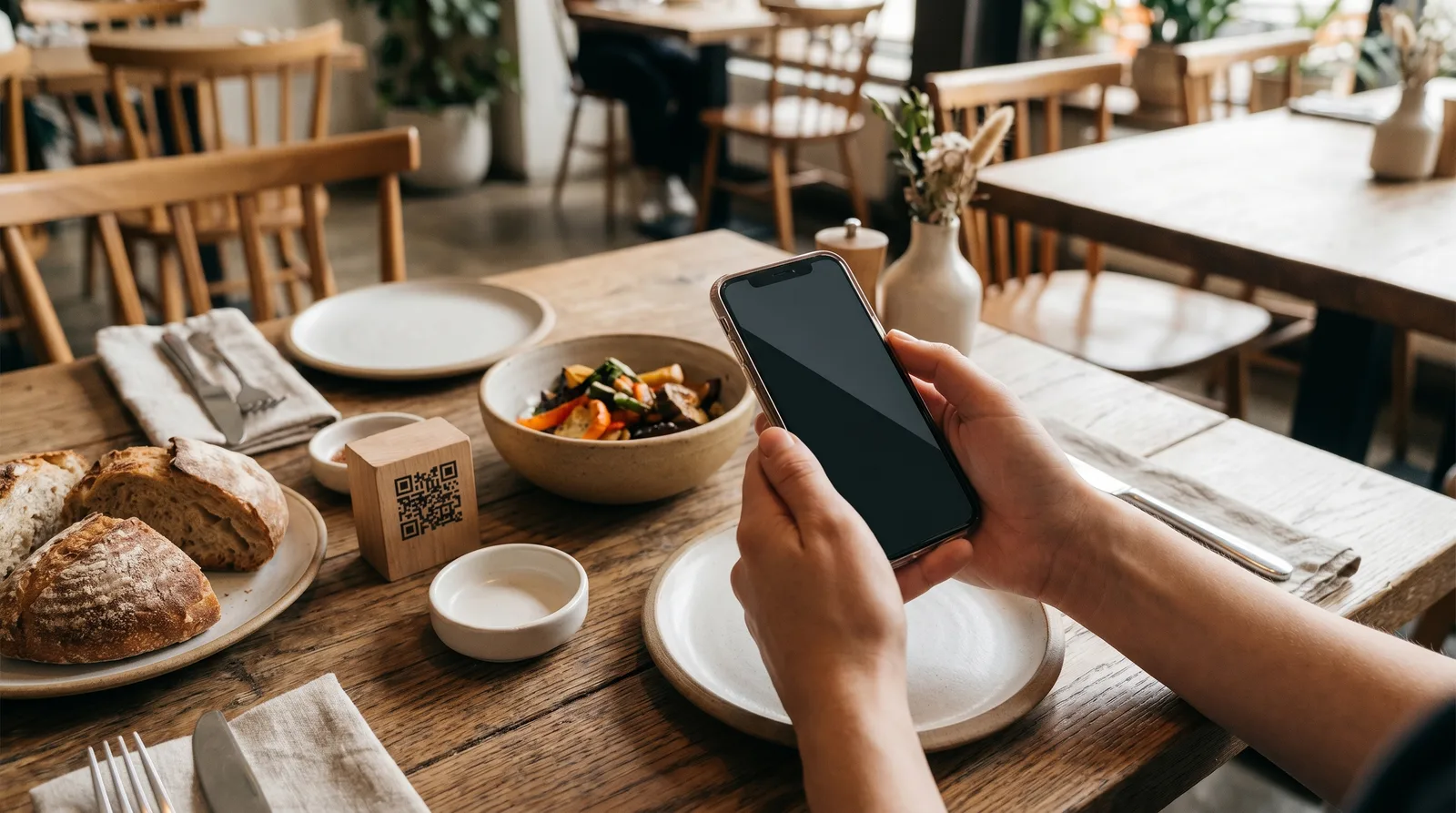
At its core, digital menu software turns a static printed page into a living, hosted web menu. Guests scan a QR code on the table, bar, or window decal, and the current menu loads instantly in their browser.
That shift unlocks wins printed menus cannot match:
- Edit prices and dishes in real time, so a sold-out special disappears before the next table asks for it.
- Show photos and descriptions that nudge orders toward higher-margin plates.
- Flag allergens and dietary tags clearly, reducing back-and-forth.
- Translate the whole menu for tourists without reprinting.
- Track what guests view and tap, giving you data a paper menu never could.
Consumer behavior backs this up. Data from Statista shows mobile devices now drive the majority of web traffic worldwide, so your menu meets guests right where their attention already is: on the phone in their hand.
Key Features to Compare in 2026
Most platforms list QR codes and "easy editing." The differences that matter on a busy Friday night are deeper. Weigh these:
- Live updates: Can you change a price or hide a dish instantly, or do you re-upload a PDF?
- AI menu scan: Will the platform build your menu from a photo of your paper menu, or must you type every item by hand?
- Photos and food imagery: Can you add appetizing visuals, and does the tool help generate them?
- Languages: How many, and does it support right-to-left scripts like Arabic and Hebrew?
- Analytics: Do you see views, popular items, and peak times, or just a flat menu?
- Hardware dependence: Does it run standalone, or require a POS, tablets, or printers?
- Branding: Can the menu match your colors and logo, or does it look generic?
A useful gut check: if onboarding takes longer than a lunch shift, the tool is working against you. The strongest platforms get a first menu live the same day. Our guide on choosing a digital menu provider covers each criterion.
Digital Menu Software Pricing Compared
Pricing is where "cheap" and "expensive" blur, because the headline number rarely tells the whole story. Watch for per-table fees, per-order commissions, setup charges, and hardware leases that quietly stack on top. Here is how the market breaks down:
- Free tiers: A few platforms offer a genuinely usable free plan covering one menu and basic QR codes, ideal for small cafes testing the water.
- Mid-tier plans ($20 to $50 per month): Add photos, multiple menus, analytics, and multilingual support, where most independent restaurants land.
- Higher tiers ($70 to $200+ per month): Unlock multi-location management, deeper analytics, loyalty, and advanced branding.
- Commission-based ordering systems: Some "free" menu tools recoup costs by taking a cut of every order, which can dwarf a flat subscription at volume.
A flat monthly fee with no per-order cut is almost always cheaper than commissions once you do steady covers. To see the spread, compare reprint and design costs against a subscription in our QR menu vs printed menu cost breakdown.
The Best Digital Menu Software for Restaurants, by Type
No single tool wins for everyone, so match the platform to your operation rather than the longest feature list. The market sorts into four buckets:
- All-in-one menu platforms focus purely on the digital menu: QR codes, AI scan, live updates, photos, multilingual menus, and analytics, with a free tier and flat paid plans. Best for restaurants that want a great menu without a heavy ordering stack.
- POS-attached menu tools bundle a basic digital menu into a larger point-of-sale and ordering suite. Convenient if you already run that POS, but you inherit its contracts and hardware.
- Order-and-pay platforms add table-side payment on top of the menu, often funded by per-order commissions. Strong for high-volume spots comfortable with transaction fees.
- DIY QR generators simply link a code to a static PDF. Free and fast, but you lose live editing, analytics, and translation.
Website-first platforms such as Popmenu and BentoBox form a fifth bucket, bundling the menu into a larger site-and-marketing suite at a steeper monthly price. If you are weighing a few names side by side, our platform comparison page lays out the trade-offs feature by feature.
AI Menu Scan and Multilingual Menus: The New Differentiators
Two capabilities now divide a basic QR tool from the best digital menu software for restaurants in 2026: AI menu scanning and true multilingual support.
AI menu scan removes the most painful part of going digital. Instead of typing dozens of dishes, you photograph your paper menu and the software reads the items, prices, and sections, then builds a structured menu you can refine. It turns a half-day slog into minutes. Our walkthrough on scanning a paper menu to digital with AI shows the full process.
Multilingual menus matter more than ever as travel rebounds. A menu that instantly renders in nine languages, including right-to-left Arabic and Hebrew, lets tourists order confidently without flagging down a server, which shows up as larger checks and faster tables. The mechanics live in our piece on multilingual menus for tourist restaurants. Add AI-generated food photos and the menu not only informs but actively sells.
How to Choose the Best Digital Menu Software for Restaurants
Skip the feature checklist for a moment and start with your reality. A coffee shop, a fine-dining room, and a food truck need different things. Run through these:
- Will it work without a POS? If you want to launch fast, pick a standalone platform with no hardware lease.
- How fast can I go live? Favor tools with AI scan and same-day setup.
- Do I need more than one language? If you serve tourists, multilingual is non-negotiable.
- What does it truly cost at my volume? Model a busy month, including any per-order fees.
- Will I actually use the analytics? Choose a tool whose dashboard you understand at a glance.
The smartest move is to start on a free plan, build your menu, and watch real guests use it before paying a cent. Spin up a live menu in minutes on the Vino free plan, or book a quick demo if you would rather see it driven first. Either way, you will know within a shift whether it fits your floor.
Frequently Asked Questions
What is the best digital menu software for restaurants?
The best digital menu software combines QR code menus, AI menu scanning, live price updates, multilingual support, and analytics in one place. Vino Smart Menus stands out for its free tier, AI-generated food photos, and 9-language menus that include right-to-left Arabic and Hebrew.
How much does digital menu software cost?
Digital menu software ranges from free to around 200 dollars per month. Many restaurants land on a mid-tier plan near 29 dollars monthly, with higher tiers near 79 dollars adding multi-location tools. The key is flat pricing with no per-table or per-order fees.
Do I need a POS to use digital menu software?
No. Standalone digital menu platforms run independently of any point-of-sale system, so you can launch QR code menus without hardware leases or an expensive ordering stack. You create the menu, display the QR code, and start serving guests.
Ready to go digital?
Create your restaurant's smart digital menu in minutes with Vino. No app downloads, no complicated setup.