Free QR Code Menu Makers Compared (2026)
Compare free QR code menu makers for restaurants and see what free really costs. Table limits, order caps, branding locks, and which free menu plan is best.
On this page 7
A cafe owner in Lisbon set up a "free" QR code menu in twenty minutes, printed table tents, and felt clever, until a guest pointed out a competitor's logo stamped across the bottom of every page. Removing it cost $19 a month. That gap between the word free and the real bill is the whole story of choosing a free QR code menu maker.
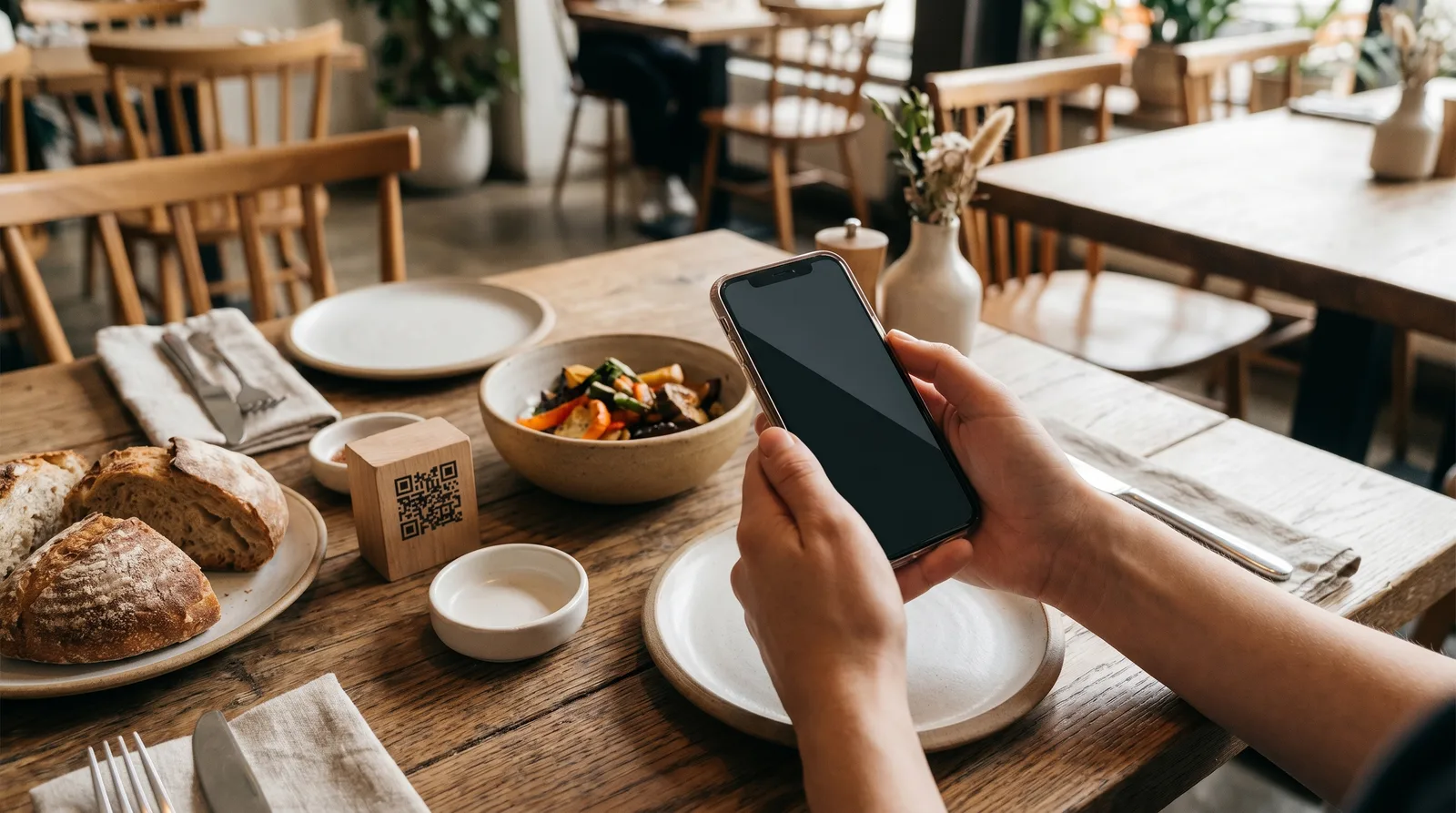
A free QR code menu maker is a tool that turns your menu into a phone-friendly page guests reach by scanning a code, at no monthly cost. The best free tiers include live updates, a clean mobile layout, and no forced branding. The catch is usually hidden caps on tables, items, or scans.
Why Restaurants Start With a Free QR Code Menu
The math is obvious. A printed menu locks you into reprints every time a price moves, and industry data from Toast consistently shows operators ranking cost control and labor among their top pressures. A free QR menu sidesteps the print run: change a price, mark a dish sold out, and the guest sees it on their next scan.
There is also a low-risk angle. Most owners are not sure guests will scan or whether staff can manage updates. A free plan answers that before any money changes hands.
The trap is treating "free" as the finish line. A free QR code menu maker is a smart starting point, but only if you know where the floor drops out.
What a Free QR Code Menu Maker Actually Includes
A genuinely useful free tier should give you a working menu without asking for a card. The baseline:
- A mobile menu page that loads fast on any phone, no app download
- A scannable QR code you can print on table tents, stickers, or receipts
- Basic categories and items with names, descriptions, and prices
- Live edits so a price or sold-out change appears without reprinting
- A shareable link for Google Business Profile, Instagram, and your site
That is the honest core of a free digital menu maker. Anything beyond it, photos, multiple languages, analytics, or ordering, is where free plans diverge sharply. Some include a slice; many wall them off entirely.
Hidden Limits: Table Caps, Branding Locks, and Upgrade Walls
This is where the comparison really happens. Two free QR menu plans can look identical on a checklist and behave nothing alike once a busy Friday hits. Watch for:
- Item or category caps: some free tiers stop you at 20 or 30 items, which a real menu blows past instantly
- Table or location limits: one location only, or a hard cap on QR codes, which hurts multi-room venues
- Scan or view limits: a monthly view ceiling that throttles your menu mid-service, the worst kind of cap
- Forced branding: the provider's logo or "Made with X" watermark on every page, removable only by paying
- Static QR codes: a code locked to a fixed URL, so any switch means reprinting
- Locked basics: photos, a second language, or sold-out toggles hidden behind the first paid tier
The static-versus-dynamic distinction matters most. A dynamic QR code points to a link you control, so you can redesign, switch providers, or upgrade without reprinting. A static code is frozen the day you print it. If a free tool only offers static codes, "free" may cost you a reprint later.
Free QR Code Menu Makers Compared
Tools shift their plans often, so treat this as a framework, not a frozen scoreboard. Broadly, free QR code menu makers fall into three groups:
- QR-generator apps: they link a code to a PDF or simple page. Free and fast, but usually static codes, no live editing, and a PDF that pinches and zooms badly on phones. Fine for a one-off, weak for a real menu.
- Builder platforms with a free tier: purpose-built menu tools with a hosted mobile page and live edits at $0, then photos, languages, analytics, or extra locations gated behind paid plans. Free-tier quality varies enormously.
- POS-attached menus: menu features bundled into a point-of-sale system. Often capable, but rarely free standalone, and they assume you run their hardware and payments. Square's QR table ordering is the best-known example, and since late 2025 it sits on a paid plan; our Square QR menu comparison breaks down what free really covers.
The best free QR code menu generator for a restaurant is the one whose free tier covers your real menu size and gives you a dynamic code with no forced watermark. Vino Smart Menus offers a genuinely free plan built for this: a QR code menu, mobile display, and live updates without order caps or a forced logo, with AI photo and translation features when you grow. For a side-by-side of full-featured platforms, our comparison page lines up the paid tiers.
When a Free Plan Is Enough (and When to Upgrade)
A free plan is genuinely enough when your needs are simple. If you run one location, keep a focused menu, and mostly want guests reading prices and items on their phones, a solid free QR code menu maker can carry you indefinitely. Many cafes and food trucks never need more.
You have outgrown free when any of these are true:
- You want AI food photos or professional images to lift orders on signature dishes
- You serve tourists and need multiple languages, including right-to-left Arabic or Hebrew
- You want analytics to see which items get viewed and tapped, not just guesses
- You run multiple locations or rooms that each need their own code and menu
- You want loyalty, reviews, or order-and-pay on the same scan
The upgrade itself should be painless. With dynamic codes, your printed QR keeps working after you move up a tier, so you pay for features, not a reprint. If a provider forces new codes to unlock paid features, treat it as a red flag.
How to Make a Free QR Code Menu Today
You can have a working menu live before your next service:
- Pick a tool with a real free tier and a dynamic QR code, so you never reprint to change anything
- Add your categories, items, and prices, keeping descriptions short and scannable on a phone
- Set your live-edit habits, deciding who marks items sold out and updates prices each shift
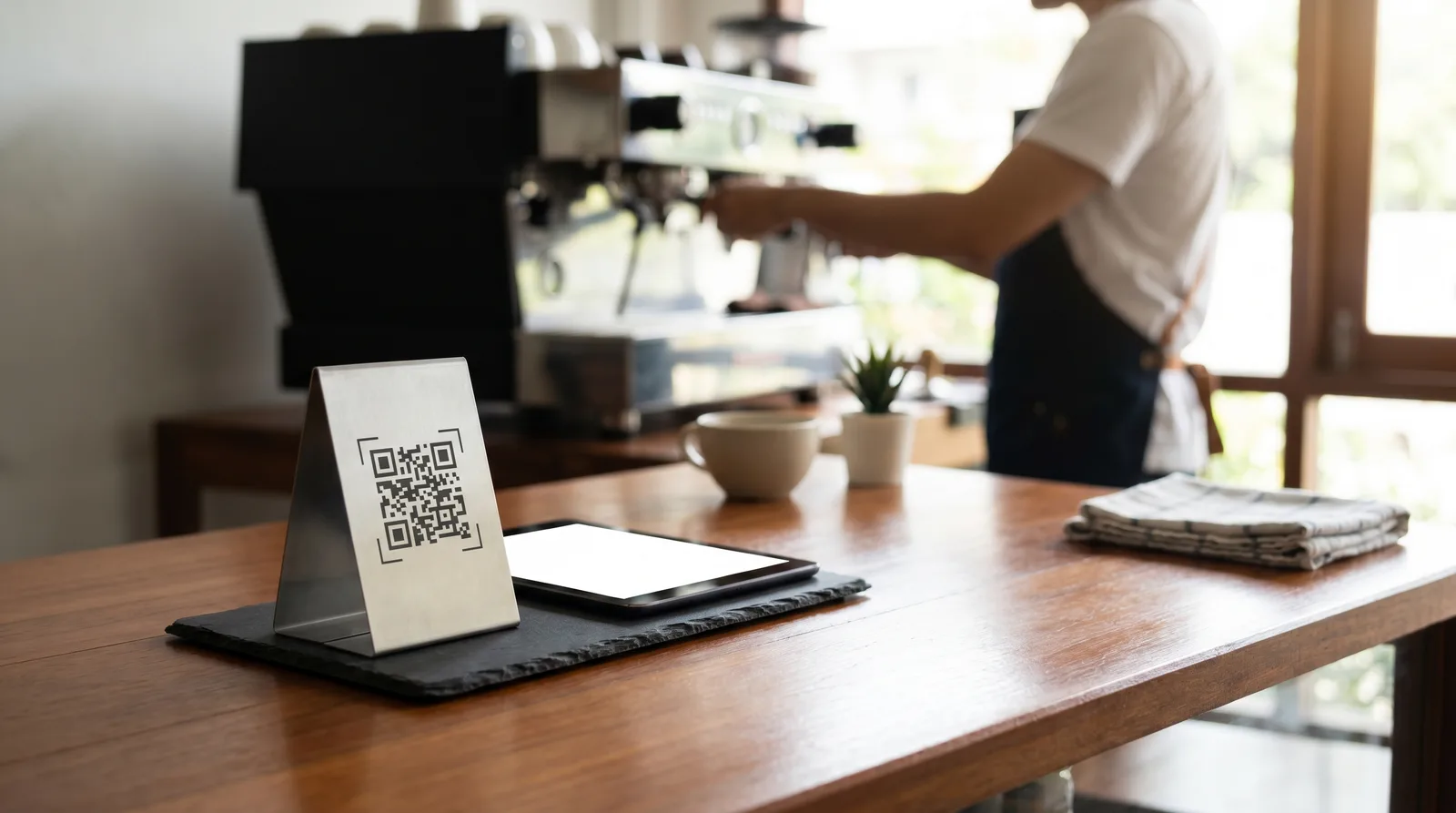
- Print the QR code on table tents, stickers, or the bottom of receipts, and add it to your Google listing
- Watch real guest behavior for two weeks, then decide whether free covers you or it is time to upgrade
That last step is the one most owners skip, and it is the most valuable. Free is the perfect place to learn what your guests actually do.
Want to try it without a card? Start with the free plan for restaurants, or book a quick demo to see the paid features first. Either way, you keep the same QR code as you grow.
Frequently Asked Questions
Is there a truly free QR code menu maker for restaurants?
Yes. Some platforms, including Vino, offer a genuinely free tier with a QR code menu, mobile display, and live updates, without forced branding or order caps. Always confirm the free plan covers your menu size and uses a dynamic code before committing.
What is the catch with free QR code menus?
Many free QR menu makers limit tables, cap orders or views, lock branding, or hide core features behind upgrades. Check for watermarks, item limits, and whether the QR code is dynamic rather than static before you print and commit.
Can I upgrade a free QR menu later?
Yes. Most platforms let you upgrade without recreating your menu or reprinting QR codes. With dynamic codes, your existing printed QR keeps working after you upgrade, so you pay only for new features rather than a fresh print run.
Ready to go digital?
Create your restaurant's smart digital menu in minutes with Vino. No app downloads, no complicated setup.