A digital menu for restaurants that helps run the floor
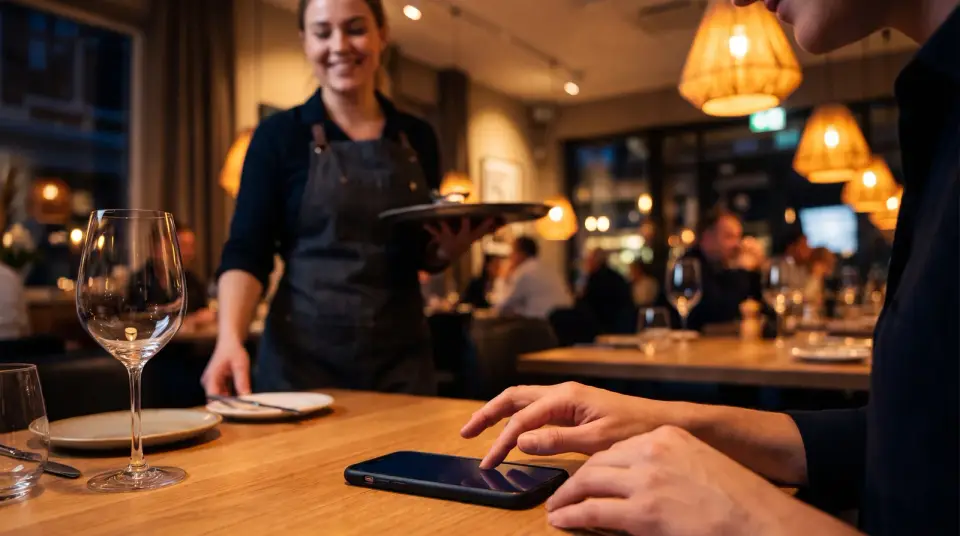
On a full night the menu is the easy part. The hard part is reaching every table when it needs you: to order, to add a bottle, to pay. Vino starts as a QR menu and grows into table service, so guests can order and call your team from their phone while you keep the room moving.
 Best fit: Pro
What a full room asks of your team.
A busy service throws up the same problems every night, and most of them start with somebody waiting.
Guests waiting to be seen
They are ready to order, ready for another round or ready to pay, and nobody has looked over yet. A table that waits too long often orders less and remembers the wait.
Specials and sold-out dishes
The kitchen runs out of the fish at eight, the specials change daily, and the printed menu shows neither. Servers spend the evening correcting it table by table.
Allergy and ingredient questions
Every allergy question pulls a server into a trip to the kitchen. Without clear labels on the menu, guests either ask or guess.
Guests who read another language
Tourists and international guests order what they can understand. A menu in one language costs you the dishes they would have tried.
From QR menu to table service.
Start with the menu and add service tools when you are ready. Guests never need to download an app.
Orders from the table
Map your zones and tables, print a QR code for each table, and guests order from their seat. Every order is tied to the right table and prints in the kitchen as a ticket.
Call a waiter, ask for the bill
One tap pings your staff or asks for the check. Calls, orders and bill requests all land on the live service board, so the right person goes to the right table.
Allergens on every dish
Flag any of the 14 EU allergens and add labels like Vegan or Spicy. Guests see them as badges and in each dish's details, next to the photo, description and options.
Add categories and items to your menuA menu in their language
Offer your menu in up to nine languages on any plan, with Arabic and Hebrew laid out right to left. Business adds AI auto-translation, which fills every language when you save and keeps dish names exactly as you wrote them.
Turn on AI auto-translation for your menuBookings and your POS
Online reservations give you a branded booking page with live table availability. POS and printer integrations push table orders into the setup your kitchen already uses.
Reviews and regulars
Collect star ratings on your menu and invite four- and five-star guests to post on Google too. On Business, the Customer Club turns diners into a contact list you can reach with their consent.
Collect and display customer reviewsRestaurants on Vino today.
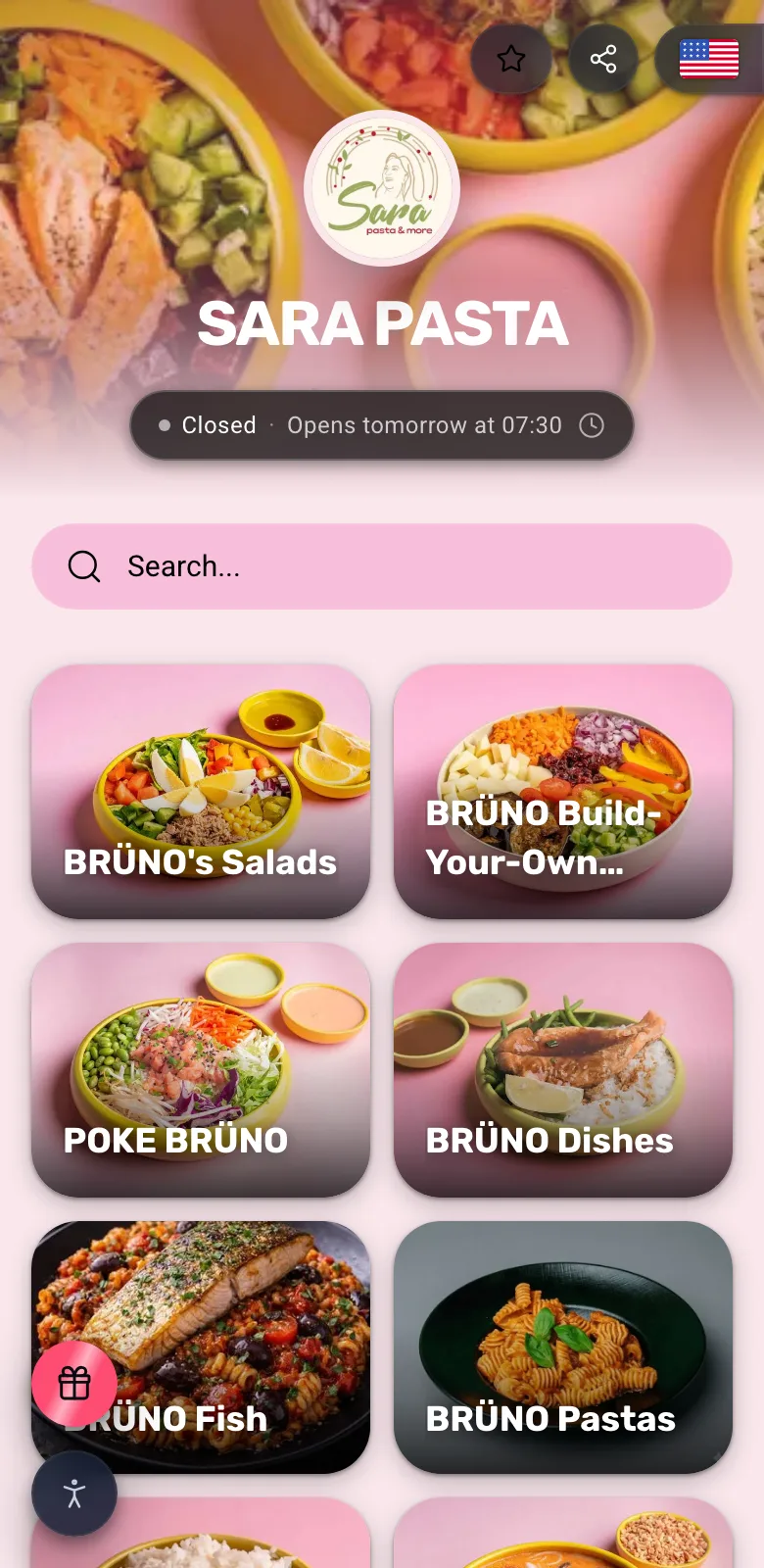
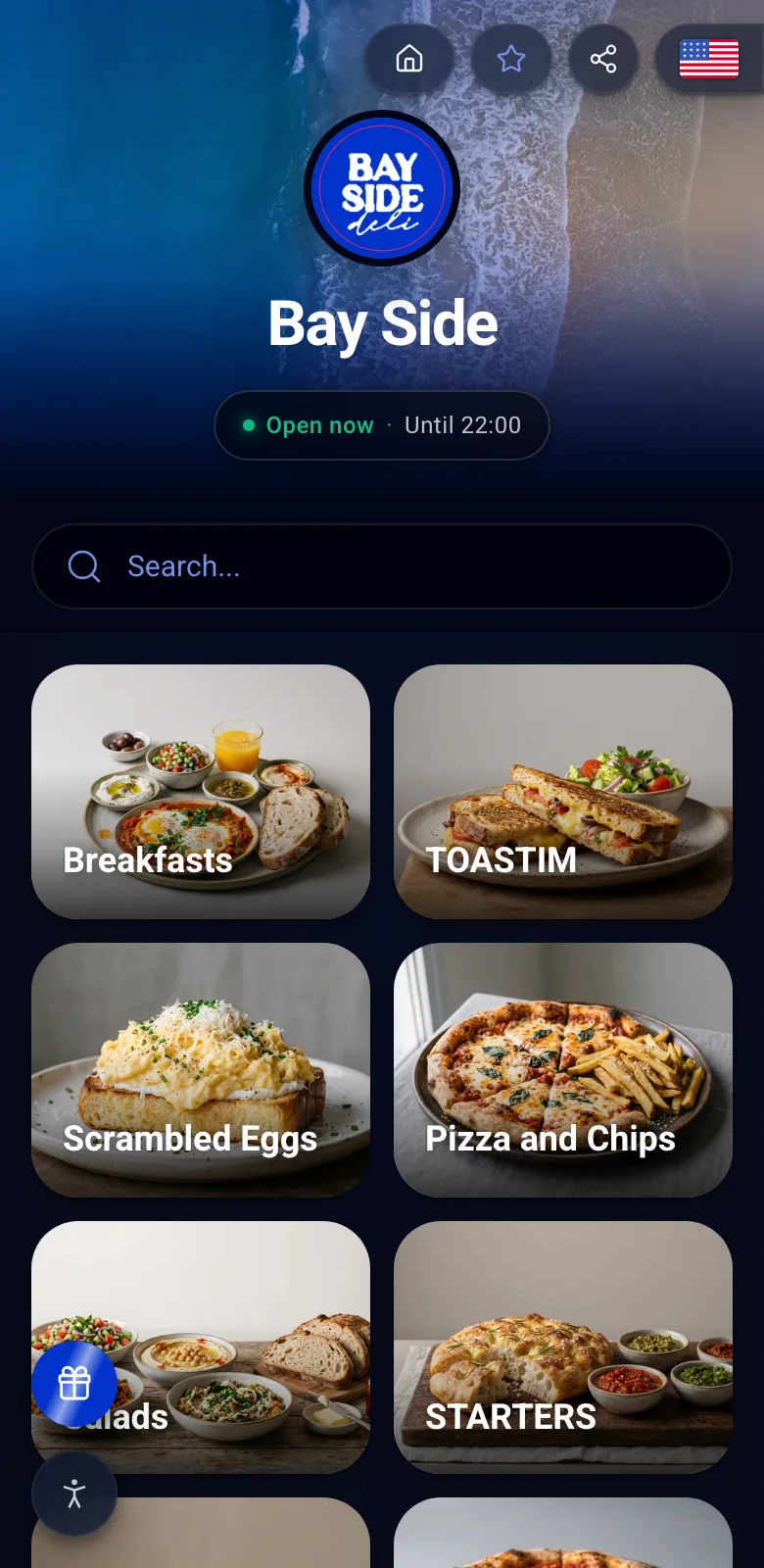
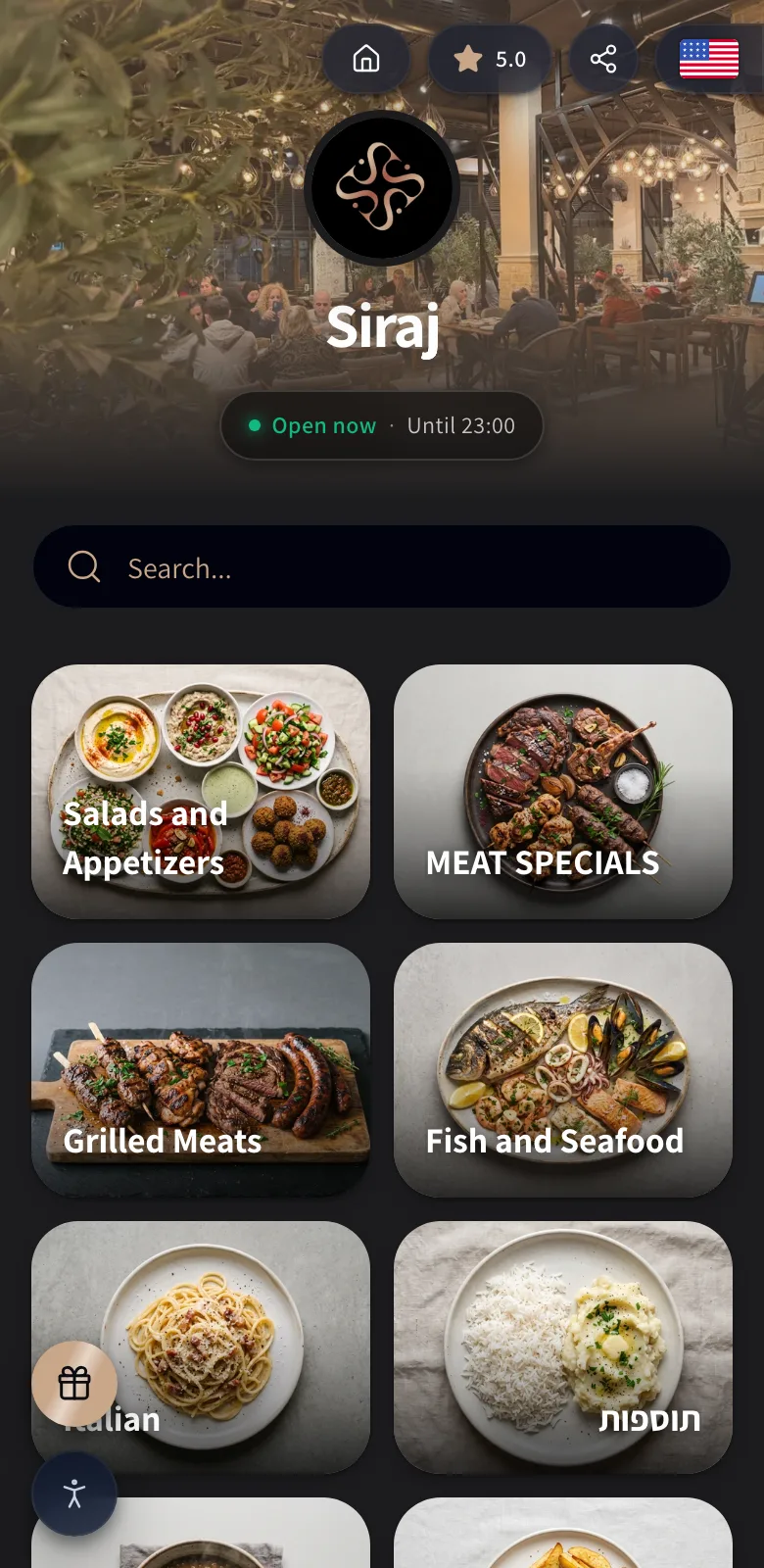
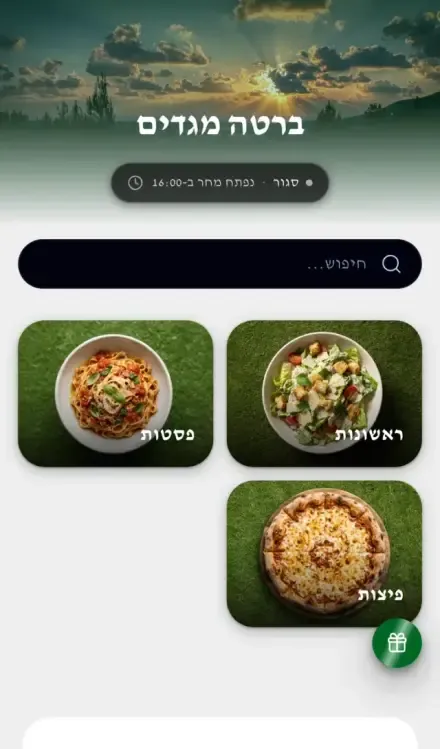
Four real menus, three in English and one in Hebrew. Each opens on the restaurant's own header, with every section shown as a photo tile.
Why Pro fits a restaurant
Pro is where your menu starts taking orders. It includes the full table service suite: table QR codes, ordering from the table, waiter calls, bill requests, the live service board and kitchen tickets. You also get unlimited items, the design studio, promo popups and dish likes. Try it free for 14 days.
- Order from the table, call a waiter, ask for the bill
- Live service board and kitchen tickets
- Unlimited items, the design studio and your branding
- Promo popups and dish likes
- FreeOnly need a menu for now? Free covers one location with up to 25 items, a QR code and guest reviews.
- BusinessBusiness adds reservations, POS integrations, the Customer Club, menu analytics, the AI suite and three locations.
Restaurant questions, answered.
On Pro, guests order from their table and ask for the bill from their phone. Vino doesn't process payments, so you settle the bill the way you already do, and Vino takes no commission on your sales.
No. Table service works on its own, and orders print in your kitchen as branded tickets. If you already run a POS or kitchen printer, Business adds integrations that push table orders to it through signed order webhooks.
The setup wizard takes you from sign-up to a live QR code in three steps: your logo and color, your menu, then your code. You can type the menu in yourself, and on Business you can import it from Wolt or a website link or scan a paper menu with AI.
Yes, on Business. Online reservations give you a branded booking page with live table availability, so guests can reserve without calling.

Give every table a faster way to reach you
Start with a free QR menu today and add table service when you are ready, or book a demo to see a full service running on Vino.