QR ordering for quick service restaurants
At peak, a quick service line moves only as fast as the slowest decision at the counter. Vino puts your full menu, options and prices on every guest's phone while they wait, lets seated guests order from their table, and suggests the add-on a cashier would have mentioned.
 Best fit: Business
Where the line really stalls.
Quick service runs on throughput. These are the moments that cost you orders at peak.
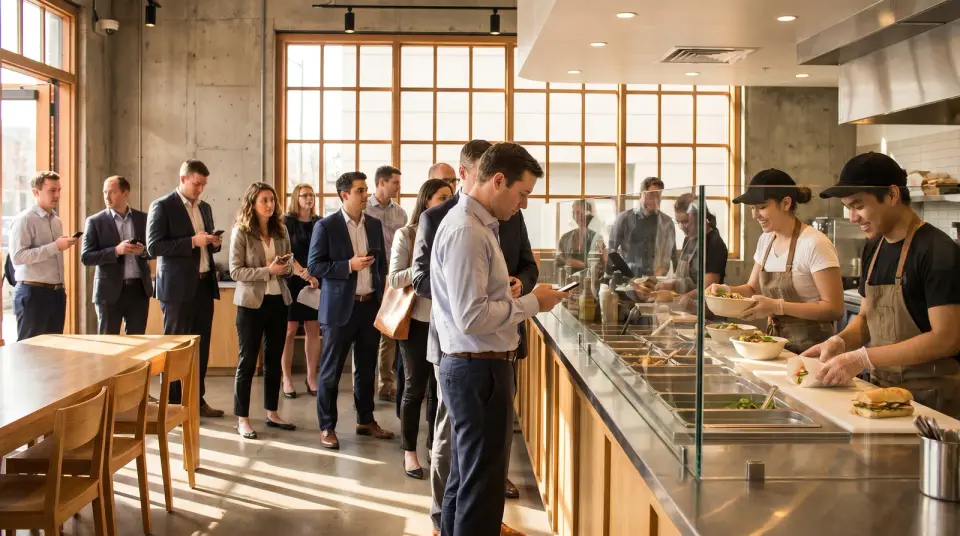
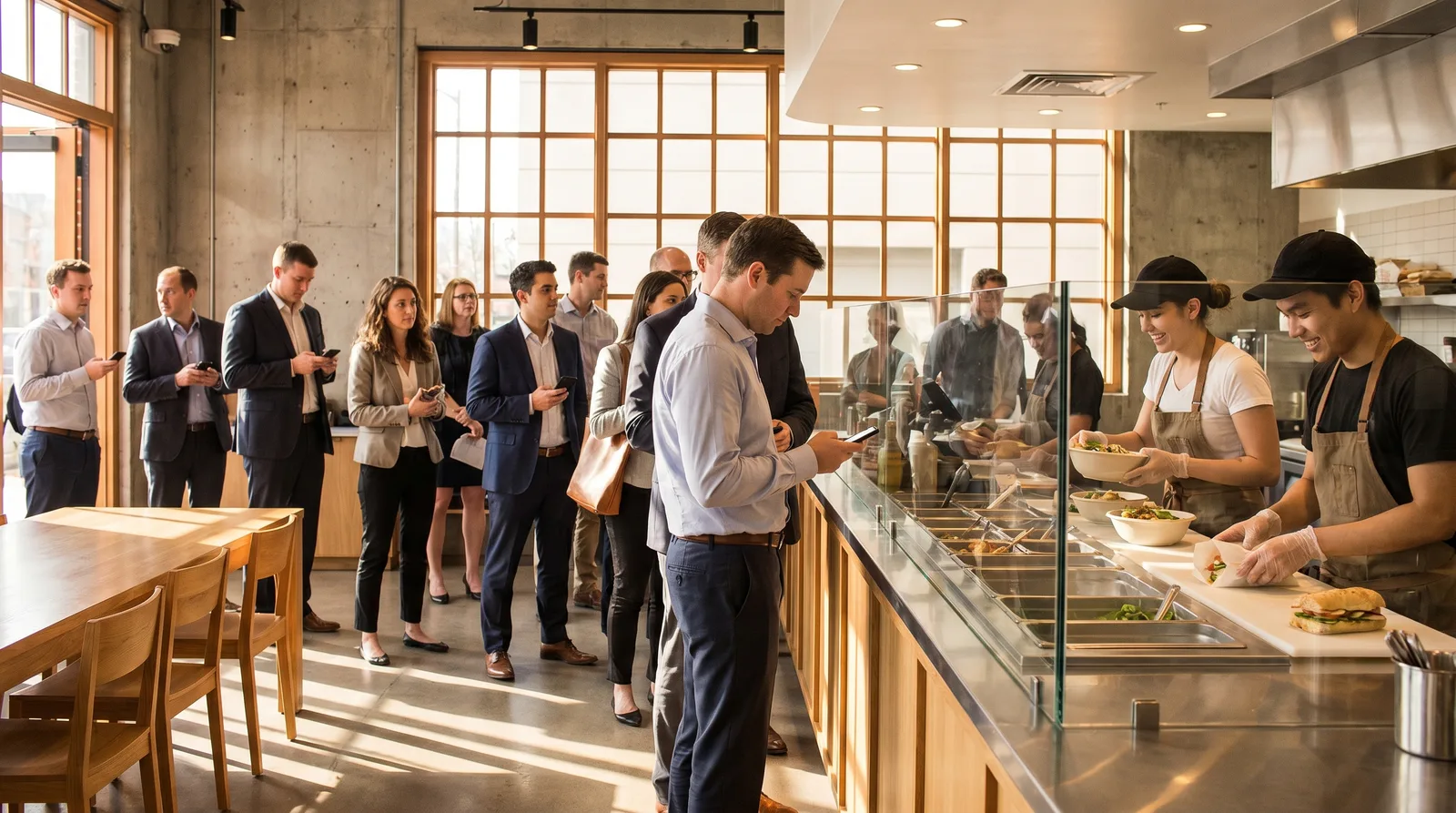
Deciding at the counter
Guests read the wall menu properly for the first time when it's their turn. Each pause at the register slows everyone behind them, and some people leave the line.
Custom orders are easy to get wrong
Bases, proteins, sauces and extras are easy to mishear over a busy counter. A wrong bowl means a remake and a guest who waits twice.
Nobody to suggest the side
Without a server at the table, the drink or dessert that would have rounded out the order never gets mentioned.
Limited-time items come and go
Seasonal and limited-time items launch, sell out and end. Printed boards lag behind, and guests ask for things you stopped making last week.
Speed tools for a busy counter.
The Vino features that matter most when the line runs out the door, from the queue to the kitchen.
Decisions made in line
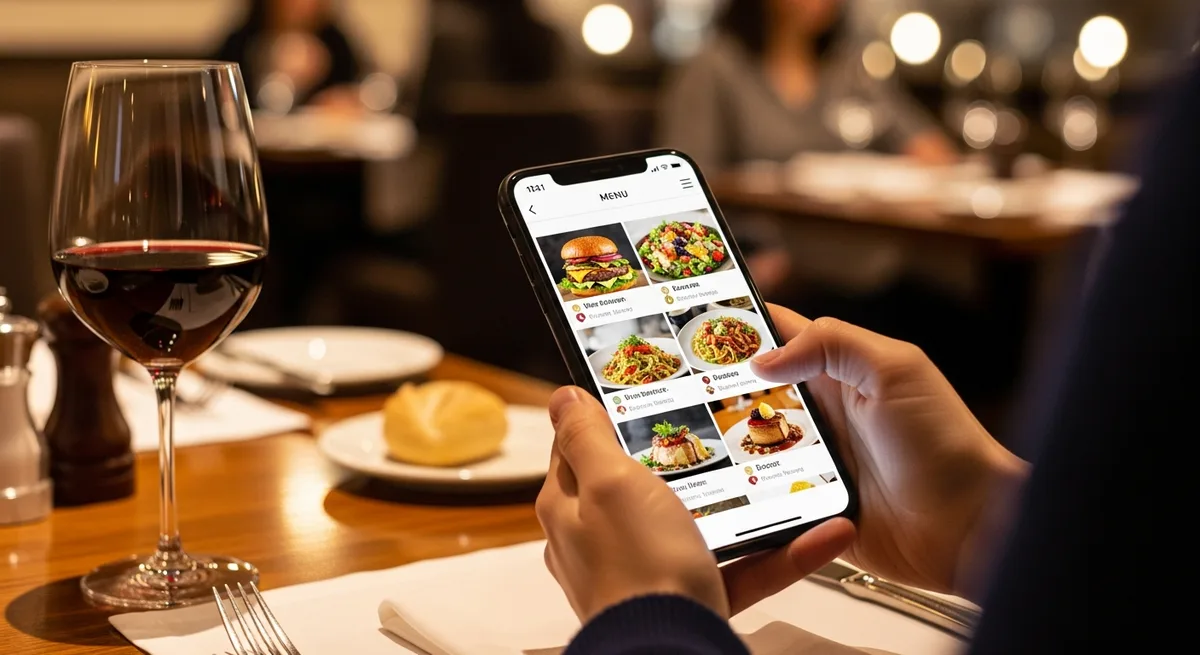
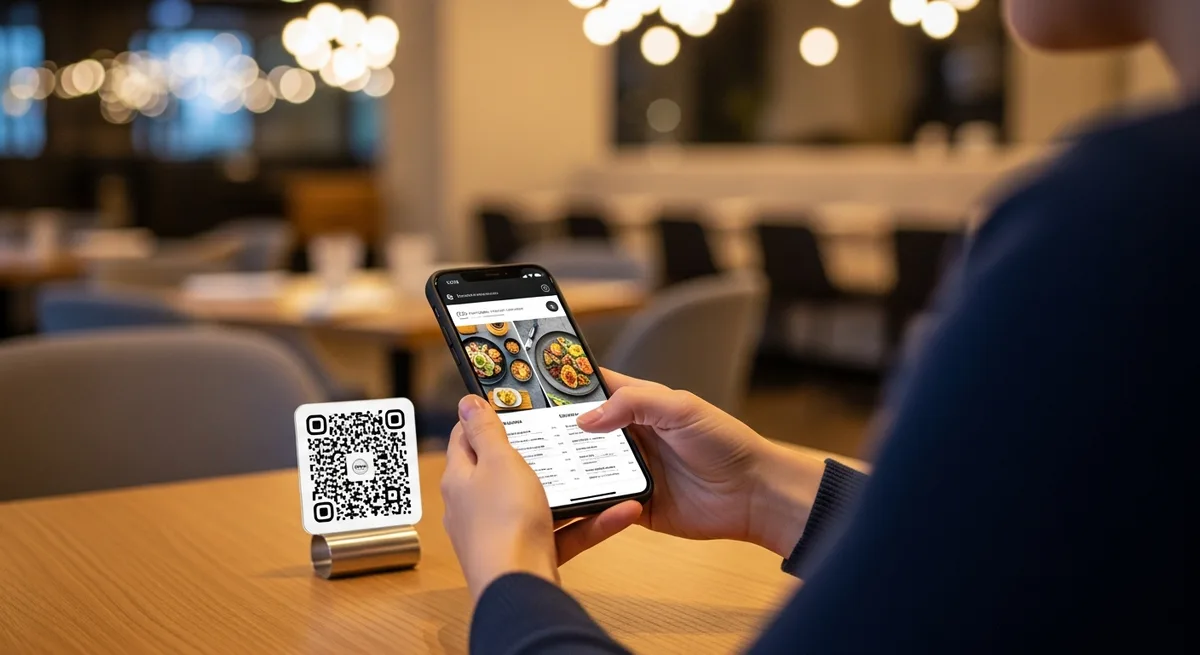
Put QR codes on the stanchions, the door and the tables. Guests browse photos, options and prices on their own phone and reach the counter ready to order.
Create and print QR codes for your menuBuild-your-own, spelled out
Option groups handle bases, sauces and extras, with required steps, minimum and maximum picks and a price on any add-on. Build a group once and attach it to every item that needs it, across all your locations.
Create modifiers and option groupsOrdering from the seating area
With table service, each table has its own QR code. Guests order from their seat, the order lands on your live service board with the table attached, and it prints as a kitchen ticket.
The add-on a cashier would mention
Smart upsell shows a goes-well-with suggestion inside each dish, and your dashboard reports how often suggestions are shown and tapped.
Track menu views and grow with AnalyticsFits the kitchen you have
POS and printer integrations push table orders into your existing POS or kitchen printer through signed order webhooks. Without a POS, Pro prints orders as branded kitchen tickets.
Every branch, one dashboard
Each branch is a location with its own menu, QR codes and analytics, including busy hours. Open a new branch by copying an existing menu, then adjust its prices.
Set up and manage your locationsWhy Business fits quick service
Business is built for a counter that runs on volume: three locations included, POS and printer integrations, smart upsell suggestions and menu analytics that add orders, waiter calls and bill requests. It includes everything in Pro, and you can try it free for 14 days.
- Smart upsell suggestions on every dish
- POS and printer integrations
- Three locations included
- Analytics with table-service numbers
- ProOne counter and no POS? Pro covers table ordering, the live service board and kitchen tickets.
- CustomTen or more locations? Contact us for a custom setup.
Quick service questions.
Yes, from a table. With table service on Pro, each table has its own QR code, and guests order from their seat with the table attached to the order. In the line, the same menu works as a browse menu, so guests know what they want before they reach the register.
Yes. Create an option group for each step, such as base, protein and sauce. Make a step required, set minimum and maximum picks and add a price to any option. Groups are shared across your account, so every location can use the same build.
On Business, POS and printer integrations push table orders to your existing POS or kitchen printer through signed order webhooks. If you don't have a POS, Pro prints orders in the kitchen as branded tickets.
Turn on smart upsell on Business and each dish shows a goes-well-with suggestion. The dashboard reports how often suggestions are shown and tapped, so you can see whether they work.
Yes. Every branch is its own location with its own menu, so prices can differ. Start a new branch by copying an existing menu, which brings over categories, items, sizes, tags and option groups, then change what you need. Business includes three locations.
Shorten the line at your next peak
Start free and put your menu in the line today, or book a demo to see table ordering and upsells working together.