Wolt or website import
Business and upPaste a link to your Wolt page or your restaurant website, and Vino imports your items, photos and prices in seconds.
- Offered in the setup wizard when you sign up
- Also in the dashboard, under Import menu
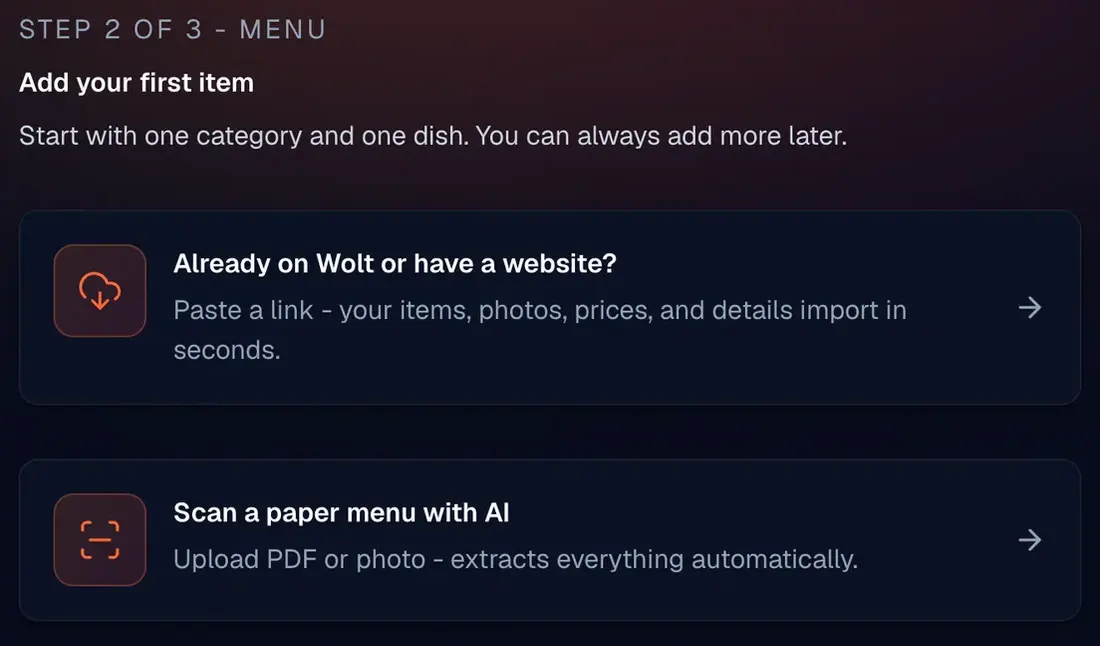
Vino keeps its list of integrations short and real. Bring your menu in from Wolt or your website, connect Google, and on Business send table orders to your POS or kitchen printer. If you need something that is not on this page, talk to us.
No retyping. Import from a link or scan the paper menu, then fine-tune the result in the menu editor.
Paste a link to your Wolt page or your restaurant website, and Vino imports your items, photos and prices in seconds.
Upload a photo or a PDF of your printed menu. AI extracts the items, and you review them before they are added.
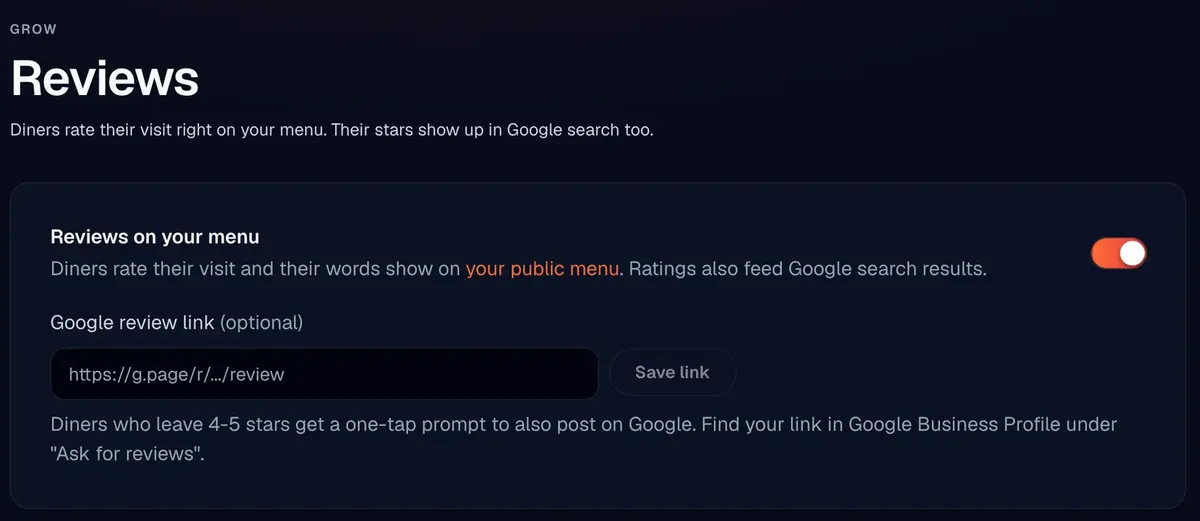
Reviews, your own analytics tag and the way your menu shows up in search.
Turn on reviews and paste your Google review link. Guests who give you 4 or 5 stars on the menu get a one-tap button to share it on Google too.
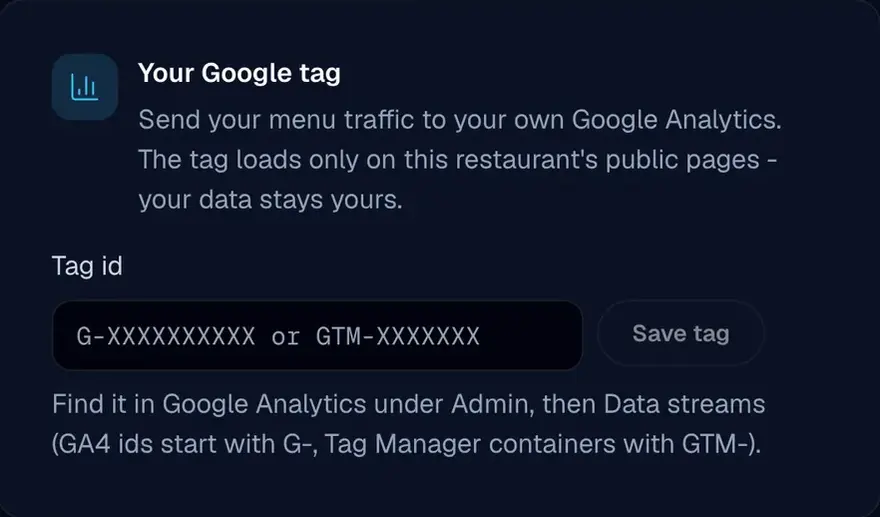
Paste a Google tag ID, and your public menu pages report to your own Google property.
Set the title and description Google shows for your menu, add your cuisine and price range, and link the menu to your Google Business Profile with a Place ID.
Print tickets on their own, or send table orders into the system you already run.
Signed order webhooks push table orders to your POS or kitchen printer, so the kitchen keeps working the way it already does. Talk to us about your system before you switch.
Table service on Pro prints every order as a branded kitchen ticket. No POS needed.
Business plans include access to the Vino REST API, for teams that want to build their own connection.
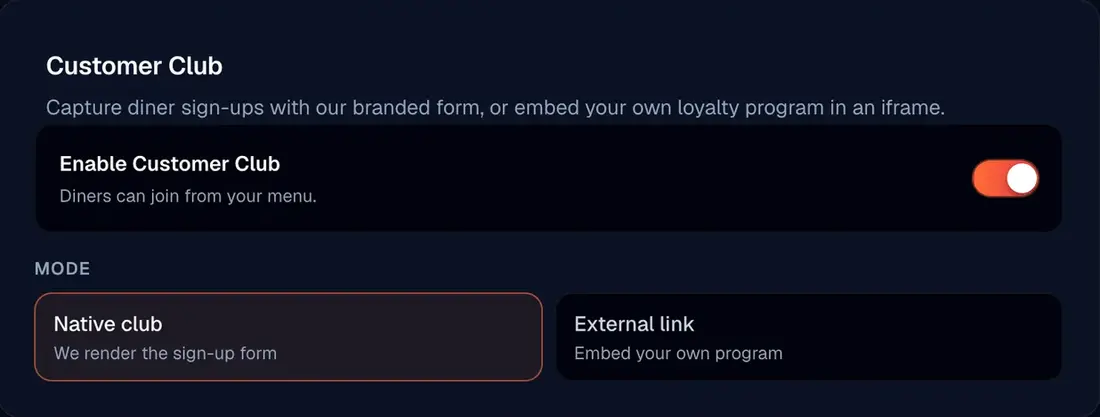
Use the Vino Customer Club, bring your own loyalty program, or move members in and out as a CSV file.
Already run a loyalty program? Switch the Customer Club to External link and your program opens inside the menu. If a browser blocks the embed, guests get a link that opens it in a new tab.
Import members from a CSV file, filter the list by the channels each guest agreed to (SMS, WhatsApp or email), and export it whenever you need it.
If you need Vino to work with a system that is not on this page, tell us what you run. We will tell you plainly what works today and what does not.
POS and printer integrations are part of the Business plan. They push table orders to your system through signed order webhooks. We do not publish a list of brands, so talk to us about your setup before you choose a plan.
No. Table service on Pro prints orders as branded kitchen tickets without any POS. The POS integration is there for restaurants that already run one.
Yes. On Business, paste a link to your Wolt page or website and Vino imports your items, photos and prices. You can also scan a paper menu or a PDF with AI and review the items before they are added.
In three ways. Once you add your Google review link, guests who leave 4 or 5 stars on your menu get a one-tap prompt to post the review on Google. You can add your own Google Analytics, Tag Manager or Google Ads tag to your menu pages. And the SEO settings let you link your menu to your Google Business Profile with a Place ID.
Yes. Business plans include access to the Vino REST API.