Scan a Paper Menu to Digital in Minutes With AI
Learn how to scan menu to digital using AI. Turn a photo or PDF of your paper menu into a structured, editable digital menu in minutes - no manual typing.
On this page 6
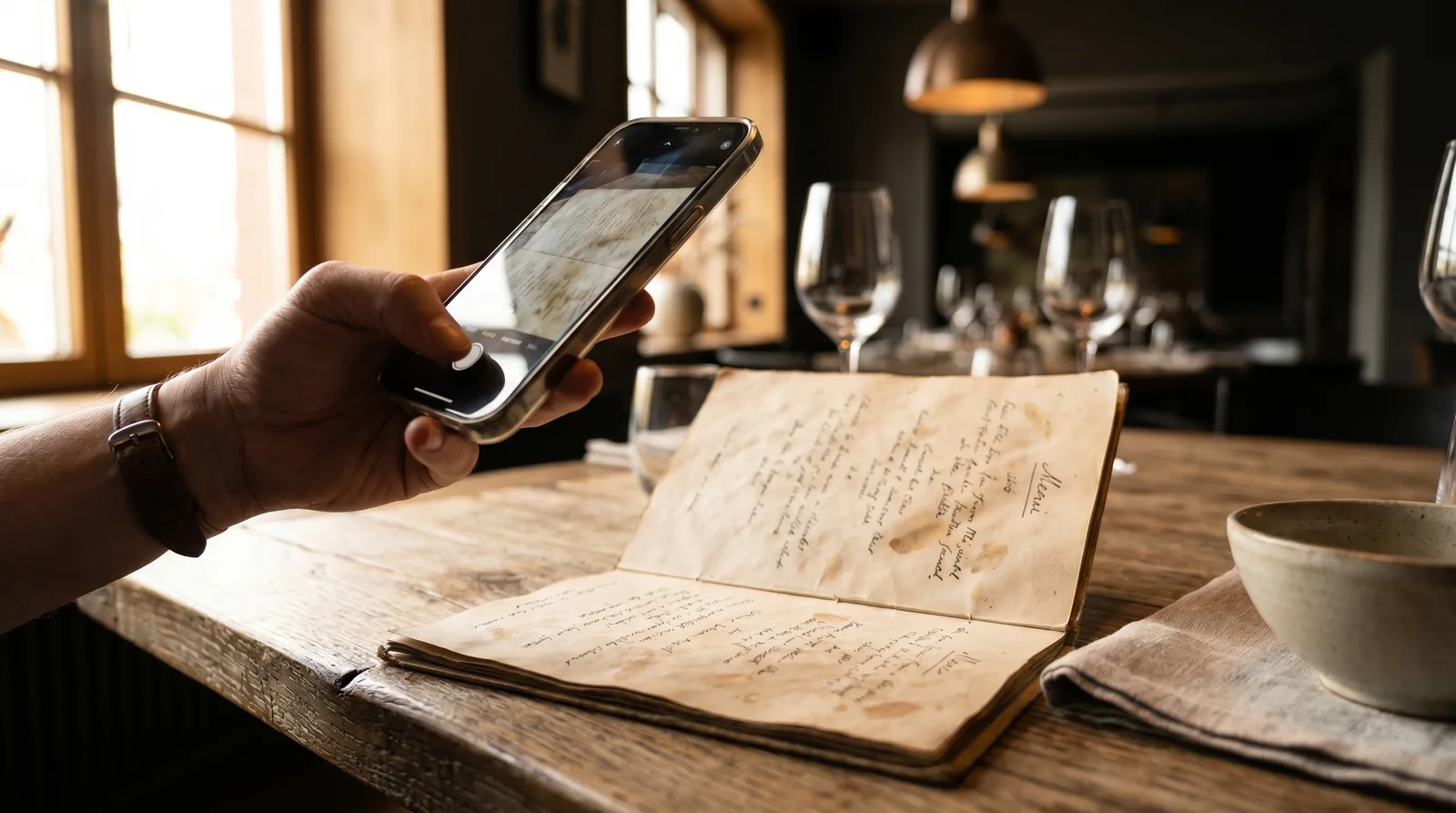
A typical dinner menu has 60 to 90 items. Retyping every dish name, description, price, and section heading into a new digital system by hand can eat up an entire afternoon - and that is before you double-check for typos or fix a mispriced entree. Most owners assume going digital means exactly that kind of tedious data entry, so they keep putting it off. They should not. With AI, you can scan menu to digital in minutes by uploading a single photo or PDF and letting the software do the typing for you.
This guide walks through how AI menu scanning works, what to prepare, and how to clean up the result so your new digital menu is live before the next service.
Why It Pays to Scan Menu to Digital
The case for going digital is no longer theoretical. According to the National Restaurant Association's State of the Restaurant Industry report, the large majority of operators say technology gives them a competitive edge, and digital menus sit near the top of that list. A Deloitte study on restaurant digitization found that guests who engage with digital ordering channels tend to spend more per visit than those who do not.
The problem has always been the switching cost. Manually rebuilding a menu is slow, error-prone, and demoralizing. That friction is exactly what AI scanning removes. Instead of treating your existing paper menu as a throwaway, you treat it as the data source. The work you already did - writing descriptions, organizing sections, setting prices - gets carried straight over.
The math is simple. If manual entry takes three to four hours and a scan takes a few minutes plus a short review, you have just reclaimed most of a working day.
How AI Menu Scanning Actually Works
The technology behind a menu scan combines optical character recognition (OCR) with a language model that understands menu structure. Here is what happens under the hood:
- Capture. You upload a clear photo, a scan, or a PDF of your existing menu.
- Text extraction. OCR reads the characters off the page, including small print like prices and allergen notes.
- Structure recognition. The AI groups that raw text into the right shape - section headings (Starters, Mains, Desserts), individual item names, descriptions, and prices - rather than dumping it as one block of text.
- Output. You get an editable digital menu with items already sorted into categories, ready to review.
This last step is what separates AI scanning from plain OCR. Plain OCR gives you a wall of text. A purpose-built menu scanner knows that "Margherita Pizza" is a dish name, that "San Marzano tomato, fresh basil, mozzarella" is its description, and that "14" is its price - and it files each one correctly.
Vino's AI menu scan does exactly this: it turns a photo or PDF of a paper menu into a structured digital menu, so the items, sections, and prices land in the right place automatically instead of in a blank spreadsheet.
Preparing Your Menu for the Best Scan
Garbage in, garbage out applies here. A few minutes of prep dramatically improves accuracy and cuts down your cleanup time.
- Use the highest-quality source you have. A native PDF beats a photo every time, because the text is already digital. If you only have a printed copy, that is fine - just photograph it well.
- Light it evenly. Shoot near a window or under bright, diffuse light. Avoid harsh shadows and glare from glossy laminate, which can obscure characters.
- Shoot straight on. Hold the camera parallel to the page so lines are not skewed. Fill the frame with the menu and keep it flat.
- Split very long menus. If your menu runs several pages, scan or photograph each page separately for cleaner extraction.
- Check the small print. Prices and allergen symbols are where OCR struggles most. Make sure they are sharp and legible in your source.
A clean source can push extraction accuracy well above 90 percent, which means your review step is a quick proofread rather than a rebuild.
Reviewing and Cleaning Up the Results
No scan is perfect, and you should never publish one blind. Budget five to ten minutes to verify the output. Focus your review where errors cluster:
- Prices. Confirm every number, especially anything ending in a decimal. A misread price is the costliest kind of error.
- Special characters and accents. Dish names with accents (jalapeno, creme brulee, gnocchi) or symbols can trip up OCR. Scan for anything that looks off.
- Section boundaries. Make sure items landed under the correct heading and nothing jumped categories.
- Descriptions. Check that multi-line descriptions stayed attached to the right dish and did not merge with a neighbor.
Once the data is verified, this is the moment to upgrade what the paper menu could never do. Add high-quality photos to your top sellers, since visuals are one of the strongest drivers of ordering. If you are short on imagery, AI photo enhancement can polish a quick phone snapshot, and AI generation can create a realistic image from a description. You can also turn on AI auto-translation to make the menu readable for international guests, and set up modifiers for items with size or add-on options.
After You Scan Menu to Digital: Go Live With QR
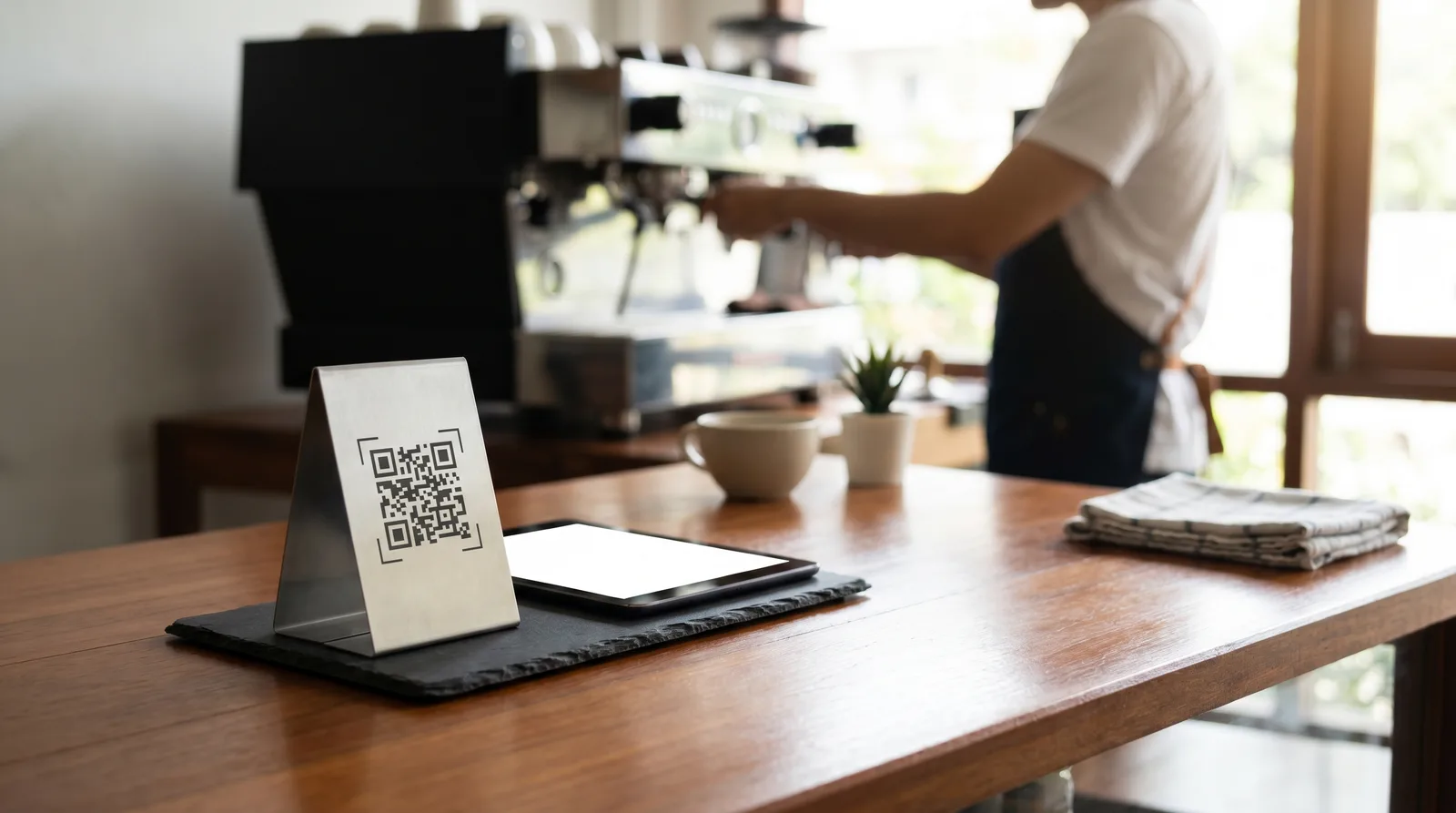
A digital menu is only useful once guests can reach it. After your scanned menu is reviewed and enriched, the final step is publishing it behind a QR code that you place on tables, the door, or the bar.
From there, the benefits compound. Because the menu is now structured data rather than ink on paper, you can update a price or mark an item sold out in seconds, and every QR code reflects the change instantly. You can restyle the menu in the design studio, run promo popups, and reprice for different dayparts without paying a printer. Going code-first turns a static document into a flexible asset you can refine whenever the kitchen changes.
The strategic shift is worth naming. The afternoon you used to spend retyping a menu becomes a few minutes of scanning, and the menu itself becomes a living, measurable asset instead of a static document you reprint every quarter.
Get Your Menu Online Today
Paper menus are not the obstacle to going digital - the data entry behind them is. AI menu scanning removes that obstacle entirely, turning a one-afternoon chore into a few-minute upload. You keep all the work you already put into your menu and gain instant updates, AI translations, custom design, and a polished guest experience on top.
If you have a photo or PDF of your current menu sitting on your phone right now, you are minutes away from a live digital version. Explore the Vino pricing plans to see which tier fits your restaurant, upload your menu, and let AI do the typing so you can get back to running your floor.
Ready to go digital?
Create your restaurant's smart digital menu in minutes with Vino. No app downloads, no complicated setup.