A hotel digital menu for every outlet you run
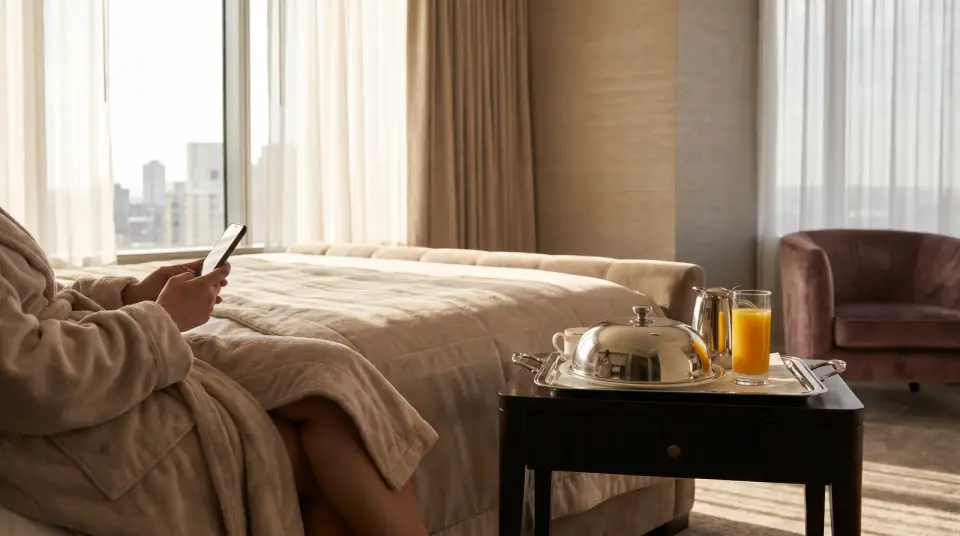
A hotel runs several food businesses under one roof: breakfast, the restaurant, a lobby bar, maybe a pool bar, and room service on its own clock. Vino gives each one its own live menu and QR codes, managed from a single dashboard, in the languages your guests actually read.
 Best fit: Business
What makes hotel menus hard to keep right.
Hotel food and drink is spread across outlets, opening hours and languages. A printed card can't keep up with any of them.
The room-service card goes stale
The folder in the room still shows last season's prices and a kitchen that closed an hour ago. Guests who can't trust the card don't order from it.
Several outlets, several menus
Breakfast, the restaurant, the lobby bar and the pool each have their own items, prices and hours. Keeping every printed version current is a job nobody has time for.
Guests from everywhere
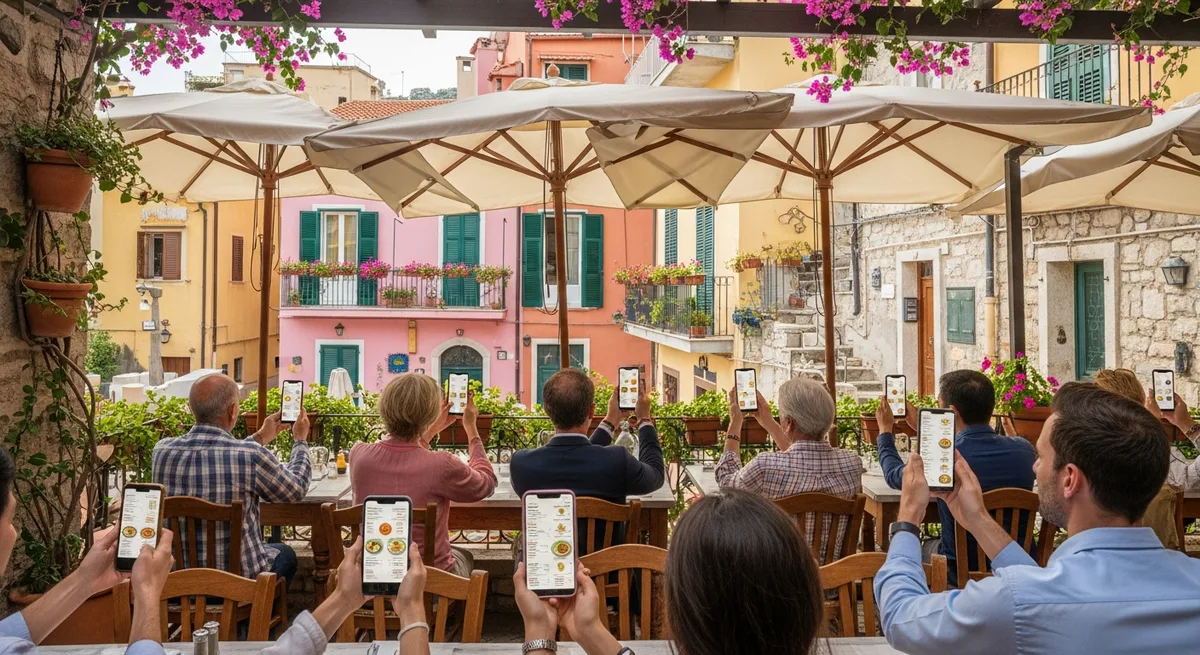
One evening can bring guests who read English, German, Arabic and Russian. A menu in a single language leaves many of them guessing about ingredients and allergens.
Seasonal and late-night hours
The pool bar opens for the summer, the night menu is shorter than dinner, and breakfast stops at a set time. One static menu can't show any of that.
Built for how hotels run.
Hotels lean on three parts of Vino: a separate location for each outlet, the language tools and schedules that follow your hours.
Every outlet as its own location
Set up room service, the restaurant, the lobby bar and the pool as separate locations, each with its own menu, public link, QR codes and hours. Open a new outlet by copying another outlet's menu, then edit it.
Set up and manage your locationsNine languages, Arabic and Hebrew included
Guests tap the language selector and the whole menu switches, with Arabic and Hebrew laid out right to left. Business adds AI auto-translation, which fills every enabled language when you save and keeps dish names as written.
Turn on AI auto-translation for your menuMenus that follow your hours
Schedule a category for certain days, a time window or a date range. The night menu takes over from dinner at the hour you set, and the pool menu shows only during the season.
Allergens guests can check themselves
Tag each dish with any of the 14 EU allergens and labels like Vegan. Guests see them as badges on the menu and in every dish's details, without having to call down and ask.
Add categories and items to your menuOne tap to call room service
A branded landing page can greet guests before the menu, with phone and WhatsApp buttons, directions and quick links to pages like your events or wine list.
Build a branded landing page for your menuNumbers for each outlet
Analytics are kept per location, so you can compare menu views, most-viewed dishes, busy hours and guest languages in the restaurant against the bar.
Track menu views and grow with AnalyticsA hotel already on Vino.
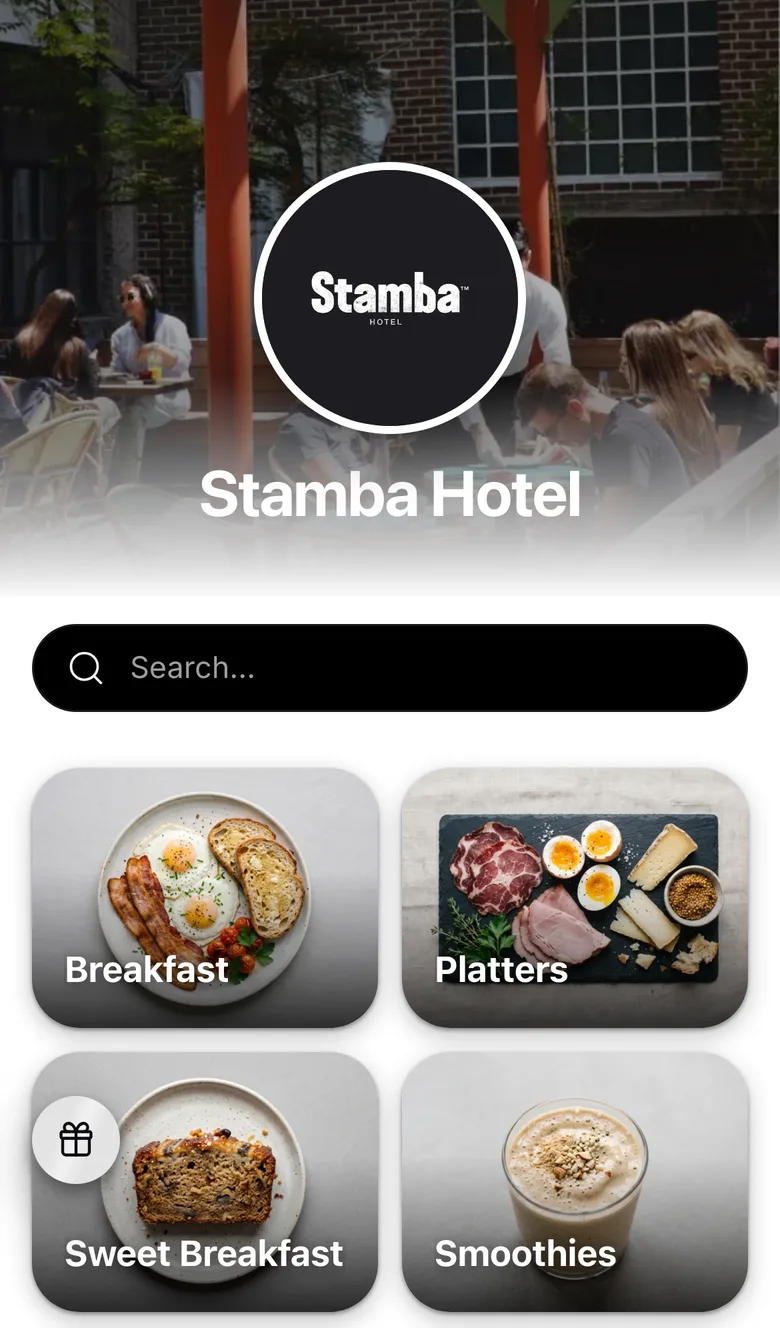
Stamba Hotel runs its menu on Vino. It opens on a photo header with the hotel's logo, followed by its sections as photo tiles.
Why Business fits a hotel
Business includes three locations, enough for a restaurant, a bar and room service, and you can add outlets as you need them. It adds AI translation for international guests, online reservations for your restaurant, the branded landing page and analytics for every outlet. Try it free for 14 days.
- Three locations included, more as you grow
- AI auto-translation into every enabled language
- Online reservations for the restaurant
- Analytics and a Customer Club per outlet
- StudioStudio adds Guest Video Rewards: guests film a short clip of their meal, in a flow that speaks all nine languages, and earn a free menu item you choose.
- CustomRunning ten or more locations across properties? Contact us for a custom setup.
Questions from hotel teams.
Yes. Each outlet is a location with its own menu, public link and QR codes, and you manage them all from one dashboard. Business includes three locations and you can add more. A new outlet can start as a copy of an existing menu.
They tap the language selector at the top of the menu and everything switches, from section names to dish descriptions. You can offer up to nine languages, and Arabic and Hebrew display right to left. On Business, AI fills in the translations when you save.
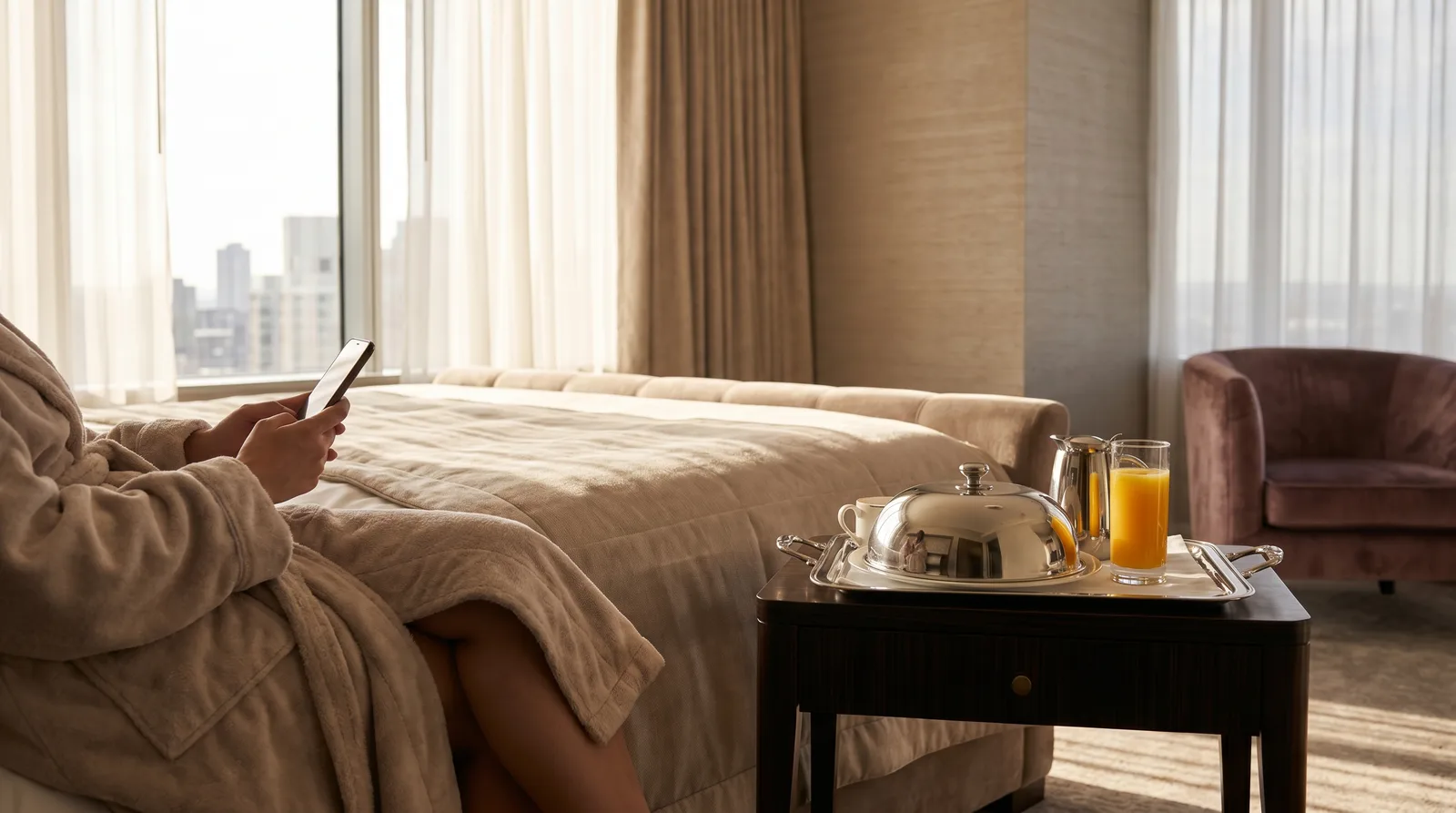
Put the room-service menu behind a QR code in each room, so guests browse current dishes and prices on their own phone. Add phone and WhatsApp buttons to your landing page and calling to order is one tap away. In the restaurant and bars, table service lets seated guests order from their table.
Yes. Give the dinner and night categories availability schedules and each appears only in its own time window, in your property's timezone. Seasonal outlets work the same way with a date range.
One dashboard for every outlet
Start with a single outlet on Free, or book a demo and we'll map your property's menus with you.