Multi Location Restaurant Management: Menu Playbook
A practical guide to multi location restaurant management: keep menus, prices, and QR codes consistent across every site from one dashboard without the chaos.

On this page 7
A guest scans the QR code at your downtown location and orders the truffle burger for $19. Two miles away at your second site, the same burger reads $17, and the gluten-free bun is missing entirely. Neither price is wrong on purpose. Someone updated one menu in March and forgot the other existed. That gap is the most expensive habit in multi location restaurant management, and it hides in plain sight.
The more sites you run, the faster small inconsistencies multiply into lost margin, frustrated guests, and staff who no longer trust the menu in front of them. Here is how to manage menus across every location without drowning in spreadsheets.
Why Multi Location Restaurant Management Breaks Down
Most groups do not fail at scale because of bad food. They fail because their operating system is a pile of disconnected files. Each location ends up with its own PDF, its own printer, and its own version of the truth.
The cost is real. According to the National Restaurant Association, the typical full-service restaurant runs on margins between 3% and 5%, so a few mispriced items repeated across sites can quietly erase a location's profit for the month.
The breakdown usually follows the same pattern: a price change goes out to three of your five locations, a seasonal item gets pulled in one city but stays live in another, and an allergen correction never reaches the rest. When the source of truth is scattered, every update becomes a manual relay race, and things get dropped.
Centralize Multi Location Restaurant Management
The fix is structural, not heroic. You do not need staff who never make mistakes. You need a system where one change propagates correctly and predictably.
This is the core of effective multi location restaurant management: a single dashboard that controls every site. Vino is built around exactly this model. You manage all of your locations from one place, and each location keeps its own menu URL and its own QR codes. Update a price or pull an item, and you are editing one record instead of chasing five.
The practical rule: decide what is shared and what is local before you scale. Most groups treat brand items, descriptions, and photography as shared assets, while letting price and availability flex by location. Document that policy once so every manager knows which levers they can pull.
Balance Consistency With Local Flexibility
Total uniformity is a trap. A location near a stadium has different peak hours than one in a business district. A tourist-heavy site needs languages a suburban site does not. Rigid central control leaves money on the table.
The goal is governed flexibility. Lock the things that protect your brand and your margins, and free the things that respond to local demand. Concrete examples worth allowing per location:
- Local pricing. Rent and labor differ by neighborhood. A $2 swing on entrees is often justified.
- Language mix. A multilingual menu matters far more in a tourist district. Vino's AI auto-translation lets you publish each location's menu in the languages its guests actually speak, which is especially useful for tourist-heavy sites.
- Daypart and availability. Let managers toggle items in and out based on what their kitchen can deliver that shift.
Research from Deloitte's restaurant consumer work suggests personalization and relevance meaningfully lift guest satisfaction, and location-aware menus are one of the simplest ways to deliver it.
Standardize QR Codes and Onboarding
Every new location is a chance to introduce a new inconsistency. Standardizing the launch process stops that before it starts.
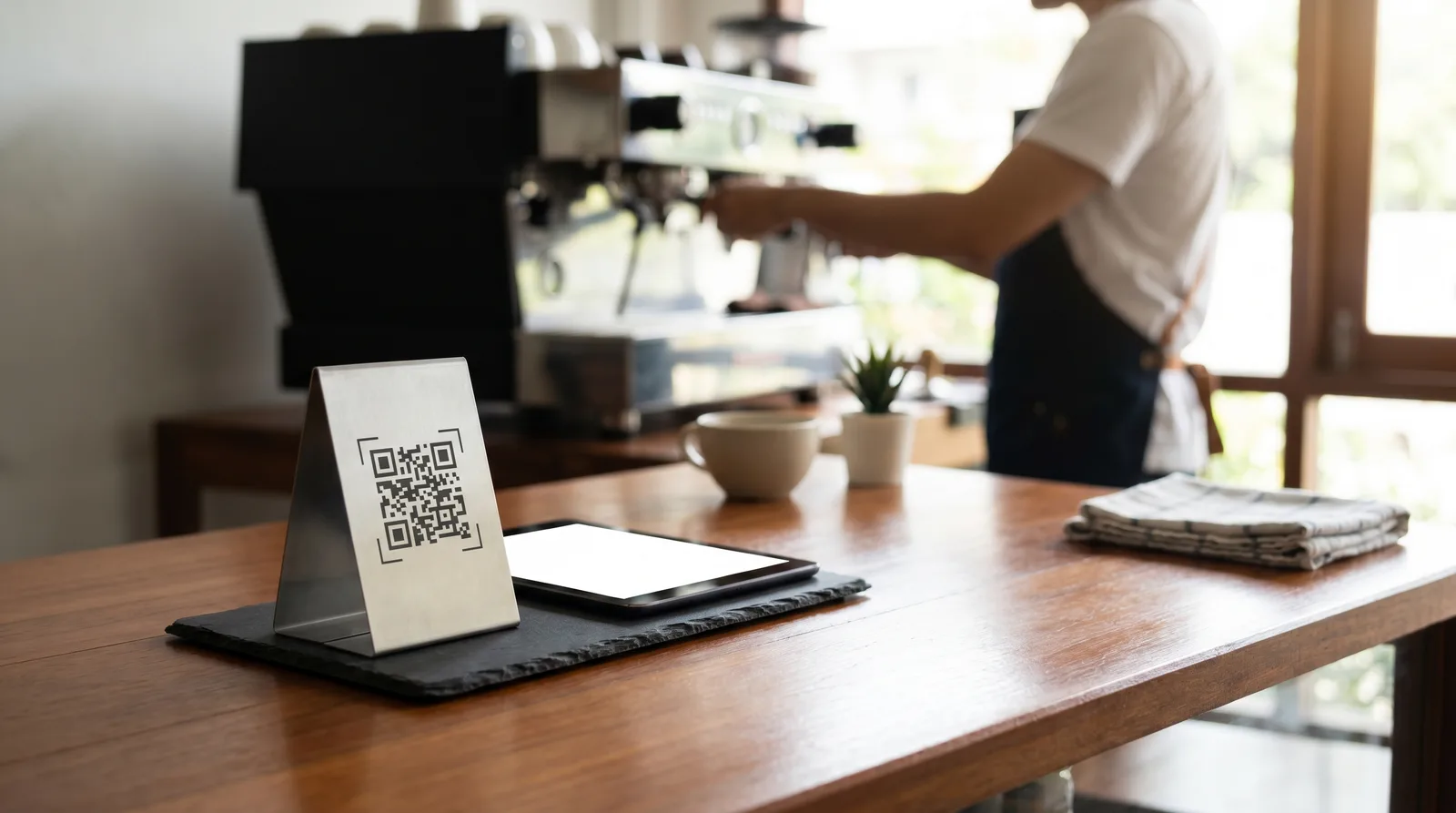
Give each site its own QR codes pointing to its own menu URL, but generate them from the same dashboard so they share design, branding, and tracking. When a guest scans, they land on the right menu for that exact venue, not a generic group page. Keeping the code design consistent across every table also protects scan rates as you grow.
A repeatable onboarding checklist for each new location:
- Clone your master menu as the starting template.
- Adjust local pricing and availability only where policy allows.
- Generate the location's QR codes and table signage.
- Confirm languages, allergen notes, and modifiers are present.
The first location takes the longest. By your fourth, this should be a same-day task.
Use Analytics to Compare Locations
The real advantage of managing every site from one dashboard is not just control - it is comparison. When all your menus live in one system, you can finally see which items win where.
Menu analytics let you answer questions a stack of PDFs never could. Which dish is a top seller at one site and a dud at another? Where is browse-to-order conversion lowest?
Practical moves once you can see the data:
- Roll a high-performing item from one location into others as a test.
- Spot a price that suppresses conversion at one site and adjust only there.
- Identify a category that underperforms group-wide and redesign it once for everyone.
A McKinsey analysis of consumer businesses found that organizations using data extensively to guide decisions consistently outperform peers on growth, and a group running five menus blind is ignoring its richest dataset. Managing every site from a single dashboard turns each location's menu into comparable data instead of an isolated file.
Build a Change-Management Routine
Tools prevent chaos only if people use them consistently. The final piece is a simple operating rhythm.
Set one rule: all menu changes go through the central dashboard, never on paper at the location. Assign a single owner for menu data per region. Schedule a brief monthly review to confirm prices, allergens, and availability match policy across every site. This habit catches drift before guests do.
When a change is genuinely global, such as a brand-wide price increase or a new allergen disclosure required by regulation, push it from the center and confirm it landed everywhere. One edit, all locations, verified.
Bring Every Location Into One View
Multi location restaurant management gets harder with every site you add, but only if your tools force you to manage each one separately. Centralize the menu, govern what flexes locally, standardize how new sites launch, and let analytics tell you where to act. The groups that scale cleanly are not the ones with flawless staff. They are the ones whose system makes the right update the easy update.
Once operations are consistent, the next lever is demand: our companion guide to multi location restaurant marketing covers how to grow each site's local audience without fracturing the brand.
If your locations are still running on mismatched PDFs and orphaned QR codes, see how Vino brings every menu, QR code, and report into one dashboard on our features page. Manage all your sites from a single login and make the right update the easy one.
Ready to go digital?
Create your restaurant's smart digital menu in minutes with Vino. No app downloads, no complicated setup.