Multilingual Digital Menus: Serve Every Tourist With One QR
Learn how a multilingual restaurant menu boosts tourist spending, cuts printing costs, and serves every guest in their language with one QR code.
On this page 6
A couple sits down at your terrace in Barcelona. They pick up the menu, squint at it, flip it over, and then do what every confused tourist does - they point at a random item and hope for the best. They skip the appetizers, skip the wine pairing, and definitely skip dessert. Not because they weren't hungry, but because they couldn't read your menu.
Now multiply that by the thousands of international visitors who walk through restaurant doors every season. That's not just a communication gap. It's a revenue gap - and a multilingual restaurant menu is the simplest way to close it.
The Real Cost of a Single-Language Menu
International tourism hit 1.5 billion arrivals in 2024 and continues to climb, according to the UN World Tourism Organization. In popular destinations like Southern Europe, Southeast Asia, and the Middle East, foreign tourists can account for 40-70% of restaurant traffic during peak season.
Here's what the data tells us: tourists spend an average of 20-35% more per meal when they can fully understand a menu. That includes add-ons like starters, sides, desserts, and premium drinks - items that get skipped when guests are guessing at descriptions they can't read. For a restaurant doing 80 covers a night in a tourist area, that could mean thousands in lost revenue every single week.
Printing translated menus sounds like the obvious fix. But anyone who's tried it knows the reality: you end up with a stack of eight different laminated booklets, half of them outdated, and your servers waste time figuring out which one to hand over.
Auto-Detect vs. Manual Language Selection: What Works Better
Most multilingual restaurant menu platforms offer two approaches: automatic detection based on the guest's phone settings, or a manual language picker.
Auto-detection sounds elegant, but it has a real-world problem. A German tourist living in Spain may have their phone set to Spanish. A Japanese businessperson might use English as their device language.
The better approach is a hybrid: auto-detect the language as a default, but make the language selector obvious and accessible at the top of the menu. One tap, and the guest switches to their preferred language.
Translation vs. Localization: Why Google Translate Will Embarrass You
There's a critical difference between translation and localization. Translation converts words. Localization converts meaning.
Consider a Spanish dish called "Secreto Ibérico." A direct translation might give you "Iberian Secret" - which tells a tourist absolutely nothing. A localized version would say "Iberian pork loin cut, grilled, with sea salt" - preserving the original name while adding context.
Common localization pitfalls to avoid:
- Dish names that don't translate. Keep the original name and add a clear description beneath it.
- Ingredient assumptions. "Rocket salad" means nothing in American English (they say arugula). "Aubergine" confuses Americans; "eggplant" confuses Brits.
- Portion context. Add subtle cues like "perfect for sharing" or "a full portion" to guide expectations.
Supporting 5+ Languages Without Menu Clutter: The QR Code Advantage
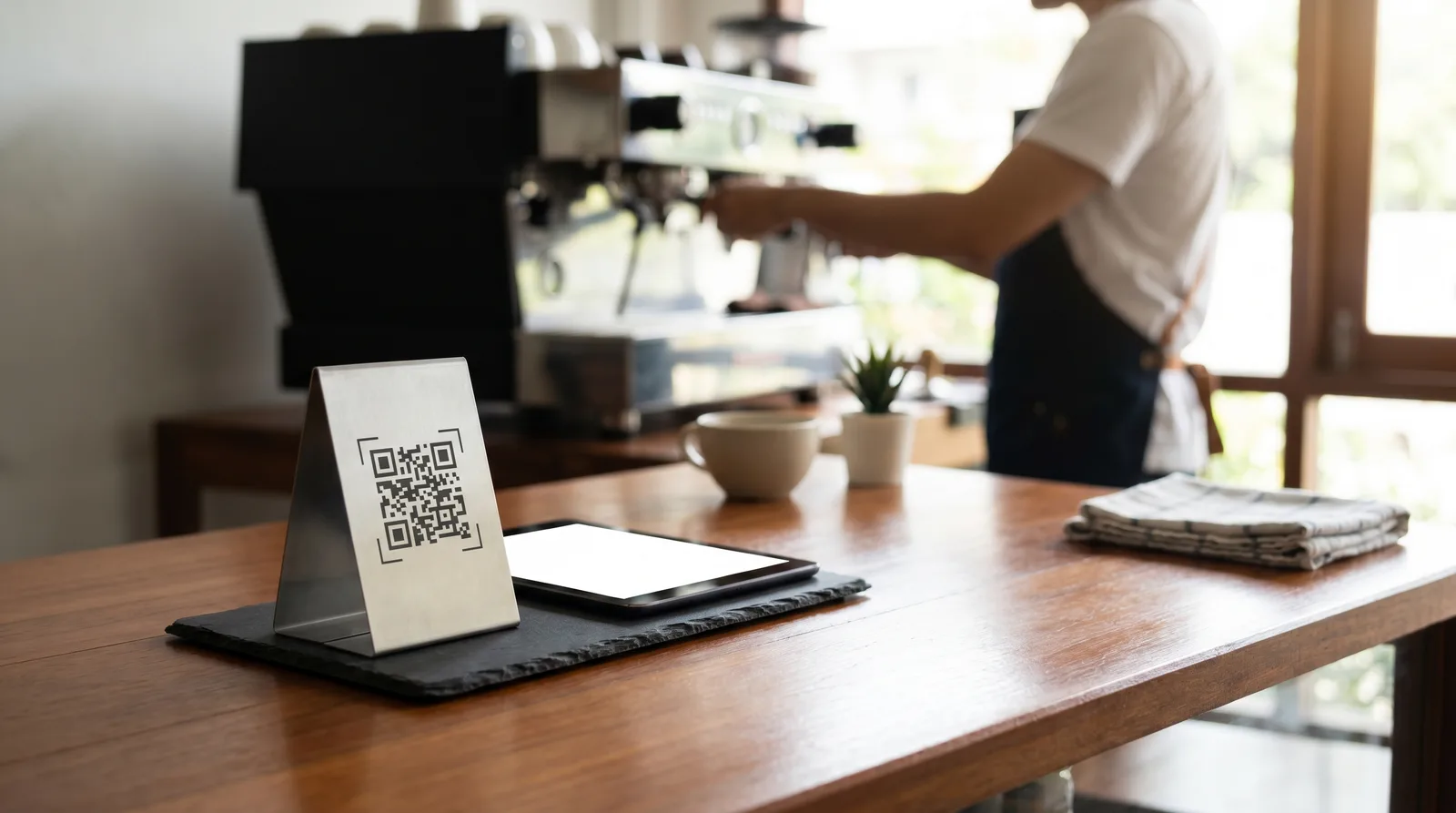
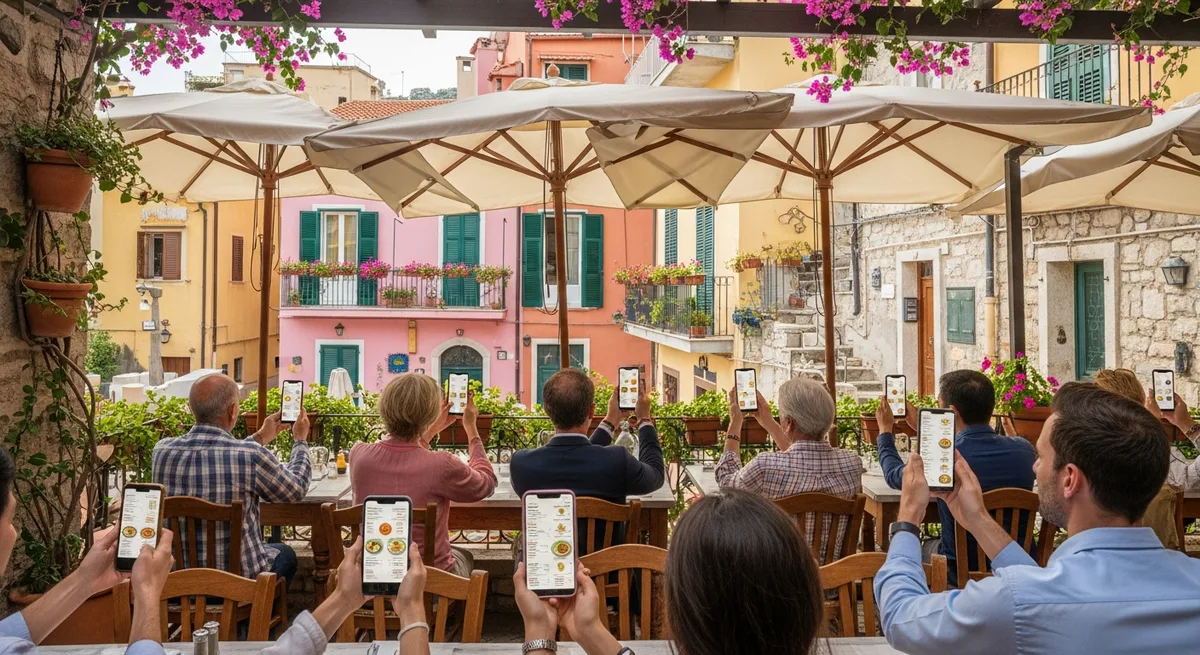
This is where digital menus fundamentally change the game. A printed menu supporting five languages would be a 20-page novel. A QR code menu supports unlimited languages in the exact same scan.
The guest scans one QR code. The menu loads in their language. Every language version has the same layout, the same photos, the same structure. There's zero clutter because each guest only sees one language at a time.
This also solves the update problem permanently. Change a price, add a seasonal dish, or fix a translation - it's live in every language within minutes.
Handling Currency, Dietary Terms, and Cultural Dining Expectations
A truly localized multilingual restaurant menu goes beyond language:
Currency display. If you're in a eurozone country serving American and British tourists, consider adding a subtle note like "approximately $11 USD" for high-ticket items. Vino lets you display local currency alongside a converted estimate.
Dietary and allergen terms. "Gluten-free," "halal," "vegan," and common allergen labels must be translated precisely. Use universally recognized icons alongside translated labels for maximum clarity.
Cultural dining norms. Some guests expect bread on the table for free. Others expect to pay for water. Add small contextual notes: "Cover charge of €2 includes bread and water."
Setup Guide: Launch Your First Multilingual Menu in Under 30 Minutes
Minutes 1-5: Audit your current menu. Identify your core dishes that stay on the menu year-round.
Minutes 5-15: Set up your digital menu platform. Upload dishes, descriptions, prices, and photos. With Vino, the structure is already built for multi-language support.
Minutes 15-25: Add your priority languages. Start with the top 2-3 languages your tourists actually speak. Check your Google reviews - the languages people write in tell you exactly which markets you're serving.
Minutes 25-30: Generate and place your QR codes. One code serves every language. Test it yourself - scan with your phone, switch languages, make sure every dish reads naturally. And if budget is a concern, know that going digital doesn't have to be expensive - see how to set up an affordable digital menu for a small restaurant.
Every tourist who can't read your menu is a tourist who orders less, tips less, and doesn't come back. A multilingual restaurant menu removes that barrier entirely. Set up your multilingual digital menu today - your next international guest is already on the way.
Ready to go digital?
Create your restaurant's smart digital menu in minutes with Vino. No app downloads, no complicated setup.