Digital Menus for Hotels: Room Service & Lobby Bar
A digital menu for hotels runs room service, lobby bar, and pool QR menus from one dashboard, with multilingual menus built for every international guest.
On this page 7
A guest checks in at 11 p.m. after a delayed flight, finds a laminated room-service card in the desk drawer, and sees half the items crossed out in pen and the kitchen closed an hour ago. They order nothing. Multiply that across 180 rooms and a peak season of international travelers, and you have a revenue leak no front desk ever sees. A digital menu for hotels closes that gap.
A digital menu for hotels lets a property run room service, the lobby bar, the pool deck, and the restaurant as separate QR-code menus managed from one dashboard. Guests scan a code, browse in their own language with photos and prices, and staff update items, hours, and availability in real time across every outlet.
Why a Digital Menu for Hotels Means Multiple Outlets
A single restaurant has one menu. A hotel has a portfolio: breakfast buffet, all-day lobby café, a summer-only poolside grill, a rooftop bar, and room service on its own schedule. Managing that with printed cards and PDFs means version chaos: outdated prices, items that ran out weeks ago, and no way to know which outlet is actually selling.
Hospitality is also where guest expectations have shifted fastest. Industry research from Deloitte consistently shows travelers now expect the same frictionless, mobile-first service in hotels that they get from the apps they use at home. A drawer card cannot deliver that. A connected set of digital menus can.
The operational case is just as strong:
- One source of truth. Update a price once and it changes everywhere that item appears.
- No reprint cycle. Seasonal menus, specials, and 86'd items change in seconds, not at the next print run.
- Outlet-level control. Each venue has its own hours, branding, and item list, so the pool menu never appears in the steakhouse.
- Lower handling cost. No laminated cards to sanitize or replace. The hidden costs of paper menus add up quietly across a large property.
Room Service and In-Room Dining QR Menus
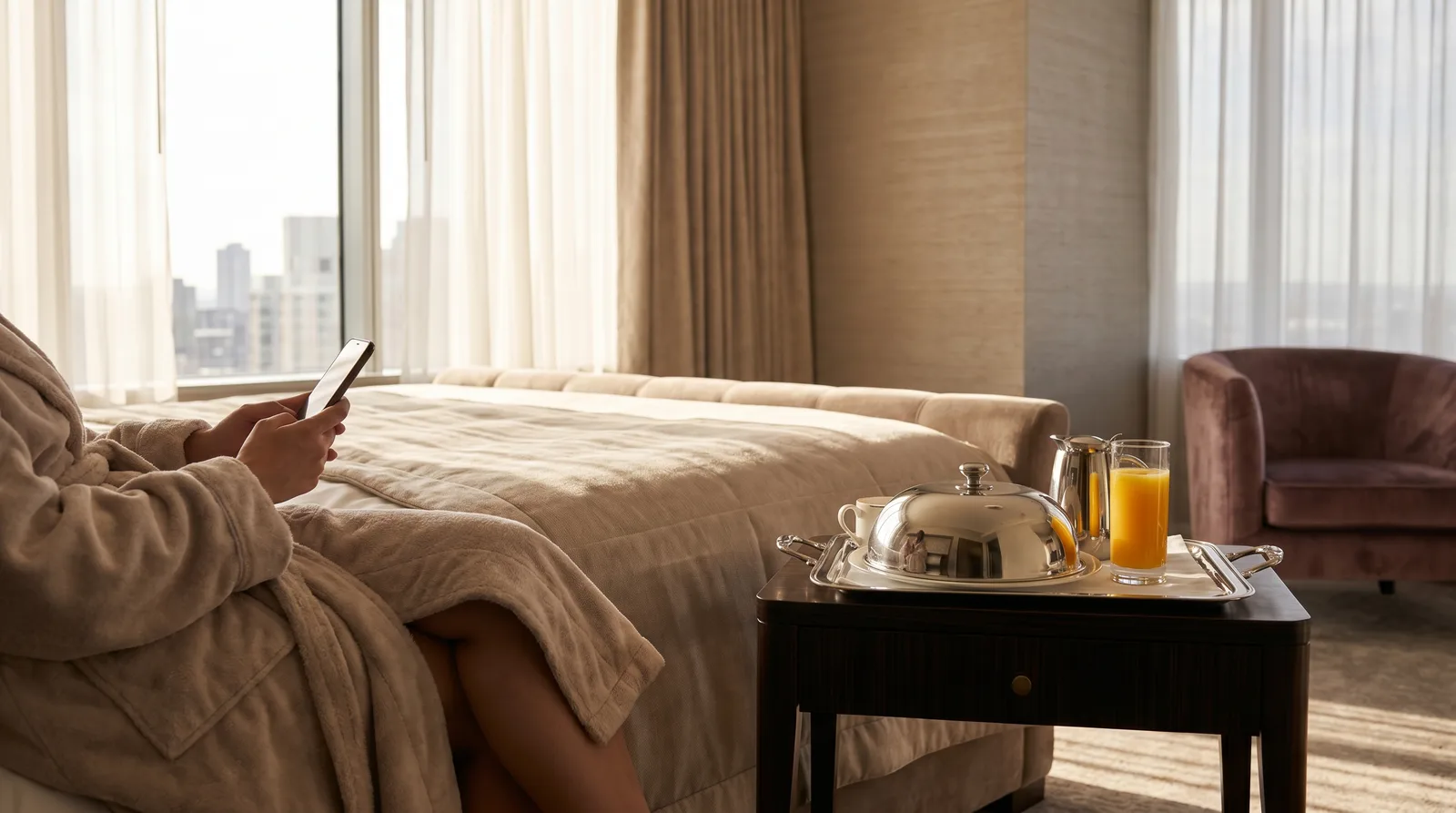
Room service is where digital menus earn their keep first. Place a QR code on the nightstand or in-room directory, and the guest opens a full in-room dining menu on their own phone, no app to download, no card to find.
Because the menu is digital, it does things a printed card never could. It shows real photos of each dish, lists allergens and dietary tags, and reflects live availability so guests never order something the kitchen ran out of. It also respects hours: when the late-night menu kicks in, the full dinner list disappears and only what the kitchen can make shows.
Properties choose how orders flow. Some enable order-and-pay through the menu, charging to the room or a card on file. Others keep a call-to-order model where the guest browses, then dials to confirm. Either way, the guest decides at their own pace, which tends to lift average order value as photos and descriptions do the upselling for you.
Lobby, Pool, and Restaurant Menus in One Dashboard
The real advantage shows up when every outlet lives in the same back end. From one login, a manager runs distinct menus for the lobby café, the pool deck, the restaurant, and the bar, each with its own design, language set, and hours.
This is where multi-outlet tools separate from single-restaurant apps. A platform like Vino Smart Menus treats each venue as its own menu with shared management, so a regional director oversees several properties without juggling five systems. Staff turnover, a constant in hospitality, stops being a training nightmare because the dashboard is the same everywhere.
A few patterns work especially well:
- Pool and seasonal outlets switch on and off by date, so the summer grill goes live when the season opens.
- The lobby bar runs a daytime coffee menu and an evening cocktail list from one QR code, toggled by time of day.
- The flagship restaurant carries the richest menu, with pairing notes, chef descriptions, and full photography.
If your property still relies on printed inserts, the QR code menu vs printed menu cost breakdown shows how quickly a multi-outlet operation recovers the difference.
Multilingual and RTL Menus for International Guests
Hotels serve the most linguistically diverse customer base in food service. A single weekend brings guests who read English, German, French, Arabic, and Hebrew, and a one-language menu quietly limits what most of them order.
Digital menus solve this without printing five versions of every card. Vino offers up to nine languages, including right-to-left scripts like Arabic and Hebrew, so a guest taps their language once and the entire menu, across every outlet, renders correctly for them. For why this matters in tourist-heavy markets, see our guide to the multilingual digital menu for tourist restaurants.
The payoff is concrete: guests order more confidently when they understand ingredients and allergens, staff field fewer translation questions, and travelers feel the property was built with them in mind.
Live Updates and Outlet-Level Analytics
A printed menu tells you nothing. A digital one tells you what is happening. Because each outlet's menu is tracked, managers can see which items sell most at the pool versus the restaurant, when demand peaks, and which seasonal additions are pulling their weight.
That data turns guesswork into decisions. If a $24 room-service entrée gets plenty of views but few orders, the price or the photo is the problem, and you can test a fix that afternoon. Our restaurant menu analytics guide covers how to read these signals across outlets.
Live updates are the other half. Run out of salmon at the pool grill, mark it unavailable, and it disappears instantly from that outlet only. Change happy-hour pricing at 4 p.m. and it is live before the first guest sits down. Nothing reprints, nothing goes stale.
Rolling Out a Digital Menu for Hotels Across a Property
You do not have to convert the whole hotel at once. The cleanest rollout is one outlet at a time:
- Start with room service. It has the clearest revenue case and the simplest QR placement, one code per room.
- Add the lobby and pool next. High-traffic, low-risk venues where guests already expect to use their phones.
- Bring in the restaurant and bar last. These carry the richest menus and benefit most from the photography and language tools.
- Brief the front desk. A one-line mention at check-in ("scan the code by your bed for room service") lifts adoption.
Keep a few printed cards as a fallback, and place QR codes where eyes already land: nightstands, elevator banks, pool loungers, and table tents. Within weeks, scanning becomes the default.
Ready to see how it fits your property? Explore the full feature set, then check the pricing page, where the Free plan lets you trial a single outlet at no cost before rolling out floor by floor.
Frequently Asked Questions
How do digital menus work for hotels?
Hotels run multiple outlet menus, room service, lobby, pool, and restaurant, from a single dashboard. Guests scan a QR code to browse a multilingual menu with photos and prices, while staff update items, availability, and pricing in real time across every outlet.
Can a hotel offer room service through a QR code menu?
Yes. An in-room QR code opens a digital room-service menu guests browse on their own phone, complete with photos, allergens, and pricing. Properties can enable order-and-pay with room charging or keep a simple call-to-order model, configured per outlet.
Do hotel digital menus support multiple languages?
Yes. The better platforms offer up to nine languages, including right-to-left scripts such as Arabic and Hebrew, so international guests read every hotel outlet's menu in their own language after a single tap, no separate printed versions required.
Ready to go digital?
Create your restaurant's smart digital menu in minutes with Vino. No app downloads, no complicated setup.
Related articles
We Analyzed 30,000 QR Menu Interactions. Here Is the Data on How Diners Really Read Your Menu.
8 min read
Why Every Restaurant Owner Needs a Peer Community
5 min read
Digital Menu Without a POS: Toast & Square Alternatives
6 min read
Digital Menu Customer Journey for Customer Retention
6 min read