Digital Menu Without a POS: Toast & Square Alternatives
Want a digital menu without a POS? Compare standalone alternatives to Toast and Square QR menus, with no hardware lease and lower, predictable monthly cost.
On this page 7
A cafe owner in Lyon recently priced out Toast for a single goal: a clean QR code menu diners could scan at the table. The quote came back with a terminal lease, a payment-processing contract, and a multi-year commitment, all for a feature that should cost a fraction of that. She wanted a digital menu without a POS, and instead got pitched an entire register system.
You do not need a point-of-sale system to run a digital menu without a POS. Standalone platforms display your dishes, photos, prices, and languages through a scannable QR code, running independently of any register. You keep your current payment setup and skip the hardware lease, processing lock-in, and per-terminal fees.
Why a Digital Menu Without a POS Works Fine
A point-of-sale system exists to take payment, track tickets, and manage staff. A digital menu has a different job: show diners what you serve and help them decide. These two functions are bundled together in big platforms, but they are not technically married. Plenty of restaurants run a beautiful digital menu without a POS, scanning QR codes that lead straight to a mobile-friendly page.
What diners actually want from a menu is speed and clarity. Industry data from NerdWallet on small-business technology consistently shows owners overspend on bundled tools they only partly use. A menu-only platform strips that waste away. You get the customer-facing experience without paying for register hardware behind the counter.
There is also a flexibility argument. When your menu lives separately from your POS, switching payment providers later does not break it. Decoupling protects you.
POS Menu Add-Ons vs Standalone Digital Menus
Both routes produce a QR code on the table. What differs is everything behind it. Here is the practical breakdown:
- Setup and hardware: A POS add-on usually assumes you already lease terminals and printers. A standalone menu needs nothing but your existing phones and a web link.
- Contract terms: POS platforms often want multi-year processing agreements. Standalone tools are typically month-to-month, cancel anytime.
- Cost structure: POS menus fold into per-terminal and per-transaction fees. Standalone menus charge a flat, predictable subscription.
- Feature focus: POS menus prioritize ordering and payment. Standalone menus prioritize display: AI food photos, multilingual versions, and instant edits.
- Speed to launch: A standalone QR code menu can go live in an afternoon; a full POS rollout takes weeks of training.
If your priority is showing a gorgeous, current, multilingual menu rather than rebuilding your checkout, the standalone path is lighter and cheaper.
The True Cost of Toast and Square QR Menus
The sticker price is never the whole story. Toast and Square both offer capable digital menu features, but those features arrive wrapped inside a broader commercial relationship. That is where the real cost hides. We unpack the Toast side, hardware, agreement terms, and what the menus actually include, in our Toast QR menu alternative comparison.
With a POS-led model, a QR menu typically comes attached to:
- Hardware leases for terminals, sometimes locked into financing you cannot exit early
- Payment processing fees on every transaction, often the largest line on the bill over a year
- Per-location or per-terminal software charges that scale faster than your menu needs do
- Setup and onboarding fees that exist whether or not you use the advanced features
For a restaurant that only wanted the menu, this is paying for a kitchen to boil an egg. The processing fees alone, charged on revenue you were going to earn anyway, can dwarf what a standalone menu subscription costs in a year. Our breakdown of the hidden costs of paper menus shows the other end of the spectrum too.
Standalone Digital Menu Alternatives for Restaurants
A standalone digital menu platform does one thing extremely well: it presents your menu. No register, no contract, no terminal. You sign up, build your menu, generate a QR code, and print it on a table card.
Vino Smart Menus is one example of this category. It runs entirely independently of your POS, with plans starting at a free tier and topping out at $79 per month for the Business level, no hardware lease anywhere in sight. The focus is squarely on what guests see: AI-generated food photos, a scan that turns a paper menu into a digital one in minutes, live price updates that publish instantly, and menus in nine languages including right-to-left Arabic and Hebrew for tourist-heavy rooms.
The point is not the brand; it is the model. A standalone tool keeps your costs flat and your menu rich. You can compare options side by side on our comparison page, and the full features list has the specifics.
When a POS-Integrated Menu Actually Makes Sense
Standalone is not always the right call, and it is worth being honest about that. A POS-integrated menu earns its keep when your guests order and pay directly from the table without a server, and you want those orders to flow straight into the kitchen and onto a single tab.
A POS-bundled menu makes sense if:
- You run a high-volume quick-service or fast-casual concept built around self-ordering
- You want inventory to decrement automatically as items sell out
- Your staffing model depends on guests placing and paying for orders themselves
- You already pay for the POS and the menu is genuinely free inside it
If that is you, the integration pays for itself. If, instead, you mainly want diners to browse a clean, photo-rich menu while servers handle ordering the way they always have, a standalone tool delivers that for far less. Most full-service and casual rooms fall into the second group.
How to Switch to a Digital Menu Without a POS
Moving to a standalone digital menu without a POS is refreshingly low-stakes, because you are not touching payments. Your register keeps running exactly as it does today.
Here is a clean rollout:
- Audit your current menu for items, prices, and any dishes that change seasonally.
- Pick a standalone platform and import or scan your existing menu to build it fast.
- Add photos and translations so the menu earns its place; visuals drive ordering.
- Generate one QR code and print it on table cards, window decals, or receipts.
- Train staff in five minutes on the one line they say: scan the code to view the menu.
- Edit live as needed, knowing every price change publishes instantly with no reprint.
Because there is no hardware to install and no contract to sign, most restaurants are fully live within a day. Compare options on the pricing page to see where you land.
Ready to give your tables a current, multilingual menu without buying a register? Start free with Vino, or book a quick demo to see a standalone digital menu running on your own dishes before you commit a single euro.
Frequently Asked Questions
Can I use a QR code menu without a POS?
Yes. Standalone digital menu platforms run independently of any point-of-sale system, so you can launch a branded QR code menu without hardware leases, processing contracts, or monthly POS fees. Diners scan, browse, and order through your existing staff and register.
What is a cheaper alternative to Toast or Square menus?
Standalone platforms like Vino Smart Menus offer QR code menus from a free tier up to $79 per month, with no per-terminal hardware lease and no processing contract. They focus purely on menu display, AI food photos, live price updates, and multilingual support for restaurants.
Will a standalone digital menu work with my existing POS?
Yes. A standalone digital menu sits alongside any POS as a view-and-engage menu. Your staff keep taking payment through your current system exactly as they do now, while diners browse a rich, always-current menu by scanning one QR code at the table.
Ready to go digital?
Create your restaurant's smart digital menu in minutes with Vino. No app downloads, no complicated setup.
Related articles
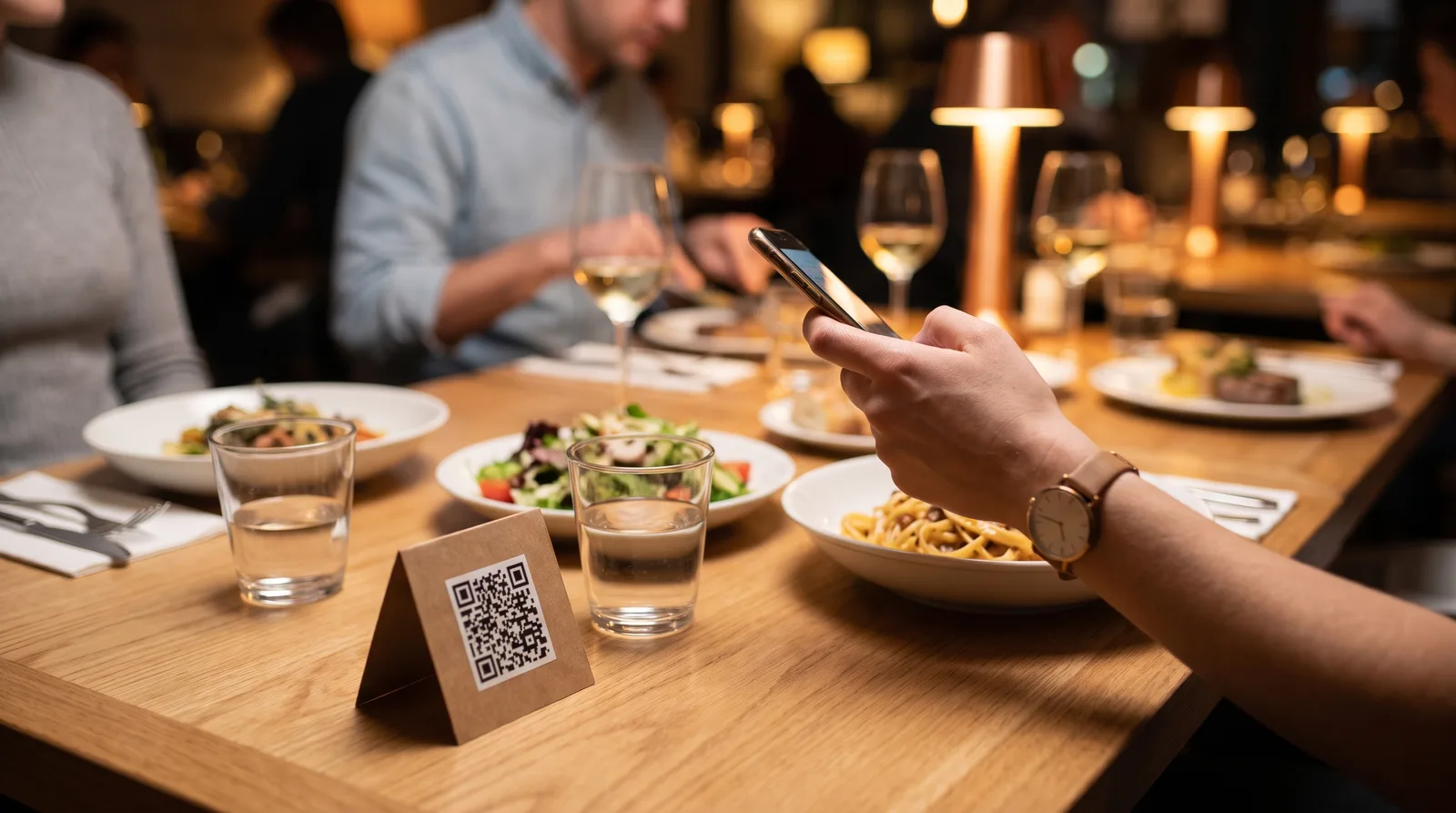
We Analyzed 30,000 QR Menu Interactions. Here Is the Data on How Diners Really Read Your Menu.
8 min read

Why Every Restaurant Owner Needs a Peer Community
5 min read

Digital Menu Customer Journey for Customer Retention
6 min read
QR Code Menu vs Printed Menu: A Year of Costs
8 min read