QR Code Order and Pay at the Table for Restaurants
Yes - guests can scan the menu, order, and pay right from the restaurant table. How QR code pay at table works, pay-now vs pay-at-register, and setup steps.
On this page 7
A table of six finishes brunch, and instead of flagging down a server, splitting the bill, and waiting for the card machine to make a second trip, each person taps their phone and walks out. That whole tail end of the meal — the part that ties up a table for ten extra minutes — collapses into about thirty seconds. That is the promise of QR code order and pay at the table.
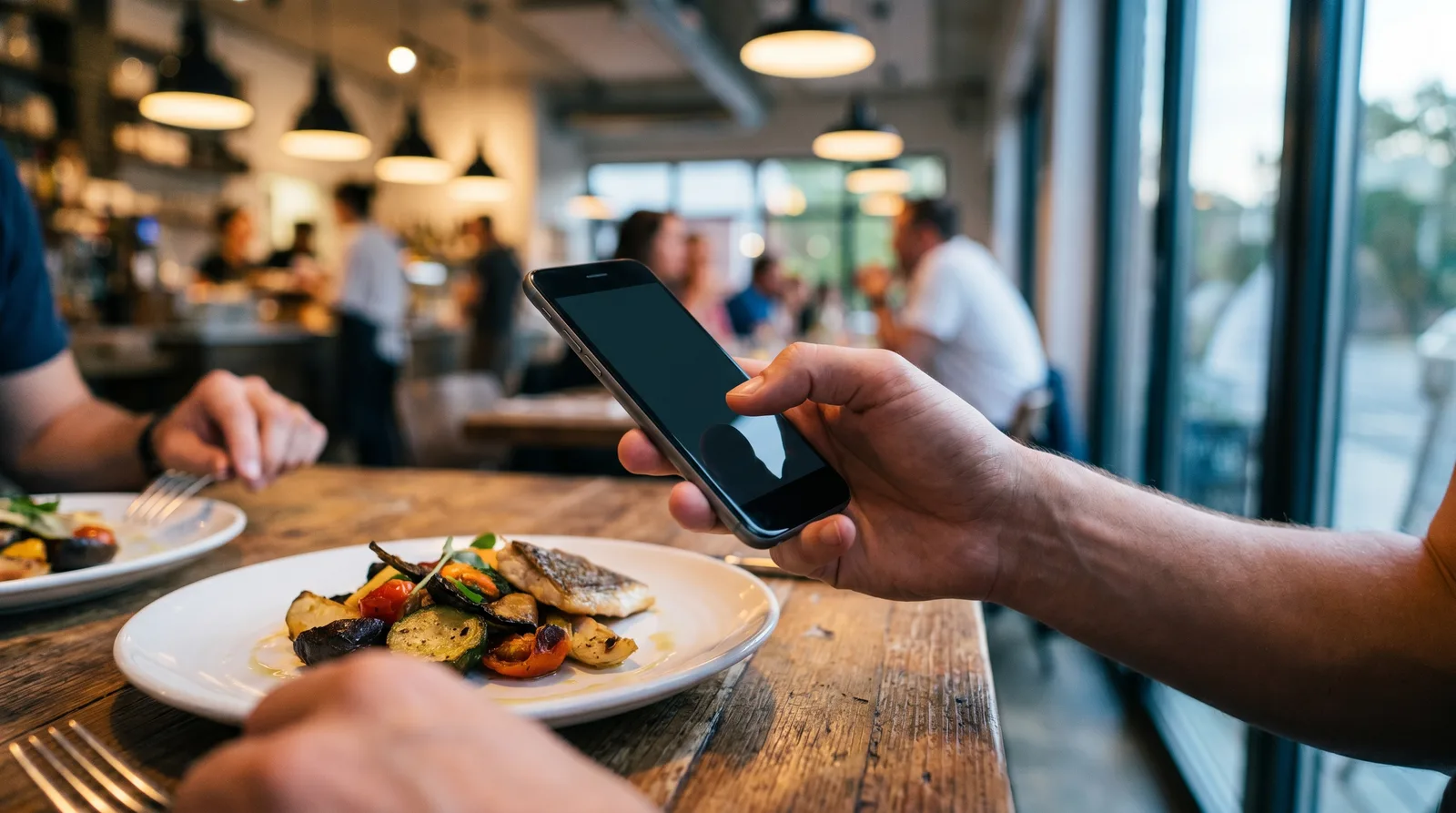
So can diners actually order and pay from a QR code menu? Yes. With an order-and-pay menu, guests scan the code, browse, send an order to the kitchen, and settle the check with Apple Pay, Google Pay, or a card — all from their phone's browser, no app required.
Can Diners Order and Pay From a QR Code Menu?
A view-only QR menu just shows your dishes. An order-and-pay menu adds two more steps: it sends the order to your kitchen or point of sale, and it collects payment. Both versions start with the same scan, so guests do not learn anything new.
The order-and-pay version matters because the slowest moments of a meal are usually the bookends — the wait to order and the wait to pay. Industry analysis from Deloitte has repeatedly found that diners want more control and speed over their restaurant experience, and self-service ordering is one of the clearest ways to deliver it. When guests can act the moment they are ready, you stop losing minutes to "Can we get the check?"
This does not replace your staff. It moves them off transcription and card-running and onto hospitality, refills, and upsells.
How QR Code Order and Pay at the Table Works
The flow is short and familiar to anyone who has used a food app, except there is nothing to download. Here is the typical scan-to-order-and-pay journey:
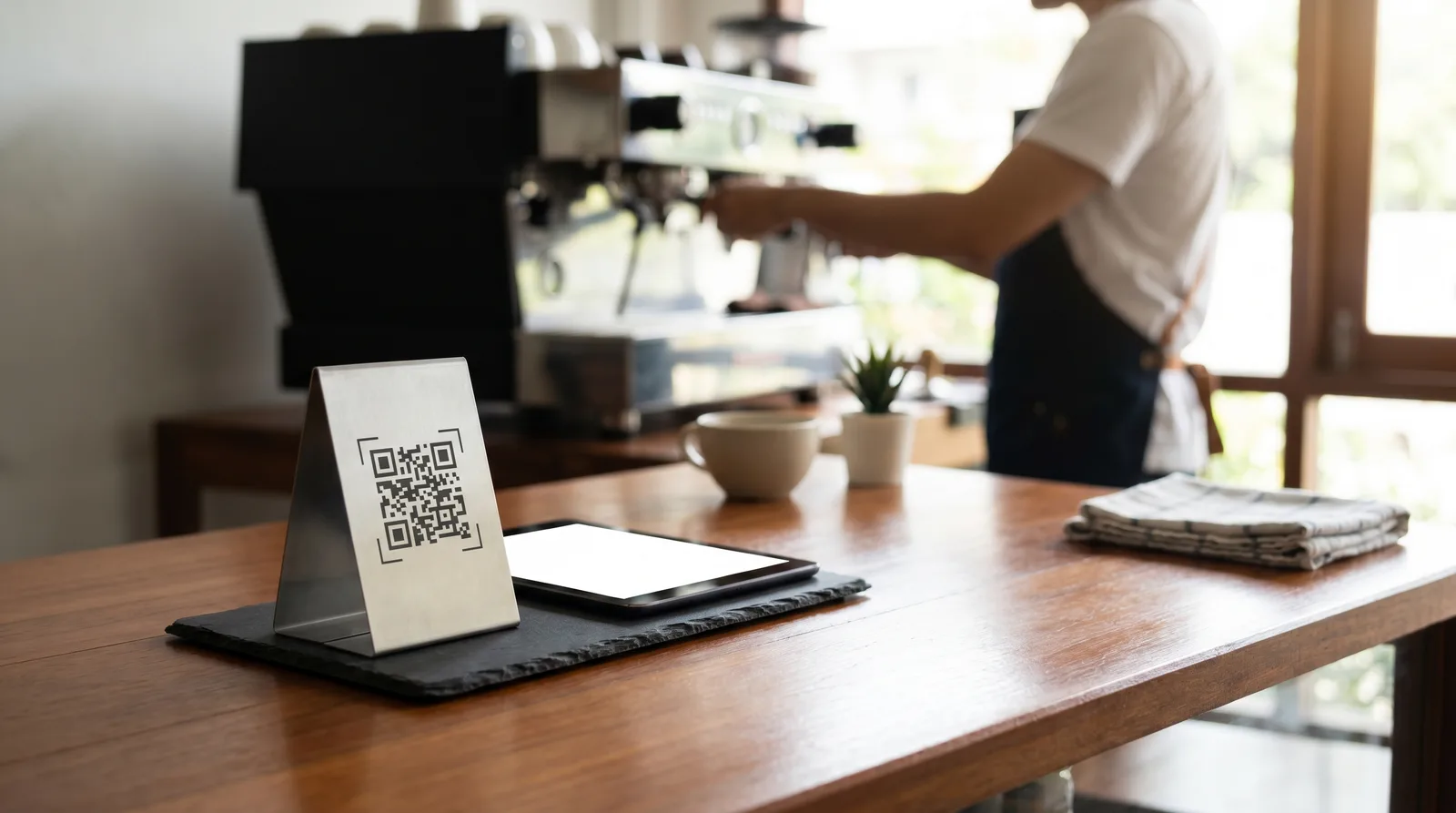
- Scan — The guest points their camera at a QR code on the table tent or sticker, which is tied to that specific table number.
- Browse and add — Your live menu opens in the browser, with photos, modifiers, and dietary labels. Guests add items to a cart.
- Send to kitchen — The order is transmitted to your POS, kitchen display, or printer, tagged with the table number so runners know where it goes.
- Pay — At checkout the guest pays from their phone, or chooses to pay later at the register, depending on how you have configured it.
- Confirm — A digital receipt appears on screen, and the table is cleared in your system for the next party.
Because every table has a unique code, you always know which order belongs where. No app store, no account creation, no friction.
Pay Now vs Pay at the Register
You do not have to push payment onto the phone to benefit. There are two common models, and the right one depends on your service style.
- Pay now (at the table) — The guest checks out before or after eating, directly in the browser. This is ideal for cafes, fast-casual, food halls, and bars where speed and self-service drive turnover. It also removes the awkward end-of-meal wait entirely.
- Pay at the register or with a server — The QR menu handles ordering and item-building, but the bill is settled the traditional way. This suits full-service restaurants that want digital ordering without changing their checkout flow, or venues that still run cash.
Many restaurants start with pay-at-register to ease into digital ordering, then switch on in-browser payment once staff and guests are comfortable. You can also mix the two: dine-in pays at the table, while a parked tab pays at the counter.
Apple Pay, Google Pay, and Card Options
Payment speed is where order-and-pay earns its keep. Because checkout happens in the phone's browser, guests can use the wallets already on their device.
- Apple Pay — One Face ID or thumbprint and the payment clears, with no card number to type.
- Google Pay — The same near-instant experience on Android devices.
- Card entry — Guests without a wallet can key in a card, and the browser can save it for next time.
- Tips and splitting — A good setup lets diners add a tip and split the bill by item or evenly, which historically slowed servers down the most.
Behind the scenes, payments run through a processor you connect, such as Stripe. The money lands in your account just as it would from a terminal, with one dashboard view of every transaction.
When Order-and-Pay Beats a View-Only Menu
Order-and-pay is not automatically the right call. It shines in specific service styles and can be overkill in others.
- High-volume, counter-style venues win most: cafes, quick-service, breweries, and food trucks where every saved minute means another covered seat.
- Understaffed shifts benefit because guests self-serve the ordering and paying steps, so a smaller team covers more tables without cutting service quality.
- Full-service, experience-led restaurants may prefer a view-only menu, where a server takes the order as part of the hospitality and the QR code simply replaces the printed sheet.
If you are weighing the two, our guide to QR code menu benefits covers the view-only case, and our piece on increasing table turnover explains why shaving minutes off the payment step can lift revenue without adding seats.
What Restaurants Need to Enable QR Code Order and Pay at the Table
The good news for most operators: you probably already have the pieces. To switch it on, you need a short checklist:
- A digital menu platform that supports ordering and payment, not just menu display.
- A connected payment processor so funds settle to your account and wallets work.
- A way to receive orders — a POS integration, a kitchen display, or a simple order printer.
- Table-specific QR codes so each order is routed to the correct table.
- A quick staff briefing so your team knows how orders arrive and how to help guests who get stuck.
No kiosks, no tablets, and no per-table devices are required, because the experience lives in the guest's own browser. Platforms like Vino Smart Menus let you build the menu, generate per-table codes, and switch payment on or off per location, so you can pilot one room before rolling it out. Compare what is included at each tier on our pricing page.
Order-and-pay is not a leap — it is the same QR menu guests already scan, with two friction points removed.
Want to see it on your own tables? You can start free and add ordering when you are ready, or book a quick demo and we will walk through the setup for your service style. Vino is built to launch in an afternoon, not a quarter.
Frequently Asked Questions
Can customers order and pay from a QR code menu at the table?
Yes, with an order-and-pay menu. Diners scan the code, build their order, and pay with Apple Pay, Google Pay, or card from their phone. Some setups keep payment at the register while the menu still handles ordering and routing to the kitchen.
Do I need special hardware for QR order and pay?
Usually not. Scan-to-order-and-pay runs entirely in the diner's browser, so no kiosks or tablets are required at the table. You connect a payment processor and enable ordering on your digital menu platform, then print table-specific codes.
Is order-and-pay better than a view-only QR menu?
It depends on your service style. Order-and-pay cuts labor and speeds turnover in high-volume venues, while a view-only menu is simpler to launch for full-service restaurants where servers take orders as part of the hospitality experience.
Can you pay with a QR code at a restaurant?
Yes. If the restaurant runs an order-and-pay menu, scanning the table's QR code opens the menu and a checkout where you pay with Apple Pay, Google Pay, or a card. Some restaurants also put a QR code on the printed bill that links straight to payment for that table.
How do guests scan the menu and pay from the restaurant table?
The guest points their phone camera at the table's QR code, the menu opens in the browser with no app to download, they add items, and tap checkout. Payment clears through the phone's wallet in seconds, the kitchen receives the order with the table number, and the guest can leave whenever they're ready - no waiting for the card machine.
Ready to go digital?
Create your restaurant's smart digital menu in minutes with Vino. No app downloads, no complicated setup.