QR Code Menus for Bars, Breweries & Taprooms
QR code menus for bars, breweries, and taprooms: live tap lists, sold-out flags, and fast re-orders that speed turnover. A scan-to-order playbook for venues.
On this page 7
It is 8:40 p.m. on a Friday. Tap 7 just kicked, but the chalkboard still lists it, so your bartender keeps saying "sorry, that one's gone" to every third guest, then re-explaining the lineup, then re-pouring. That is throughput you will never get back during your busiest hour. A QR code menu for bars fixes exactly this: the moment a keg blows, you flag it, and the board everyone is reading updates instantly.
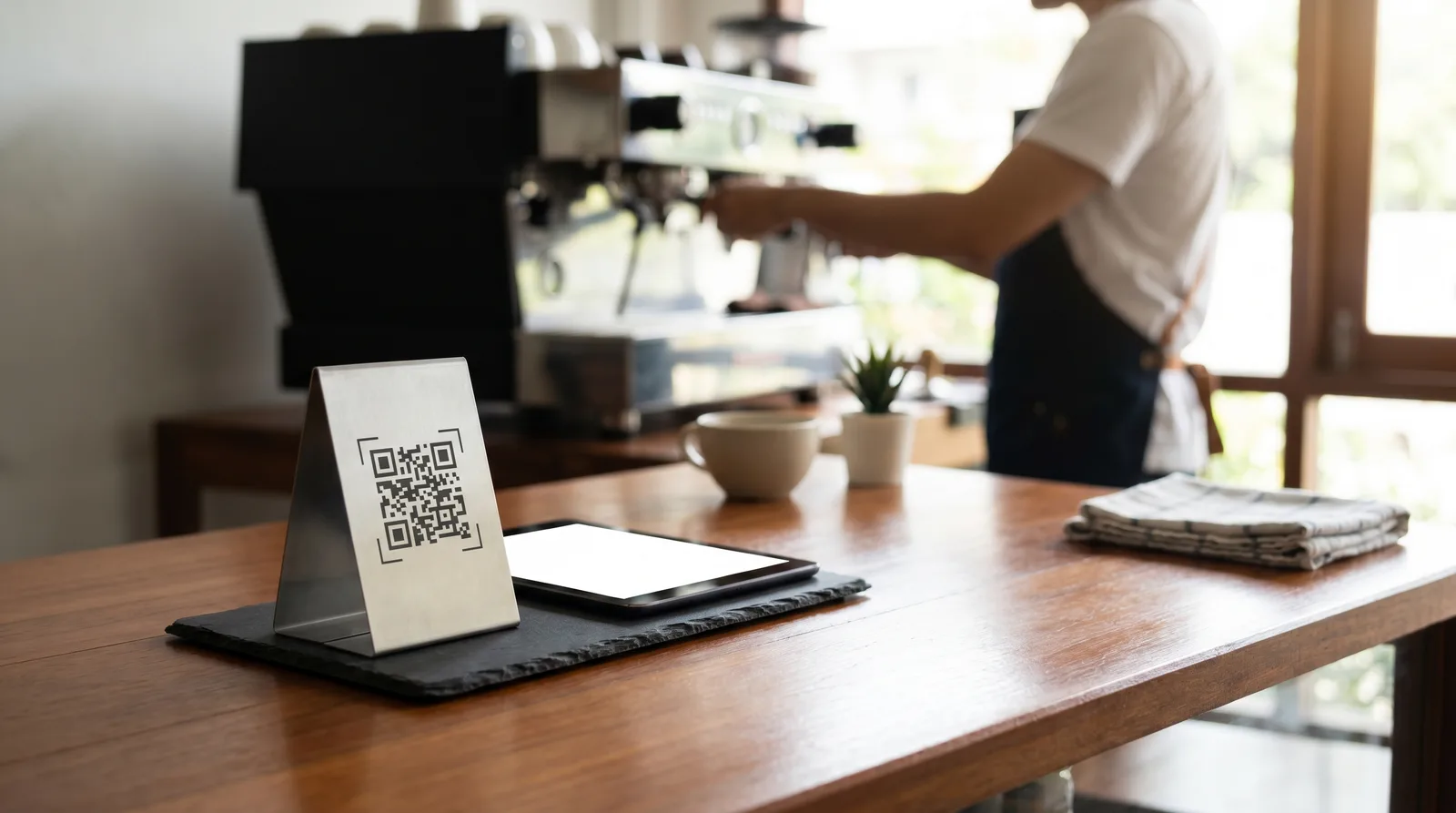
A QR code menu for bars, breweries, and taprooms is a phone-based menu guests scan at the table or rail. It shows a live tap list with real-time availability, lets staff mark items sold out in seconds, and supports scan-to-order for faster re-orders, service, and turnover.
Why a QR Code Menu for Bars Beats a Chalkboard
Bars and taprooms run on velocity. Unlike a sit-down restaurant where a table holds one menu for two hours, your guests cycle drinks every 25 to 40 minutes, your tap list changes daily, and a single sold-out item creates a chain of interruptions at the rail. Printed menus and chalkboards were built for things that do not move. Your lineup moves constantly.
The stakes are real. The U.S. restaurant and bar industry generates well over a trillion dollars in annual sales, according to the National Restaurant Association, and venues that win on busy nights protect every minute of staff time. A live digital menu removes friction at the source: guests see what is actually on right now, which means fewer questions, fewer re-pours, and a faster path from "what's good?" to a fresh round.
Live Tap Lists and Real-Time Sold-Out Flags
The single biggest advantage of a digital tap list is that it is never wrong for longer than a few seconds. Compare the two realities:
- Chalkboard list: Tap 7 kicks at 8:40 but stays on the board until someone wipes it, maybe at 9:15. Every guest in between orders something that is gone.
- Live digital list: Tap 7 kicks at 8:40. Your bartender taps "sold out," and the menu every guest is scanning updates immediately. Nobody orders the missing beer.
That difference is not cosmetic. It eliminates the most common interruption in a high-volume bar, the back-and-forth over an item that no longer exists, because nothing sours a first round like being told your pick ran out 40 minutes ago.
Beyond on/off availability, a good digital tap list carries the details guests actually ask about: style, ABV, IBU, brewery, format, and pour sizes. Putting that on the screen answers the questions that otherwise pile up at the rail, so your staff pours instead of narrates.
Scan-to-Order and Fast Re-Orders at the Table
Taking a first order is manageable. The throughput killer is the second, third, and fourth round, when a half-full room all wants "the same again" at once. Scan-to-order at the bar solves this by letting guests place and repeat orders straight from the menu they already have open.
Here is how it changes a busy table's flow:
- First round: Guests scan, browse the live list, and order in 30 seconds without waving anyone over.
- Re-orders: A "same again" tap sends the round to the bar instantly, so staff are pouring, not walking the floor.
- Add-ons: Snacks and flights surface right next to the beer, lifting the average tab without a sales pitch.
This is where digital menus quietly pay for themselves. Faster re-orders mean more rounds per table per hour, and a phone-based flow keeps staff at the taps during the exact window when every second counts. For the deeper playbook on squeezing more covers out of peak hours, see our guide on how to increase restaurant table turnover.
Table Turnover and Throughput Gains
Throughput in a bar is a simple equation: rounds served divided by staff minutes available. Anything that shaves seconds off a transaction or removes a wasted trip to the floor increases it, and a QR code menu attacks both sides.
Run the practical numbers for a busy taproom:
- Time saved per re-order: 20 to 40 seconds when guests re-order from the menu instead of flagging staff.
- Interruptions removed: Every sold-out correction avoided is roughly 30 seconds of bartender time back behind the bar.
- Peak-hour effect: Across 200 transactions on a Friday, even 25 seconds saved each adds up to over 80 minutes of recovered staff time, enough for dozens of extra rounds.
- Tab size: Visible add-ons and flights typically lift average ticket by 8 to 12 percent, with zero extra labor.
None of this requires more people. It requires removing the friction that wastes the people you already have, which is why high-turnover venues adopt digital ordering faster than full-service restaurants do.
Showcasing Rotating and Seasonal Items
Rotating taps are your best marketing and your biggest menu headache. A new hazy IPA lands at 4 p.m.; with a chalkboard, it is invisible until someone rewrites the board, and gone the moment it kicks. With a dynamic menu, you add it in seconds, feature it at the top, and hide it the instant it blows.
That speed lets you merchandise the way taprooms actually operate. Pin the limited release to the top, tag it "new" or "last keg," and let curiosity do the upselling. When it sells through, it disappears before a single guest orders it. Tools like Vino Smart Menus for restaurants are built for this rotation; explore the editing and merchandising controls on the features page. Seasonal flights and one-night cask pours follow the same logic: get it in front of guests fast, and pull it the moment it is gone.
Setting Up a QR Code Menu for Bars and Taprooms
You do not need a POS overhaul or new hardware to start. The setup is fast.
- Build your tap list. Enter each beer with style, ABV, brewery, and pour sizes, grouped by draft, can, and flights.
- Place QR codes. Print weatherproof codes for tables, the rail, and table tents, where guests sit and wait.
- Set your sold-out workflow. Decide who flags a kicked keg, then make it a one-tap habit at every changeover.
- Add re-order and add-ons. Turn on scan-to-order, and surface snacks and flights next to the beer.
- Test on cell data. Stand where guests stand, scan, and confirm the list loads in under three seconds without Wi-Fi.
Start small with one section of the room if you like, then roll it out once staff see the rush move faster.
Ready to put a live tap list in your guests' hands before your next busy night? You can start free and have a working menu in under an hour, or book a quick demo to see scan-to-order in action. Either way, the chalkboard's "sorry, that one's gone" days are over.
Frequently Asked Questions
How do QR code menus work for bars and breweries?
Guests scan a QR code at the table or bar to open a live tap list with real-time availability. Staff flag sold-out kegs instantly, so nobody orders a beer that is gone, and scan-to-order speeds re-orders, keeping high-turnover venues moving during peak hours.
Can a brewery update its tap list in real time?
Yes. A dynamic digital menu lets breweries update the tap list the moment a keg kicks, so guests never order something that has run out. Rotating and seasonal items can be added, featured, or hidden in seconds, with no reprinting or chalkboard rewrites.
Do digital menus speed up service at busy bars?
Yes. Scan-to-order and fast re-orders cut the time staff spend taking and re-taking rounds, while real-time sold-out flags remove constant corrections. Together they improve throughput and table turnover during rushes, letting the same team serve more rounds per hour.
Ready to go digital?
Create your restaurant's smart digital menu in minutes with Vino. No app downloads, no complicated setup.