QR Code Menu Design: 12 Best Practices for 2026
Master QR code menu design with 12 proven best practices for 2026. Size, placement, branding, mobile UX, and common mistakes restaurant owners must avoid.
On this page 5
A QR code stuck on a soggy table tent with "Scan Me" scribbled in marker is not a QR code menu strategy. It's a cry for help. Yet this is exactly what thousands of restaurants still do in 2026 - and then wonder why only 30% of guests bother scanning. The gap between a careless QR code and a well-designed one can mean 40 percentage points of adoption difference and thousands of dollars in lost upsell opportunities per month.
These 12 best practices cover everything from the physical QR code design to the mobile menu experience that follows the scan.
The QR Code Itself: Getting the Fundamentals Right
1. Size Matters More Than You Think
The minimum scannable size for a QR code is roughly 2 cm x 2 cm (about 0.8 inches), but that's the absolute floor for a phone held 10 cm away. For a table setting where guests scan from 20-40 cm, your QR code should be at least 3.5 cm x 3.5 cm - and 5 cm x 5 cm is better. Wall-mounted codes or counter displays where guests scan from further away need 8-10 cm minimum.
The rule of thumb: the QR code should be 1/10th of the scanning distance. If a guest is 30 cm away, make it 3 cm.
2. Contrast Is Non-Negotiable
QR codes require high contrast to scan reliably. The gold standard is dark code on a light background - not the reverse. According to the Hospitality Technology 2025 Restaurant Technology Study, scan failure is the number one reason guests abandon QR code menus.
Avoid: light gray on white, colored codes on colored backgrounds, codes printed on textured surfaces that break up the pattern. If you want to use brand colors, keep the code itself dark (navy, black, dark brown) and the background light (white, cream, light gray).
3. Add Your Brand - But Don't Break the Code
Most QR code generators let you add a logo in the center. QR codes have built-in error correction that tolerates up to 30% obstruction. Use this to drop in a small logo (no more than 20% of the total code area) to reinforce your brand.
You can also round the corners of the code modules or use dot patterns instead of squares. These look more polished and scan just as well - as long as you test on at least three different phones before printing.
4. Always Include a Clear Call to Action
A QR code without context is a mystery box. Add a short CTA line directly above or below the code:
- "View Our Menu" (best for table cards)
- "Scan for Menu & Specials" (creates curiosity)
- "Point Your Camera Here for Today's Menu" (clearest for less tech-savvy guests)
Never assume guests know what the QR code does. The CTA removes friction and increases scan rates by 15-25%.
Placement: Where You Put It Changes Everything
5. One Code Per Decision Point
Place QR codes where guests naturally make ordering decisions: the table, the bar counter, the waiting area, and the takeout counter. Don't put a single code at the entrance and expect guests to remember it by the time they're seated.
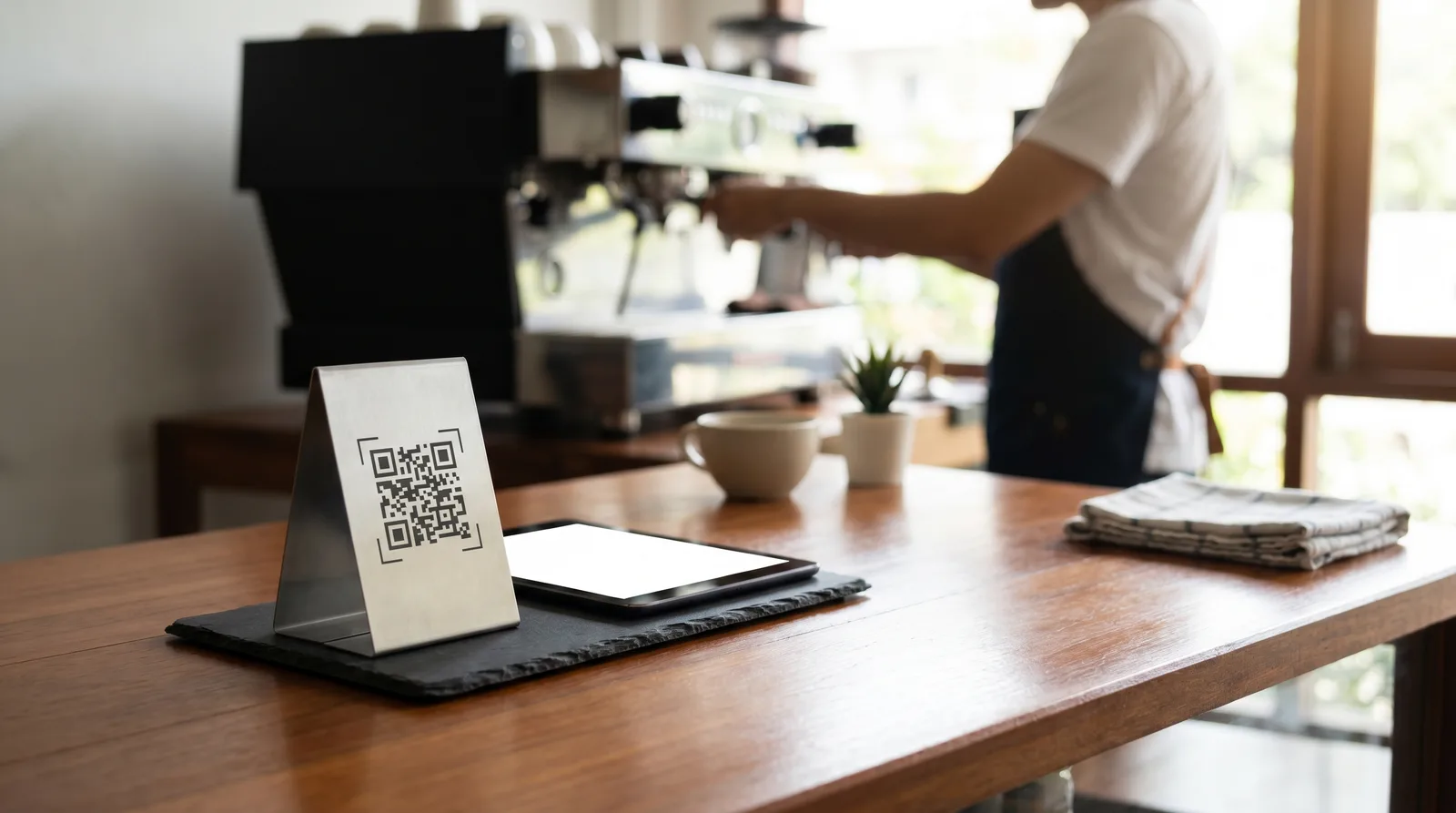
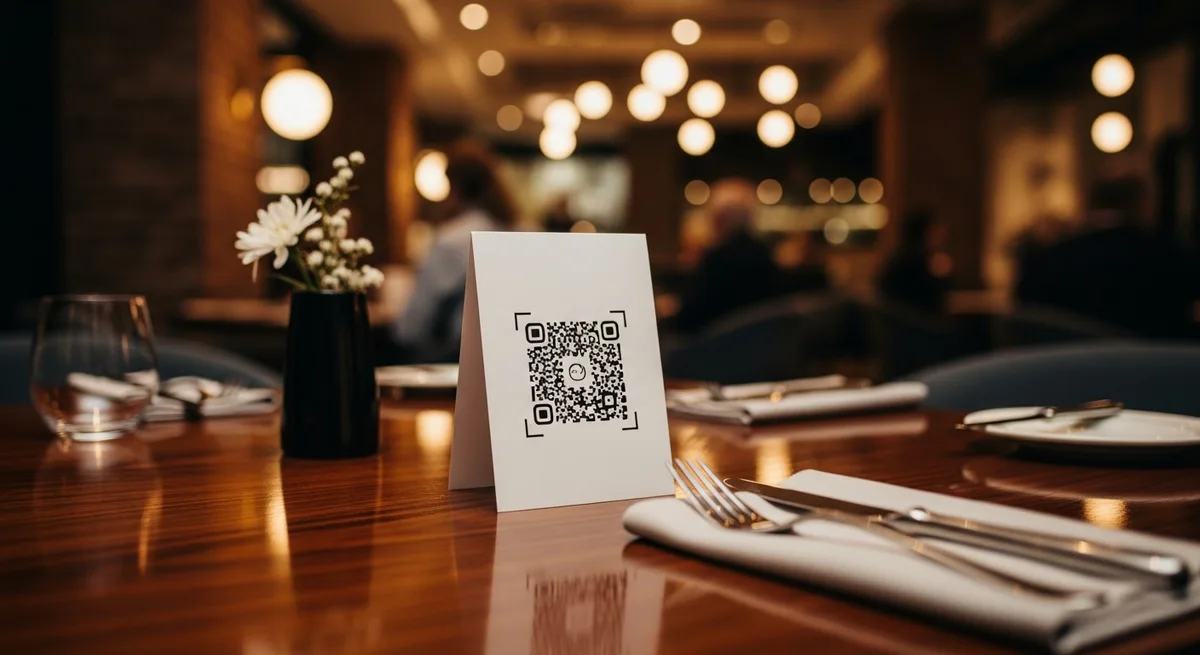
For table placement, the best position is on a rigid stand or embedded surface at a slight angle - not flat on the table where plates, glasses, and elbows will cover it.
6. Protect the Code from Wear and Tear
Paper QR codes degrade fast in a restaurant environment. Spills, condensation from cold glasses, greasy fingers, and cleaning sprays all take their toll. Invest in one of these:
- Acrylic table stands ($2-4 each, last years)
- Laminated cards (cheap but need replacing every few months)
- Engraved or printed directly on the table surface (permanent, premium feel)
If your QR code is damaged, it won't scan. And a guest who tries once and fails will rarely try again.
7. Test Every Single Placement in Real Lighting
QR codes that scan perfectly under your office fluorescents may fail in the dim, warm lighting of your dining room. Test every code placement during actual service conditions - especially in candle-lit or low-light areas. If scanning is unreliable in a particular spot, increase the QR code size or add a small LED accent light nearby.
The Mobile Menu UX: What Happens After the Scan
8. Load in Under 3 Seconds
The scan is only the beginning. If your mobile menu takes five or more seconds to load, you've already lost the guest's attention. According to Google's Core Web Vitals data, 53% of mobile visitors abandon a page that takes longer than three seconds to load.
Use a platform designed for speed - not a PDF, not a full website. Dedicated digital menu platforms like Vino are built to render menus in under two seconds on standard 4G connections.
9. Design for Thumbs, Not Cursors
Your mobile menu will be used one-handed by a person holding a drink, a conversation, or a toddler. Design accordingly:
- Place navigation (categories, filters) within easy thumb reach - the bottom third of the screen
- Use large tap targets (minimum 44x44 pixels)
- Enable horizontal swipe between categories
- Avoid tiny dropdown menus or hamburger icons that require precision taps
10. Keep It Scannable (the Reading Kind)
Guests don't read menus; they scan them. Optimize for this behavior:
- Short item descriptions - two lines maximum
- Bold item names, regular weight for descriptions
- Consistent layout - same format for every item so the eye learns the pattern quickly
- Photos for hero items - but not for everything (visual overload slows decision-making)
For a deeper dive into how layout and formatting drive orders, see our guide on digital menu pricing psychology.
11. Don't Hide the Price
Some restaurants, inspired by fine-dining conventions, de-emphasize or hide prices on their QR code menus. For most restaurants, this backfires. Guests who can't easily find prices feel anxious, browse less, and order conservatively. Display prices clearly, aligned consistently (right-aligned works best), and in a readable font size.
12. Test with Real Guests, Not Just Your Staff
Before rolling out your QR code menu design to every table, run a soft test: put it on five tables for a week and watch what happens. Ask servers to note which guests scan, which ask for a paper menu, and which struggle. This low-cost test reveals issues - like a bad code position or a confusing menu layout - before they affect your entire dining room.
Common QR Code Menu Design Mistakes to Avoid
- Linking to a PDF. PDFs are not mobile menus. They're desktop documents forced onto a phone screen. Guests pinch-zoom, lose their place, and give up.
- Using a static URL that can't be updated. If you ever need to change your menu platform, you want a redirect-capable short URL or a dynamic QR code - not one hardcoded to a specific page.
- Forgetting accessibility. Guests with vision impairments need high contrast, adequate font sizes, and screen-reader compatibility. This isn't optional - it's a legal requirement in many jurisdictions.
- No fallback. Always keep 10-15 printed menus on hand. The goal is digital-first, not digital-only.
Putting It All Together
Great QR code menu design is a system, not a single decision. The physical code needs to be large enough, high-contrast, branded, and placed where guests naturally look. The mobile experience that follows needs to be fast, thumb-friendly, and optimized for scanning behavior. And the whole thing needs to be tested in real conditions - not just approved in a meeting room.
Get these 12 elements right and you'll see scan rates above 70%, faster ordering, higher check averages, and fewer "can I get a paper menu?" requests. Start with the fundamentals: pick a platform that handles the technical side (Vino's free tier is a solid starting point), focus on placement and CTA clarity, and iterate based on what your actual guests do - not what you assume they'll do.
Ready to go digital?
Create your restaurant's smart digital menu in minutes with Vino. No app downloads, no complicated setup.